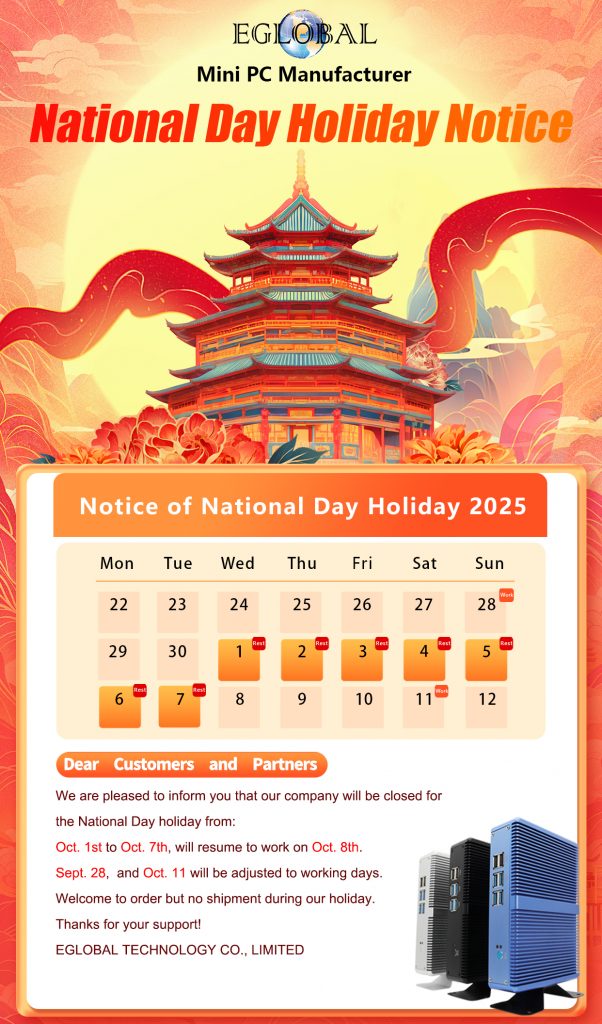
Thank you for your long-term support and attention. According to national policies and production arrangements, our company’s holiday time is as follows:
National Day Holiday: Oct 1st-7th 2025.
Resume normal work from Oct 8th 2025.
If you have any demand during this holiday, please issue PO two weeks ahead of time. If you have any urgent or special demand, please contact us freely, we will do our best to cooperate with you.
Wish you have a nice time during this holiday, too. Thanks for your reading.
——A step towards friendly cooperation: a cordial visit from Russian customers
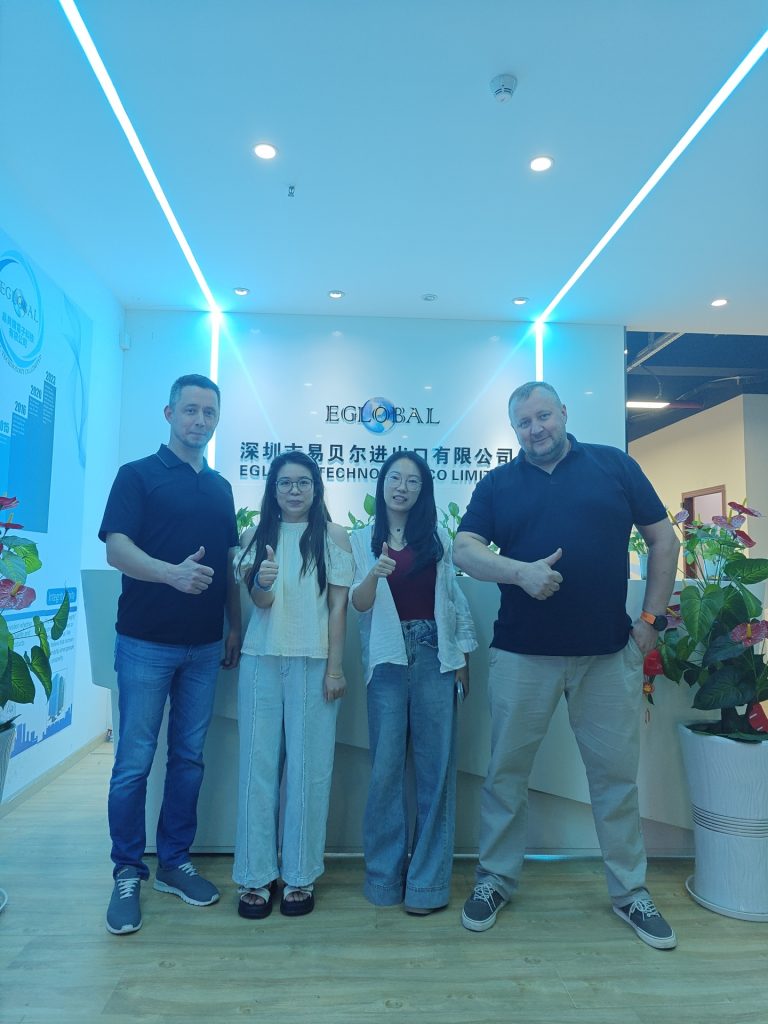
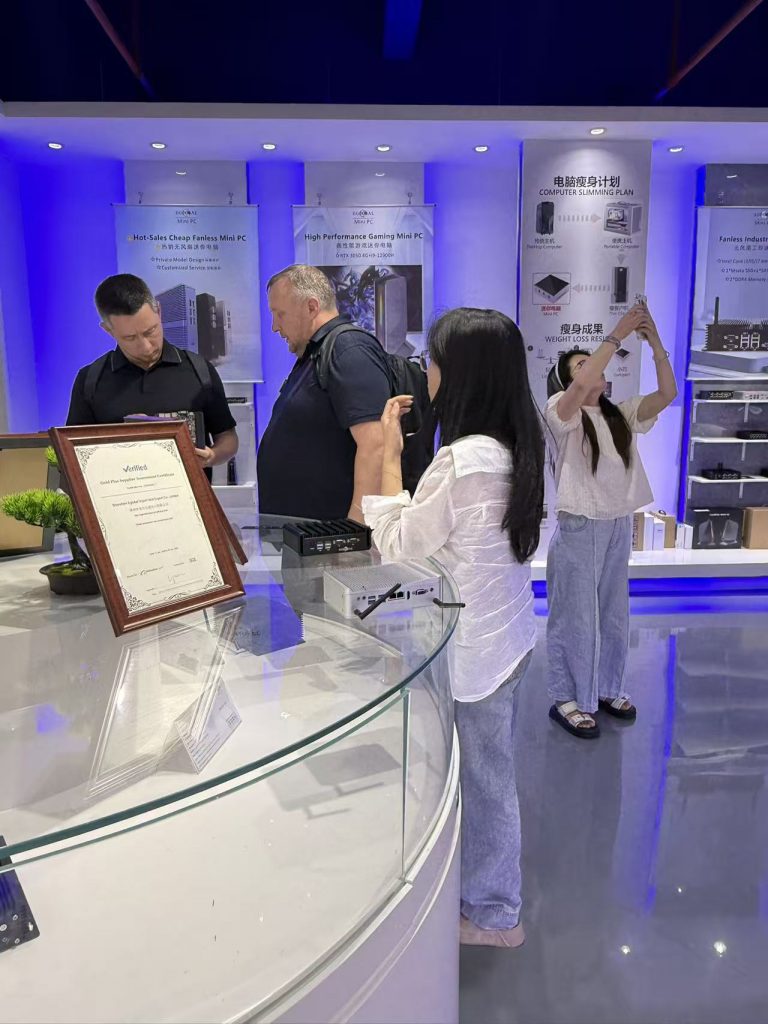
Two Russian customers came to visit us on August 29th through a friend’s introduction, and we are very welcome to the arrival of the guests. Customers would like to establish a good and friendly Mini PC business relationship with us EGLOBAL.
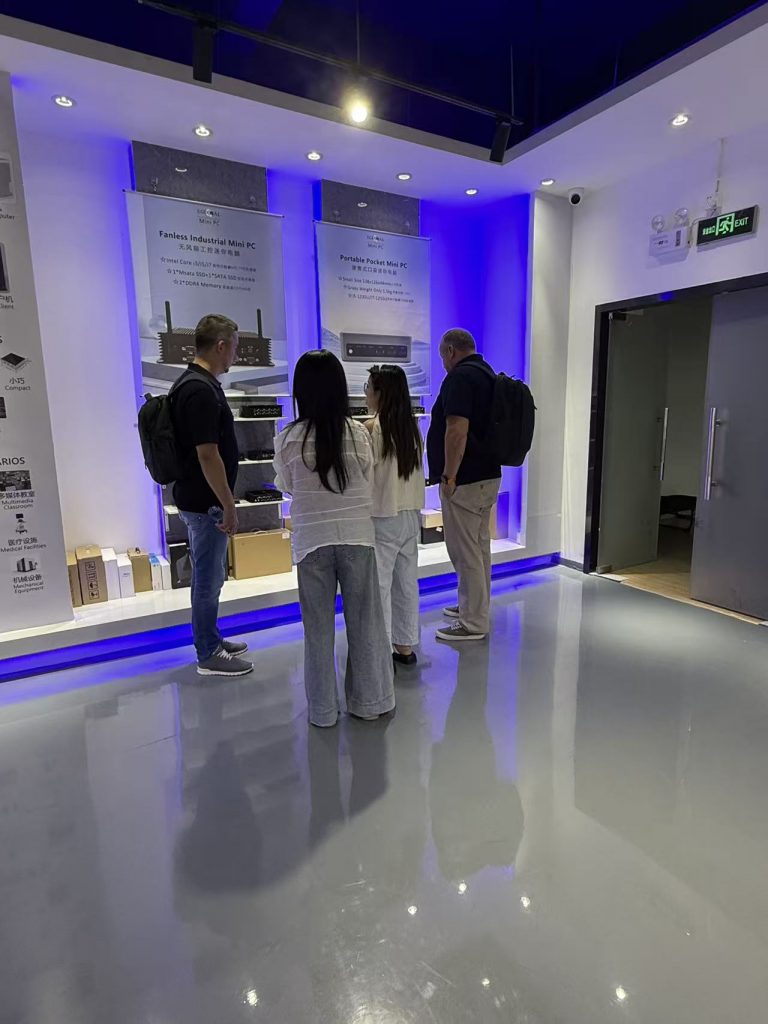
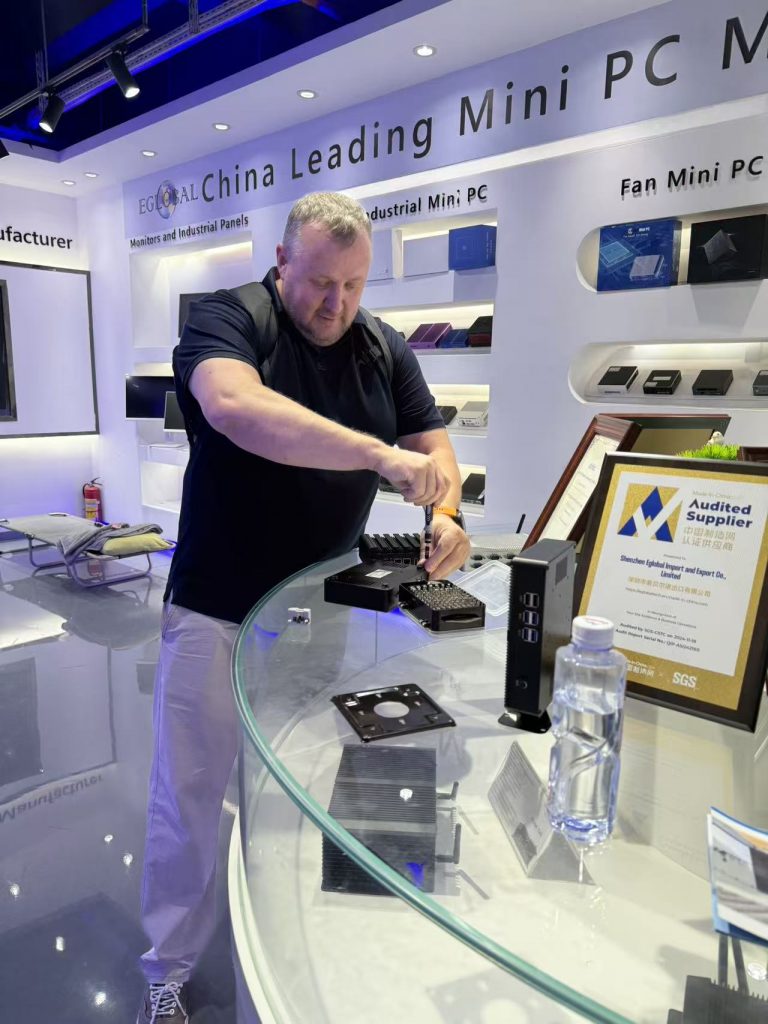
During this visit, we mainly led guests to visit our office and product exhibition hall. Most of our Mini PCs are displayed here, and the quality are all good, from fanless business Mini PC to industrial Mini PC, and fan gaming Mini PC.
Guests are very interested in the fanless mini pc in our exhibition hall of EGLOBAL Mini PC Manufacturer. We recommended the EGLOBAL Mini PC M3-2955UC to them, because this machine is very cost-effective. In the exhibition hall, we did the machine shell disassembly, motherboard viewing, assembly and performance test together. There is no doubt that the guests are very satisfied, and bought the sample Mini PC at the very favorable price we have given for a deeper test later. We believe that we will have long-term cooperation.
During the test of the sample, the guest communicated with our business Vici, Cassie and our engineer James on the mini-computer technology, including the CPU frequency of the EGLOBAL Mini PC M3-2995UC, the architecture of the motherboard, the type of interface, the number of interfaces and other issues. All got one by one answer. Of course, if you are also interested in EGLOBAL Mini PC, you can browse our products and official website:
Finally, in the friendly exchanges between the two parties, the visit ended perfectly, we sent customers away, and we, EGLOBAL Mini PC Manufacturer look forward to their next visit and deeper cooperation.
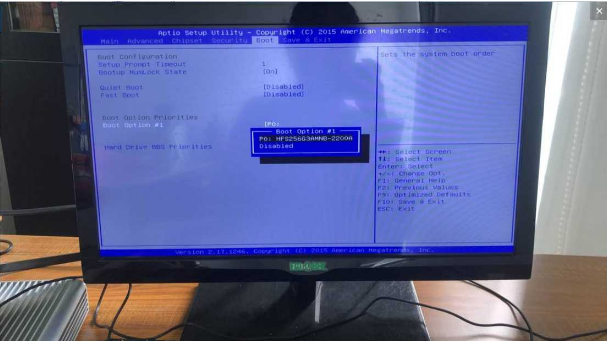
Please kindly do the operation to come true the Mini Computer Boot from a Hard Drive as per the following steps:
1. Please press the “Esc” key on the keyboard when the PC start to enter the following BIOS setting interface.
2. Select “Boot” in the upper tab bar, then select “BootOption” and the selection interface as shown above will appear.
3. Press the “Enter” key on the keyboard to select the startup item.
4. Finally, please don’t forget to press the “F10” key on the keyboard to save the settings to ensure that your mini computer can boot from the hard disk.
For more products information about EGLOBAL Mini Computer, pls visit our website: http://www.pcstationcn.com
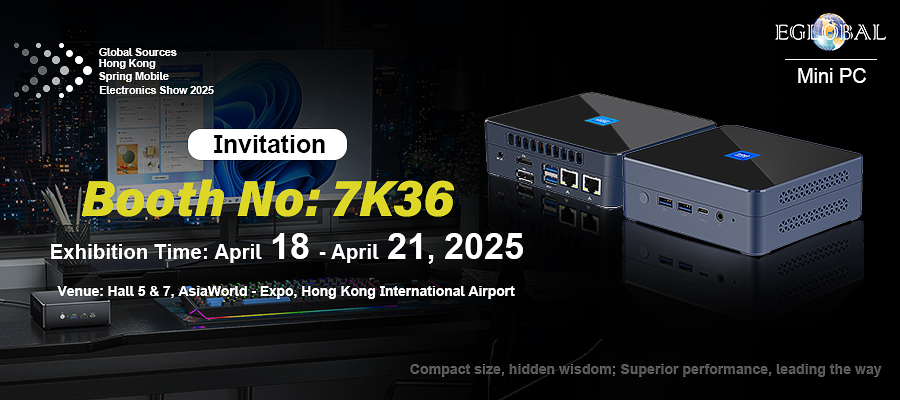
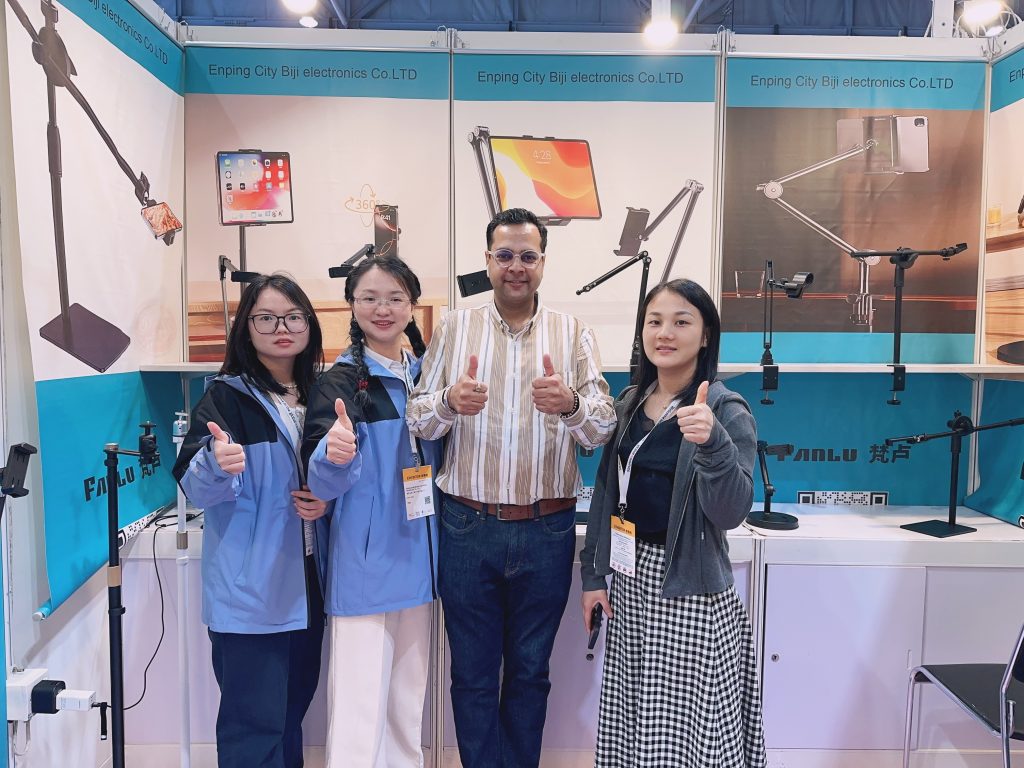
From April 18th to 21st, EGLOBAL made its debut at the 2025 Spring Global Sources Exhibition held at the AsiaWorld – Expo in Hong Kong. The distinctive booth showcased products such as intelligent terminal devices and high – efficiency energy – saving solutions, attracting numerous purchasers and industry experts to visit and communicate with its excellent performance and creativity.
During the exhibition, the EGLOBAL team had in – depth discussions with customers from around the world, accurately grasped market demands, reached preliminary cooperation intentions with enterprises from Europe, America, Southeast Asia and other regions, and signed multiple cooperation memorandums, laying a solid foundation for the company’s global business expansion.
This participation has enhanced EGLOBAL’s international visibility and influence. In the future, we will increase investment in research and development, optimize services, accelerate the globalization layout, and bring more high – quality products and solutions to customers. Thank you to all friends who visited our booth. We look forward to working together for win – win results!
The joyous atmosphere of the New – Year has not yet dissipated, and we have energetically returned to our work posts. Here,We officially announce that our company resumes work on February 5th.! In the new year, we will, as always, uphold the service concepts of professionalism, focus, and efficiency to bring you higher – quality products and services. Whether it is the old customers who have supported us in the past or the new friends who are about to cooperate with us, we are full of anticipation to continue walking side – by – side with you and creating more glories together! Thank you all for your trust and company all along. A new journey has begun. Let’s move forward hand in hand and stride towards new goals!
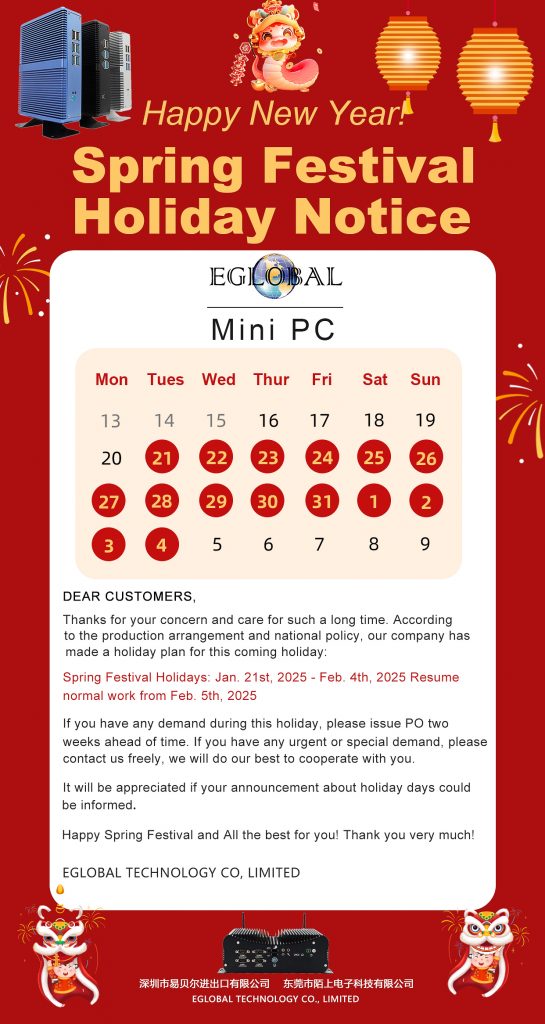
Thanks for your concern and care for such a long time. According to the production arrangement and national policy, our company has made a holiday plan for this coming holiday:
Spring Festival Holidays: Jan. 21st, 2025 – Feb. 4th, 2025
Resume normal work from Feb. 5th , 2025
If you have any demand during this holiday, please issue PO two weeks ahead of time. If you have any urgent or special demand, please contact us freely, we will do our best to cooperate with you.
It will be appreciated if your announcement about holiday days could be informed. Happy Spring Festival! Thank you very much!
1.Picture of in-stock product M3-J4125S (supporting 4G module + 6 USB interfaces):
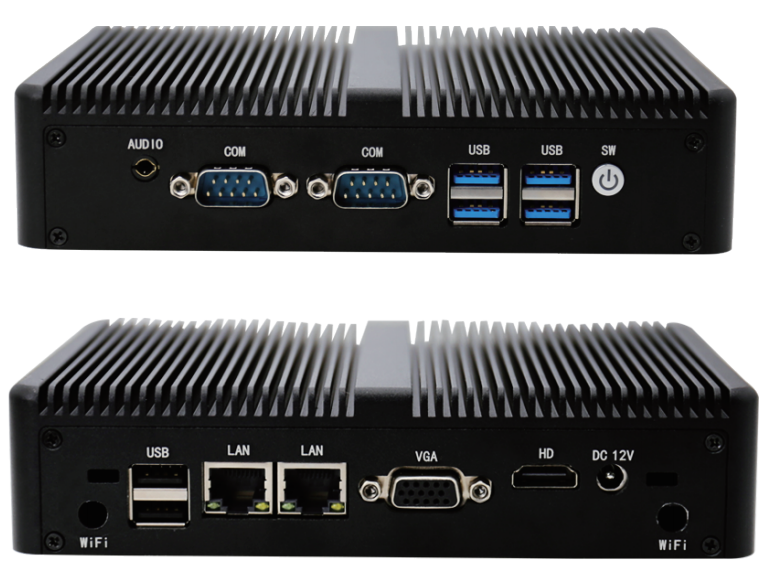
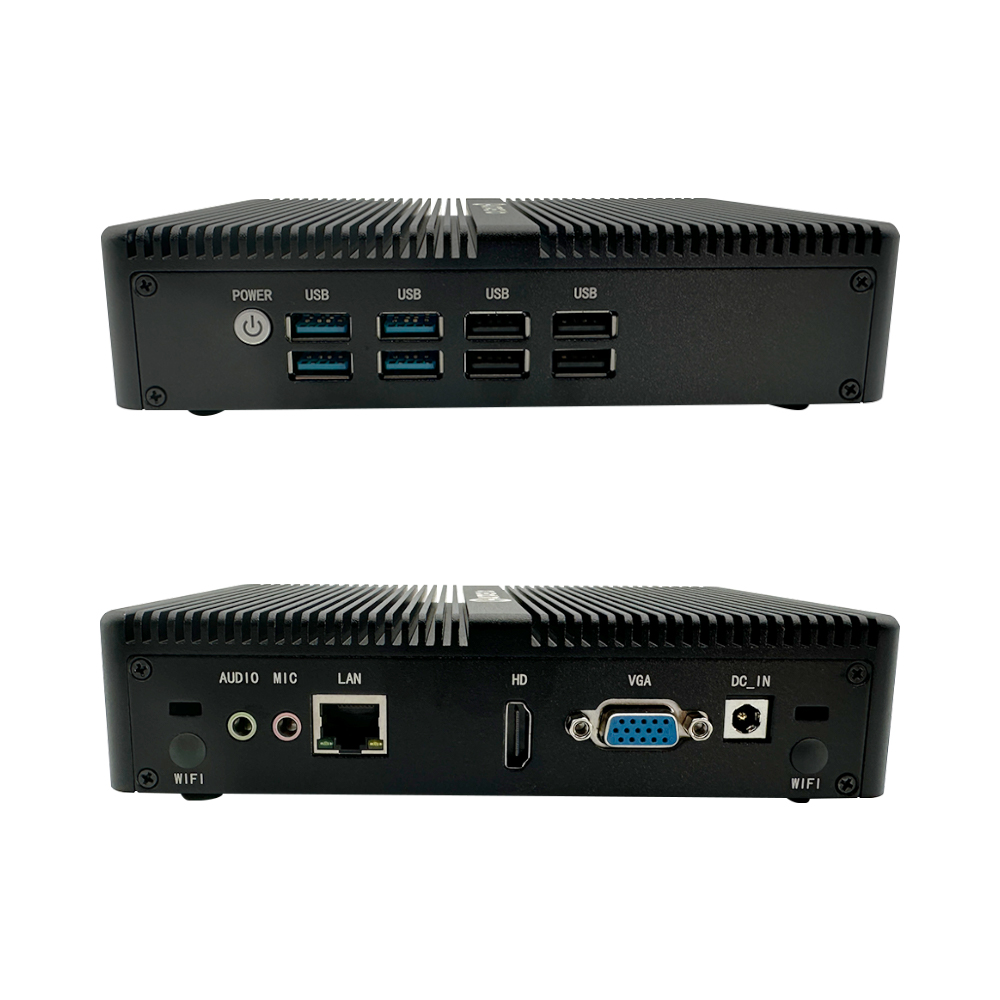
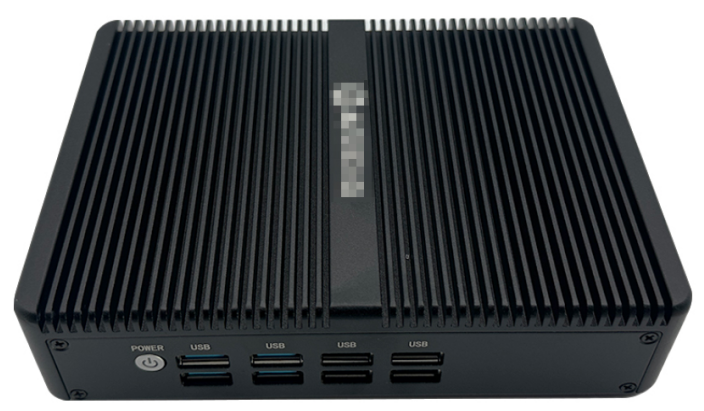
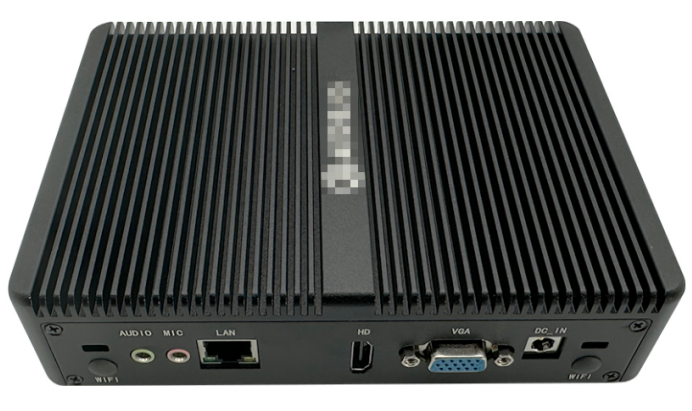
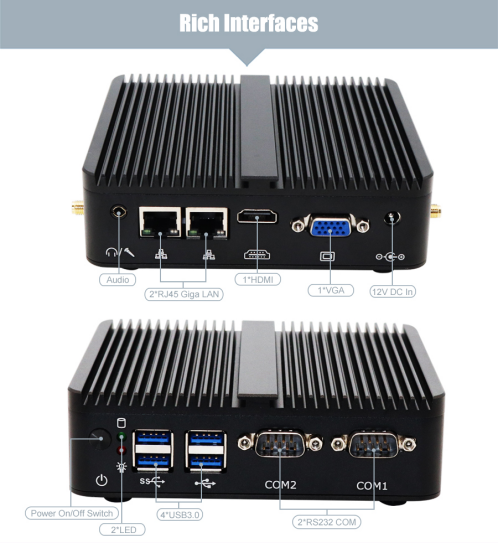
2. According to the above requirements of the customer, our factory customized the interface of this product to: 4xUSB 2.0, 4xUSB3.0, 1 x VGA, 1 x HDMI 1.4, 1 x RJ45 Giga LAN, 1 x MIC, 1 x AUDIO, 2 x Kensington Lock holes, 1 x Power On/Off Switch, 1 x 12V DC In. As shown in the following figure:
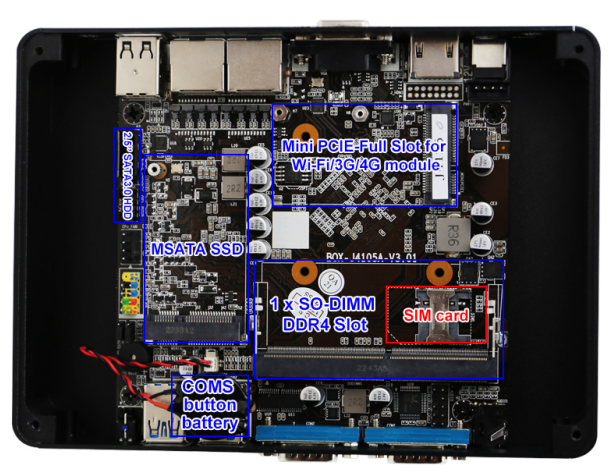
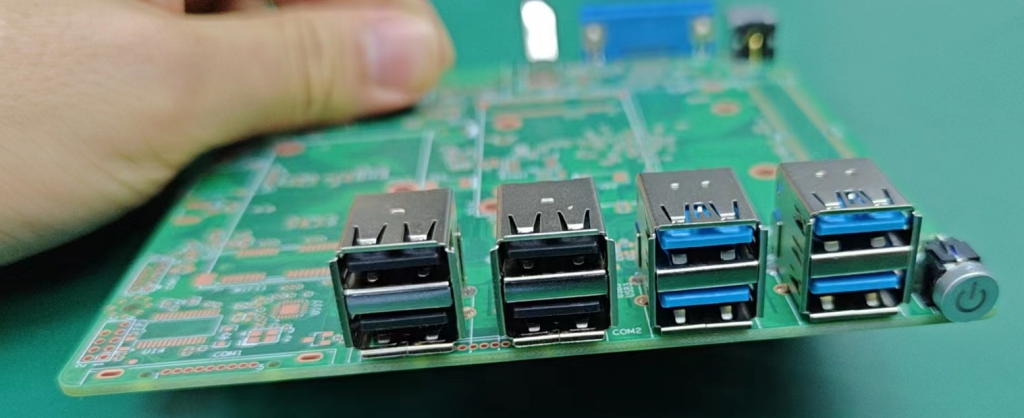
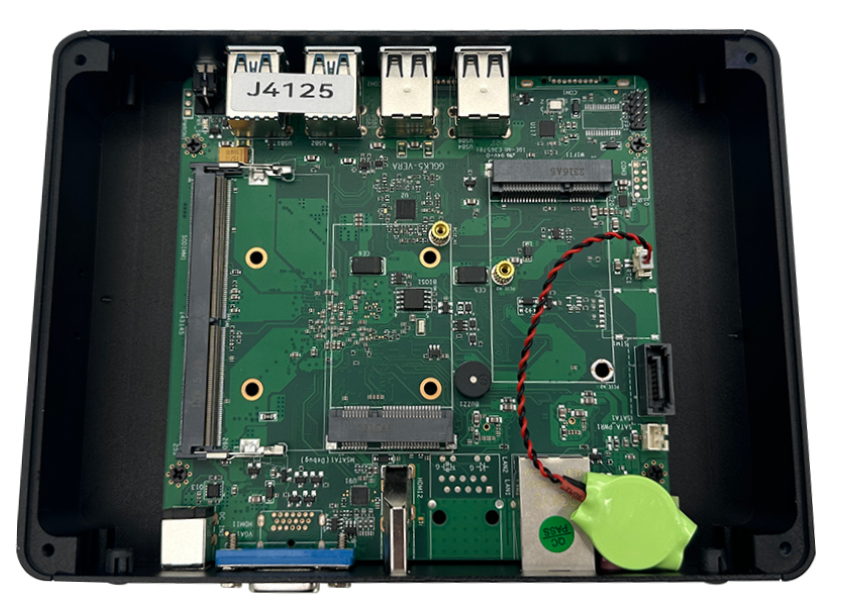
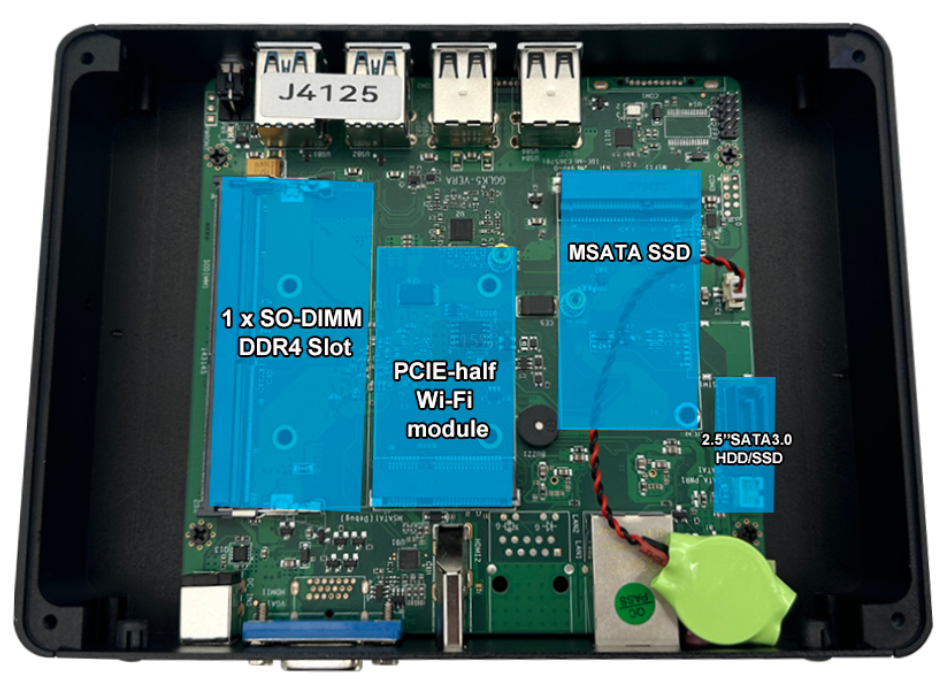
3. Custom motherboard picture of the mini computer:
4. Custom chassis of the mini computer and the picture of laser engraving the customer’s logo:
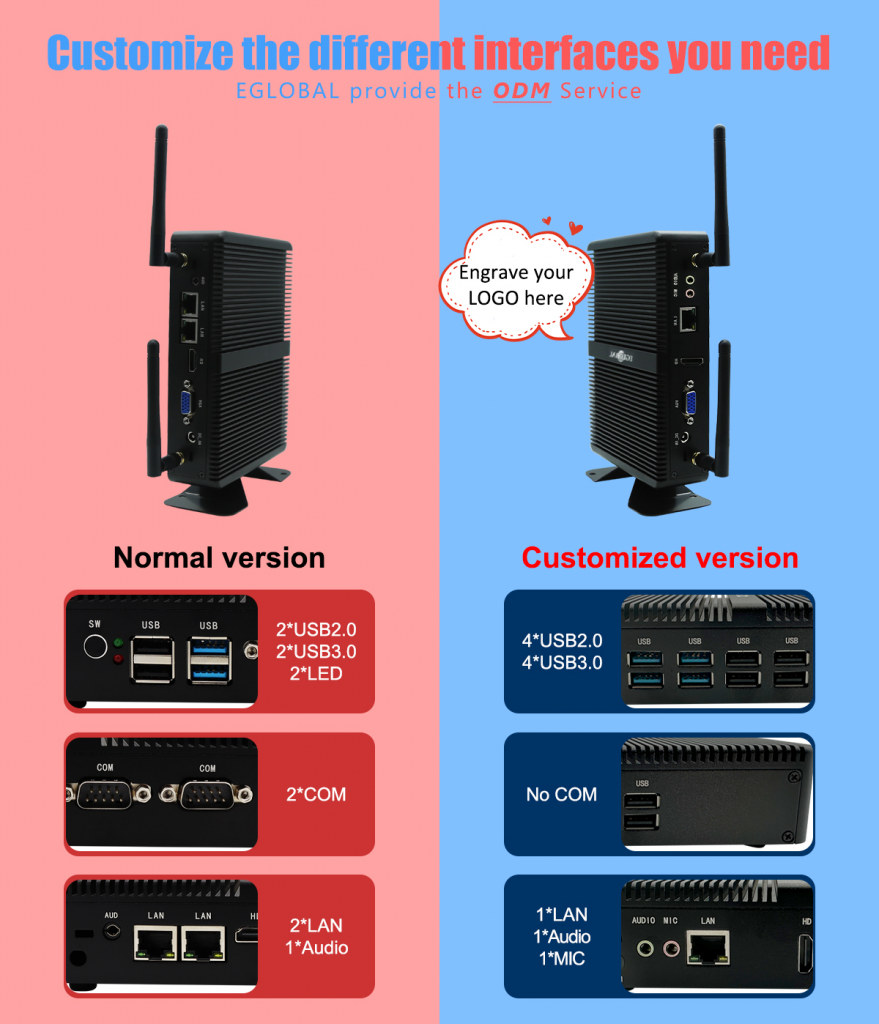
5. Comparison chart of our in-stock standard product M3-J4125S and the customer’s customized product:
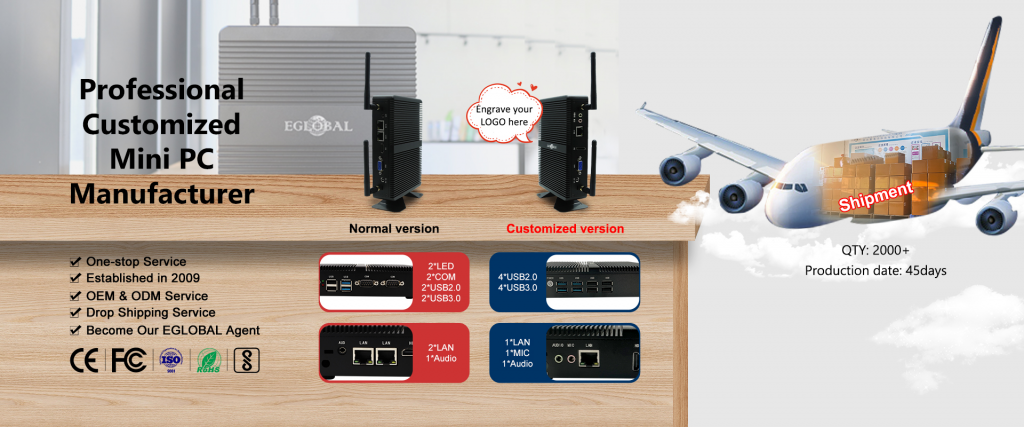
We, EGLOBAL, have 15 years of rich experience in the mini-computer segment industry in production, sales, transportation, customs clearance, and after-sales services, providing different solutions and service support to different customers in different countries, such as cashier systems, monitoring systems, school computer rooms, newsstands, vending machines, claw machines, parking booths, digital displays, etc. At the same time, we invested and established our own CNC hardware chassis factory in 2024 to strengthen the supply chain of mini-computer chassis and spare no effort to provide our customers with fast and differentiated customization services. If you have any questions, please feel free to consult us, and we will try our best to find a satisfactory solution to the problems you raise.
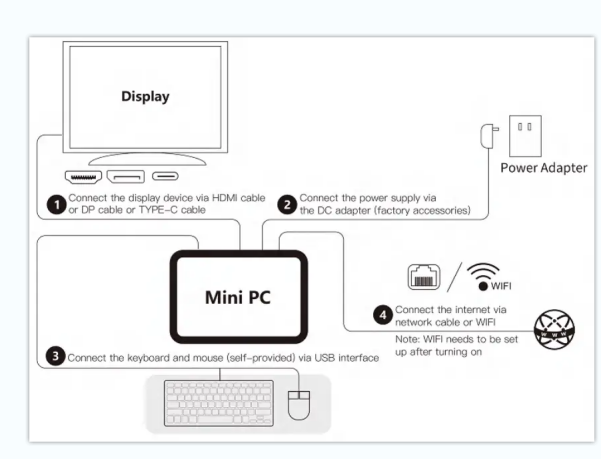
Connect the device to the TV HDMI interface with HDMI CABLE, and a display device (eg: TV, screen, projector) “Video Input Source”. Select the connected HDMI input channel.
DC-IN Power: Connect the power cord DC-IN Jack accessories with this device and the other end directly into the plug.
Can be used with a Bluetooth keyboard and mouse. Use the USB interface to connect wireless keyboard and mouse devices.
Press the Power button to start the system
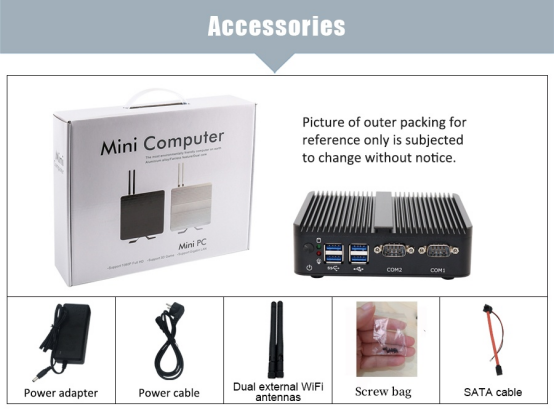
Packing list:
Standard:1xMini PC
1xPower Adapter
1xPower Cord
1xScrews Bag
Optional:
WiFi antennas
1xHDMI cable
SATA cable
Note:
Keyboard and Mouse are not included
The included power adapter must be used to power the computer, use of any other power adapter is not supported
Specifications are subject to the physical product
WARRANTY NOTICE- Limited Warranty does NOT cover:
1.Any costs associated with the repair or replacement of the Product including labor, installation or other costs incurred by you, and in particular, any costs relating to the removal or replacement of any Product that is soldered or otherwise permanently affixed to any printed circuit board;
2. Damage to the Product due to external causes, including accident, problems with electrical power, abnormal electrical, mechanical or environmental conditions, usage not in accordance with product instructions, misuse, neglect, alteration, repair, improper installation, or improper testing.
3. Any Product which has been modified or operated outside of specifications or where the original identification markings (trademark or serial number) have been removed, altered or obliterated from the Product, or where the label or screw on the exterior of the Product is removed or broken.
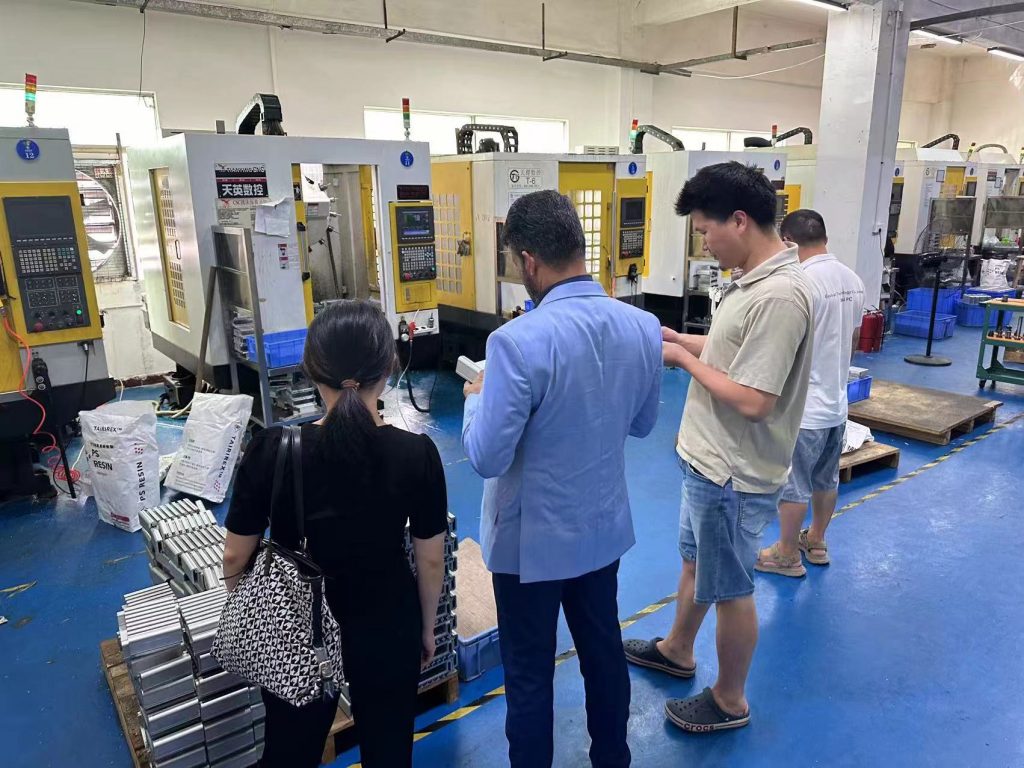
The customer Manoj was recommended by another India friend who visited us on 23rd of July, we are very excited when received the call from the customer, The visit was aimed at exploring potential business partnerships in Mini PC field
Tour of the Production Line of Mini PC
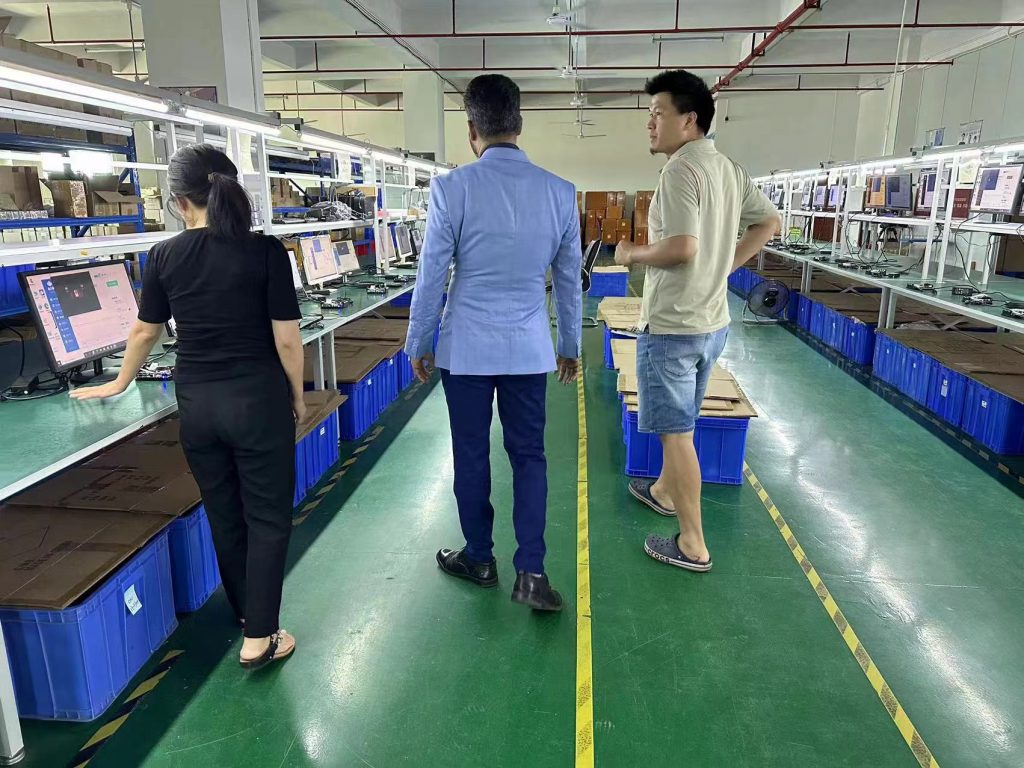
During the visit, the India clients were given a comprehensive tour of the production facilities, where they witnessed firsthand the advanced manufacturing processes that go into producing EGLOBAL’s high-quality mini computers. They were particularly impressed by the state-of-the-art assembly lines and quality control measures in place to ensure the reliability and performance of the Mini PCS
Negotiate the Order details of Mini PC
Learning client are buying mini pcs for project use like digital Signage, Kiosk and prefer the CPU model J4125, N100, so we strongly recommend our hot sale Model M4A-N100 Mini PC to customer because of the high price to performance ration. we have quoted the price on the basis of 100 pcs and customer refer not have the BIS certification at the moment but would like to order a sample for evaluation firstly, if everything goes fine, he will apply the certification and then buy bulk
Technology Exchange for Mini PC
In addition to the factory tour, the clients also had the opportunity to engage in in-depth discussions with EGLOBAL’s engineer James and product development team. They exchanged ideas and insights on the latest technological trends in the mini-PC industry, as well as explored potential areas for collaboration and innovation. During the visit, India customers expressed great interest in the Model of M4A-N100, https://www.pcstationcn.com/index.php?route=product/product&product_id=613. This model can support 2 x HDMI 1.4+DP 1.2 Three display output synchronously. Our technical engineer James also explains in detail the components used in M4A and how they work together to deliver a high-performance work. They also expressed their intention to recommend the M4A-N100 to India friends and colleagues, emphasizing the product’s quality and reliability.
The visit ended perfectly
Overall, the visit was a great success, with both parties expressing a strong interest in furthering their partnership. after the meeting, we took client to a special restaurant called “Little India” have the supper and Manoj are very happy because the food suits the appetite. In India, they do not use chopsticks but in hand instead, or spoon. After the pleasant dinner, we drive the customer to his hotel in Shenzhen, He is very appreciated of our kind hospitality. EGLOBAL mini computer manufacturer is also looking forward to his arrival again!

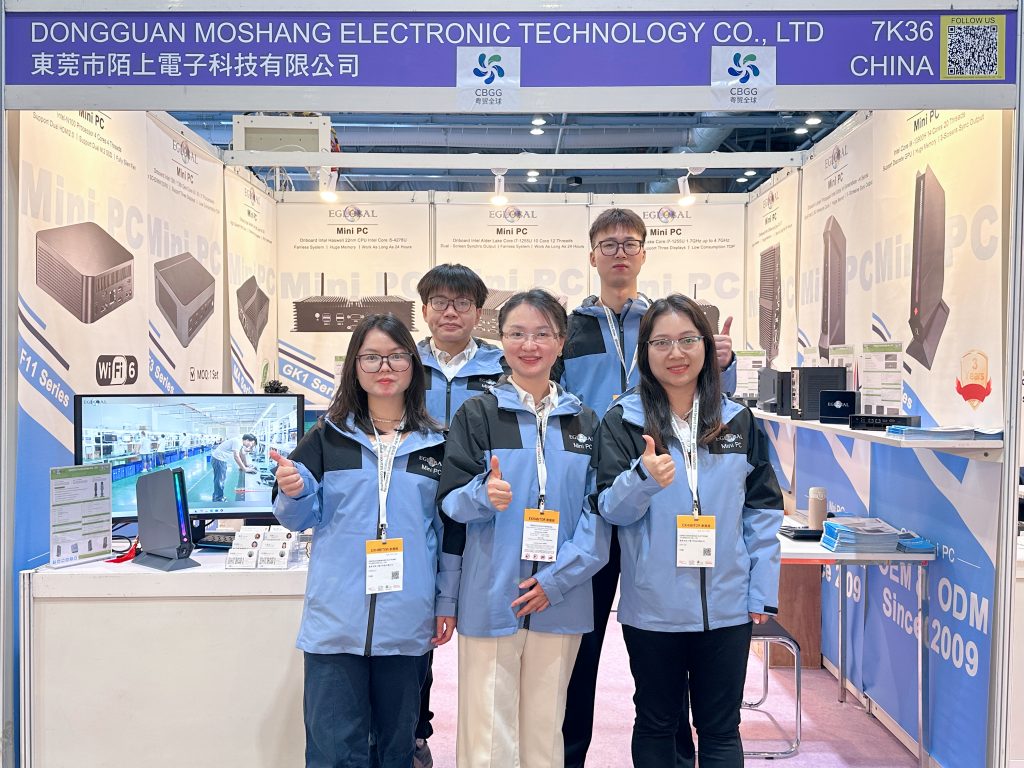
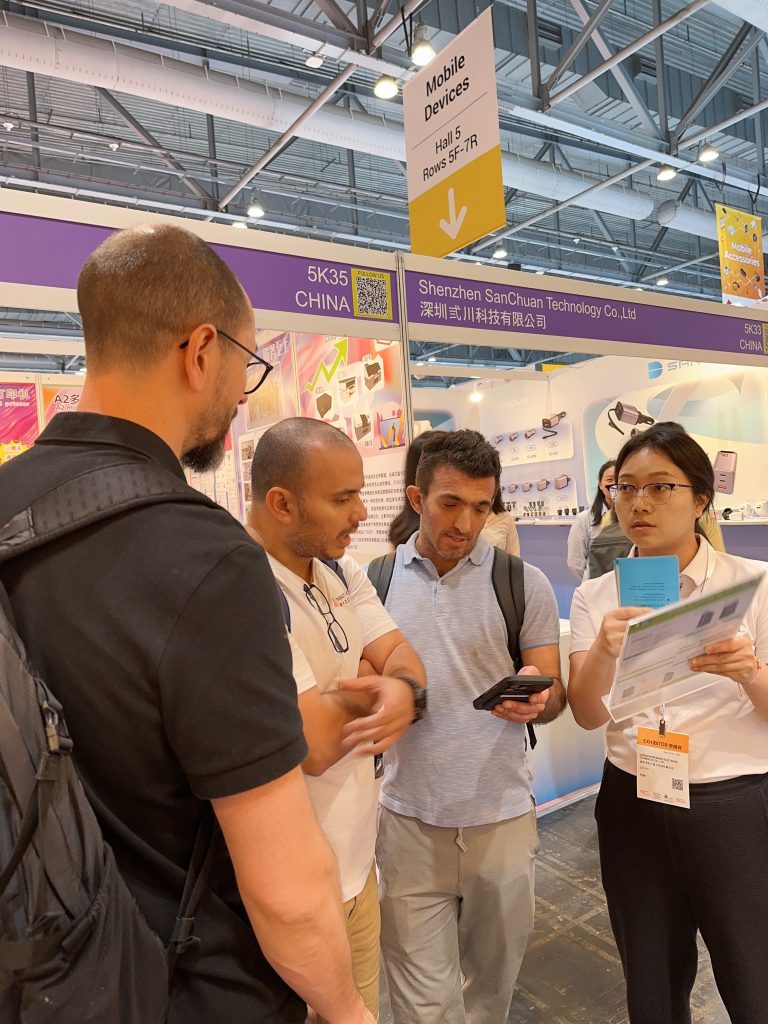
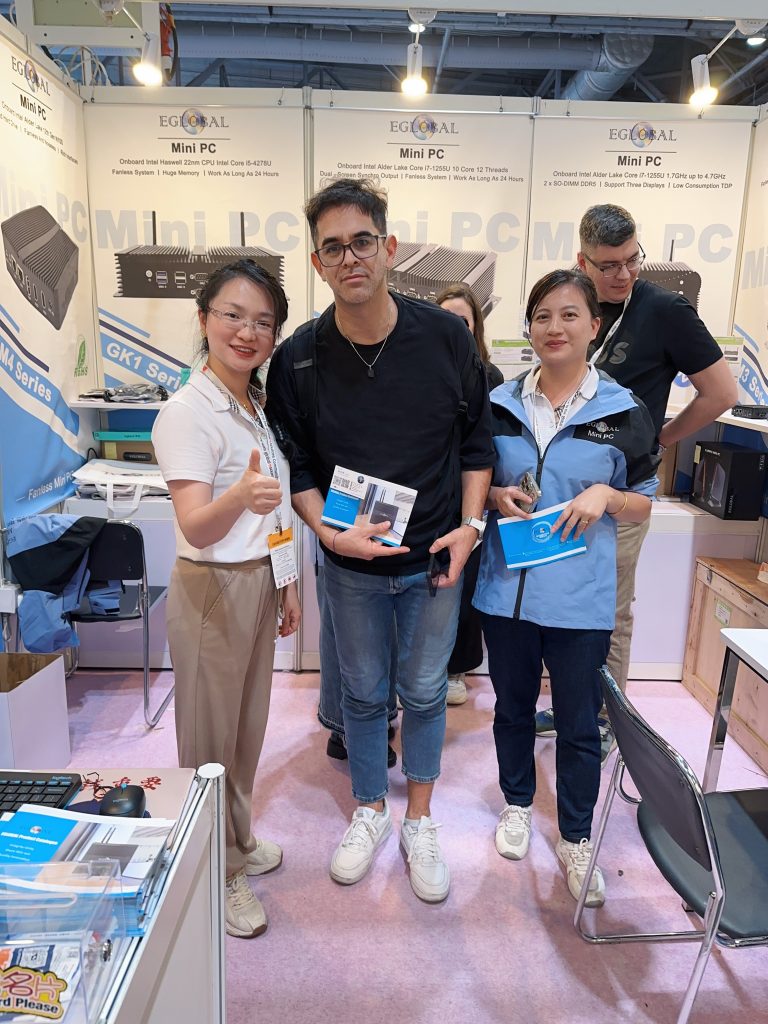
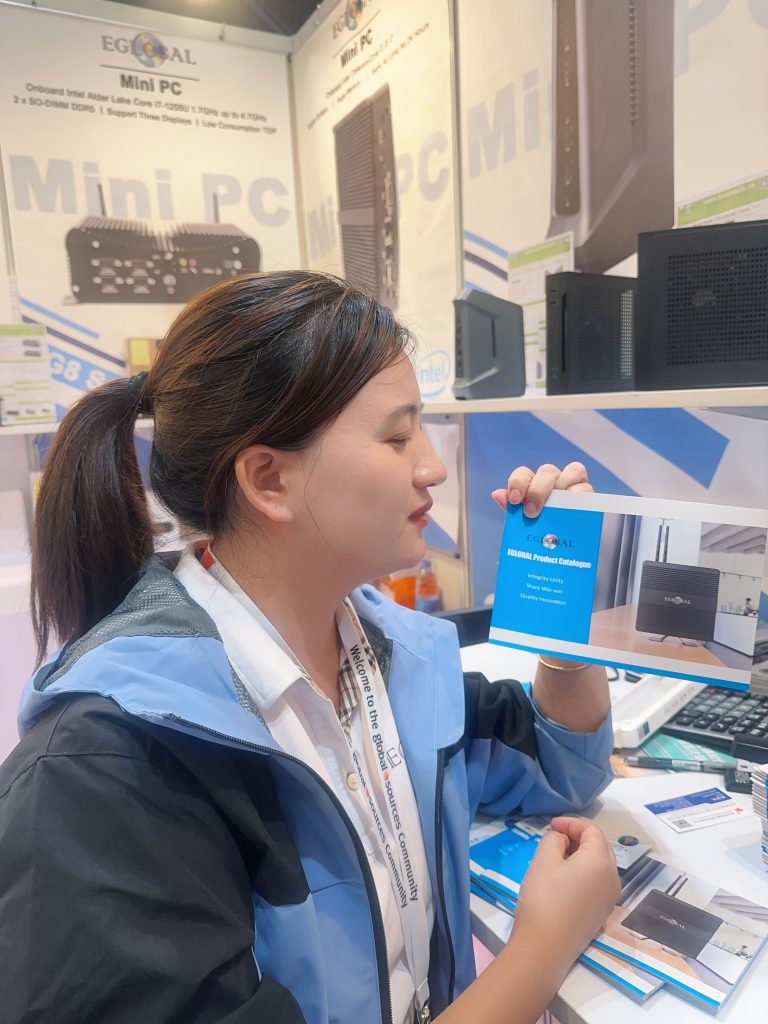
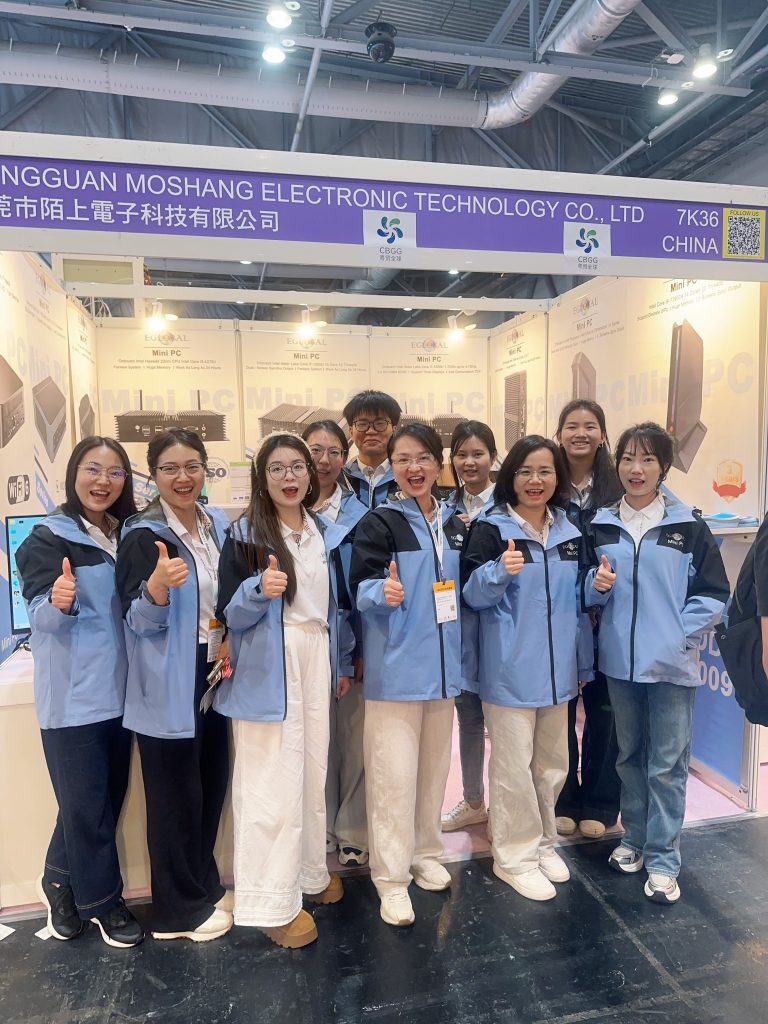
 We warmly advise you that our factory will attend the exhibition in 2025 below invite you to schedule a visit:
 Exhibition Name: Global Sources Hong Kong Spring Mobile