Learn quick about mini computer

A small model is a high-performance 64-bit computer with a thin instruction set processor that has performance and price between a PC server and a mainframe. mini computer refers to a high-performance computer that operates similarly to PCs (personal computers) and servers, but has completely different performance and uses from them, and it is a high-performance computing product first developed by DCE (Digital Equipment Corporation) in the 1970s.
The Corresponding English names of foreign mini computers are mini computer and midrange computer. Midrange computer is relative to mainframe and microcomputer, the term has been mistranslated by some domestic textbooks as medium-sized machine, the term mini computer was created by DEC in 1965. In China, mini computers are customarily used to refer to UNIX servers. In 1971, Bell Labs released unix, a multitasking, multi-user operating system, which was subsequently adopted by some commercial companies and became the mainstream operating system for servers. This server type is mainly used for industry applications with high reliability for single point operation of business such as financial securities and transportation.

Foreign origins
In 1965, John Glenn, the head of overseas sales at DEC, shipped the PDP-8 to the United Kingdom and found that the streets of London were popular “Mini”, and girls rushed to wear skirts shorter than the knees, lively and light, looking so feminine. He suddenly discovered the connection between the PDP and the miniskirt, and the news media immediately accepted the idea, jokingly calling the PDP-8 a “mini machine”. “Mini” (Mini) means “small”, this kind of machine, small and exquisite, 61 cm long, 48 cm wide, 26 cm high, put it on a slightly larger table, how to look like a “mini skirt” of the “lady”. Priced at just $18,500, it was lower than any company’s computer product at the time, and soon became the dominant DEC profitable product and sparked a miniaturization revolution in the computer market at the time. Unlike later servers, mini computers use a host/dumb terminal model, and each vendor has its own architecture and is not compatible with each other.

Domestic development
The UNIX server, which is the small machine used to be said in the Chinese industry, is in a mid-to-high-end position in the server market. UNIX servers have a unique architecture that distinguishes X86 servers from mainframes, and basically, UNIX servers from each manufacturer use their own UNIX versions of the operating system and proprietary processors. For example, IBM uses Power processors and AIX operating systems, Sun and Fujitsu (Fujitsu) use SPARC processor architecture and Solaris operating systems, and HP uses Itanium processors and HP-UX operating system, Inspur adopts EPIC processor architecture and K-UX operating system; In the past, Compaq (which has been incorporated into HP) adopted Alpha’s processor architecture. Users of mini computers generally value the security, reliability, scalability, and excellent processing power of the Unix operating system and dedicated servers with high concurrent access.

Manufacturer
At present, the manufacturers of UNIX servers are mainly IBM, HP, Oracle (acquisition of SUN), Inspur, and Fujitsu. Typical machines such as IBM’s RS/6000, Power8, Power9, HP’s SuperDome, RX9800, RX9900, Inspur’s Tissot K1950, etc. SUN and HP have some high-end mini computers such as HP’s SuperDome2 as products that compete with mainframes, but they compete with mainframes such as the IBM Z series Unisys ClearPath, from the perspective of system architecture and processing logic, belongs to a completely different technical sequence, h still belongs to the category of mini computers.

peculiarity
The technologies commonly used in high-end IBM mini computers are: RISC-based multiprocessor architecture, megabytes of byte cache, several gigabytes of RAM, hundreds of gigabytes of disk storage on dedicated I/O channels using I/O processors, and purpose-built management processors. They are small and air-cooled, so there are no special cooling duct requirements on the customer site.

characteristic
Mini computers are very different from ordinary servers (also known as PC-SERVER), and the most important point is the high RAS (Reliability, Availability, Serviceability) characteristics of mini computers.
RAS is the abbreviation of the three English words of Reliability, Availability, Serviceability, which reflect the three famous characteristics of high reliability, high availability and high service of computers, and their specific meanings are as follows:
High reliability: The computer runs continuously and never stops.
High availability: important resources are backed up; Ability to detect potentially impending problems and be able to transfer running tasks on them to other resources to reduce downtime and keep production running; Features real-time online maintenance and deferred maintenance.
High serviceability: real-time online diagnosis, accurate location of the fundamental problem, to achieve accurate and rapid repair.

Mini computers have unique architectures that distinguish PCs and their servers, as well as the patented technology of each manufacturer, and some also use mini computer-specific processors, such as sun in the United States, Fujitsu (Fujitsu) and other companies based on SPARC processor architecture, while the American HP company is based on PA-RISC architecture; Compaq is an Alpha structure. In addition, the I/O bus is not the same, Fujitsu is PCI, Sun is SBUS, and so on. This means that the cards on the company’s mini computer machines, such as network cards, graphics cards, SCSI cards, etc., may also be dedicated. In addition, the operating system used by mini computers is generally based on Unix, such as Sun, Fujitsu is sun solaris, HP is hp-Unix, and IBM is AIX. Therefore, mini computers are closed and dedicated computer systems. Users who use mini computers generally value the security, reliability of the Unix operating system and the high-speed computing power of dedicated servers. At present, the manufacturers of mini computers mainly include HP, IBM, SUN, Inspur, Dawn and so on. Their main feature is that the annual downtime is only a few hours, so they are collectively called z series (zero zero). AS/400 is mainly used in banking and manufacturing, as well as for Domino, the main technology is TIMI (technical independent machine interface), single-level storage, with TIMI technology can be hardware and software independent of each other. RS/6000 is common and is used in scientific computing and transaction processing.

Classify
According to the traditional classification of computers, the personal computers we use belong to “microcomputers”, referred to as “microcomputers”, and then there are small computers, medium-sized computers, mainframes, giant computers, supercomputers and so on. Except for the personal computer “microcomputer”, other classified machines are not personally playable. Analogy: The microcomputer → can be placed in a large iron box on the desktop, and the mini computer → a small refrigerator.

The history of mini computers
The computer, or computer, was perhaps one of the greatest inventions of mankind in the 20th century. Today a middle-class urban home may have a dozen computing devices in various forms – desktops, laptops, HTPCs, tablets, smartphones, e-books, set-top boxes/TV sticks/smart TVs, game consoles, smart watches/bracelets, and more. We use them to find information, read, listen to music, watch videos, play games, deal with personal affairs, work, shop. We can’t imagine a world without them.

However, when computers were first invented, they were far from the same. The first computer, ENIAC, sold for more than 10,000 times more than a smartphone today, 40 million times in size, 400,000 times in power and 120,000 times in weight, but only one-in-2,000 times the computing power of the latter. More importantly, the early computer functions were very limited, really only able to “calculate”, and it was very difficult to operate, only supporting machine languages, and the users were basically highly educated personnel with professional training. The engineers who developed ENIAC probably never imagined that today’s “computers” could be carried in their pockets or even on their wrists, and most of the time they were spent for leisure and entertainment. The history of computer development in the past 70 years is actually the history of continuous miniaturization and continuous closeness to life. The beginning of this history should start from the mini computer.

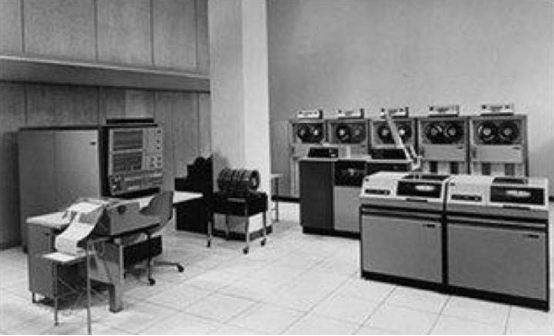
The early computers of the 1940s and 1950s were large because of the use of electron tubes. It often requires an entire room to store, and the price is more expensive, such as ENIAC costing as much as $487,000 ($6 million today), while the United Kingdom’s Manchester Mark I (the first von Neumann machine) cost £100,000 ($5 million today), and operation and maintenance cost a lot. Even the first mass-produced computer, UNIVAC, was available for $159,000 ($1.41 million today), which only large scientific institutions and universities could possess.

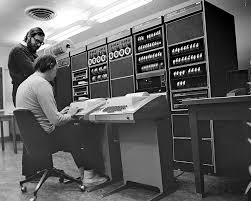
The UNIVAC I, which was launched in 1951 and covers an area of only one-third of ENIAC, and a total of 46 units were manufactured, starting at $159,000 and later rising to $1.25-1.5 million. It was also the first general-purpose computer capable of handling both numerical calculations and word processing, programmed in assembly language, using an electric typewriter, tape, and oscilloscope as input and output devices, capable of performing 1905 operations per second, and storing 12,000 bits of data (i.e., 12,000 binary characters). The opportunity for computer miniaturization began with the use of transistors. In 1955, the first computer, the TX-0, which used all transistors, was developed by the Lincoln Laboratories at MIT. In 1960, DEC, founded by former lincoln laboratory employees, improved the design of the TX-0 and introduced the PDP-1, which later developed into one of the most famous mini computer series in history, and DEC later became the most famous manufacturer of mini computers. Spacewar!, the first video game in history to be widely copied (in that era, was manually fed into the computers they worked on), was also developed on the PDP-1, introduced in 1962, and later with the success of the mini computer market, thousands of machines ran the game, and was one of the most popular video games throughout the 70s. I personally played a replica of this game at the Computer History Museum in Silicon Valley, where two people each controlled a spaceship to fire missiles against each other, which was actually quite fun more than 50 years ago. PDP-1 also appeared on one of the earliest word processing software, Expensive Typewriter.

There are many other software also running on the PDP-1 such as the oscilloscope as a display device of the mini computer, in the same period in addition to the MIT Lincoln Laboratories of this school of products, there are CDC (Control Dta) company launched miniaturized computers – CDC160 above these machines are still relatively large, the price is still relatively expensive, not considered to be a real mini computer. The first true mini computer is generally considered to be the LINC (Laboratory INstrument Computer), also introduced by DEC. Compared to the PDP-1, the computer can already fit in a desk-sized space, and the price has dropped from $120,000 to more than $40,000 ($320,000 today), but the first commercially successful mini computer was the DEC PDP-8 introduced in 1965. The mini computer sold for as little as $18,500 ($140,000 today) and was smaller than previous computers. Its CPU frequency is about 800kHZ (PDP-8 does not have a fixed clock frequency).

In 1966, DEC introduced the PDP-8S, which sold for only $10,000, and later the PDP-8E, which was even smaller and priced as low as $8,000, which was also the era of great changes in computer storage devices. Early PDP-8 used punched paper tape as a storage device, the front panel as a display device, and in the middle period, punched cards and tapes were used, but in the later stages, floppy disks and hard disks were used as storage devices, and the display terminal was used as the output device PDP-8. Early PDP-8 programmers stored code written in PAL-8 (assembly language), FOCAL (interpreted language), or Fortran (imperative language) on such paper tape.

Later PDP-8 display terminals, at this time PDP-8 also supported high-level languages like BASIC, programming became much easier. The floppy drive used by the PDP-8 has achieved unprecedented commercial success due to its low price and perfect hardware and software functions. More than 50,000 units were sold for this model alone, and if you count the various improved PDP-8s, the total sales volume is as high as 300,000 units. Also starting with PDP-8, computers were no longer just used by professionals in large institutions, but began to enter ordinary offices in Western developed countries. In order to facilitate people’s use, PDP-8 has also emerged a lot of software, such as os/8 operating system, which allows users to operate the computer in the form of command line on the display terminal. Later, there was RTS-8, a real-time operating system that supports preemptive multitasking, COS300, a preemptive multitasking operating system that supports multiple users, and TSS-8, a time-sharing multitasking operating system that supports multiple users. The PDP-8 also offers word processing programs like WPS8, which developed in the 1980s into DEC’s All-in-1 office suite, providing a full suite of office functions, similar to the later MS Office. The success of the PDP-8 certainly attracted many competitors. Hp also introduced its first mini computer, the HP2116A, in 1967, which later became the HP2100 (later renamed hp1000) series. Unlike the PDP-8, the HP2100 uses a 16-bit processor with more processing power than the PDP-8, and is priced at $22,000. In 1969, another company, Data General, introduced the mini computer Nova, also with a 16-bit processor, but at a much lower price, at $3,995 ($26,000 today) and $7,995 even with RAM extensions (which were almost a must for Nova). Nova was a huge success, selling more than 50,000 units in total. Despite facing many competitors, DEC is still the undisputed king of the mini computer market.

In 1970, while continuing to sell and update the PDP-8 product line, the more powerful PDP-11 with 16-bit processors was introduced, using 16-bit processors. Still priced at $18,000, it was much more expensive than the Nova, but it still sold 600,000 units, making it the most successful mini computer at the time.

In 1977, DEC introduced the first 32-bit mini computer, and the VAX series was still exerting its residual heat at the same time, while the lower-cost PDP-8 series was still exerting its residual heat. Beginning in 1977, DEC introduced a range of PDP-8 compatible machines under the name DECmate. The figure below shows the first product in the series, the VT78, which uses an Intersil 6100 CPU with a clock frequency of 2.2MHZ to encapsulate the computing power of the PDP-8 into the VT-52 display terminal. The computer is compact, but still expensive at $7,995 and is mostly institutional users. What really brought computers into the mass era was the earliest microcomputer that appeared in the same period.that is, the home computer.

Judging from the history of miniatures above, miniatures are complex in structure and require more investment in production, so they are also very expensive. However, this situation has long changed.

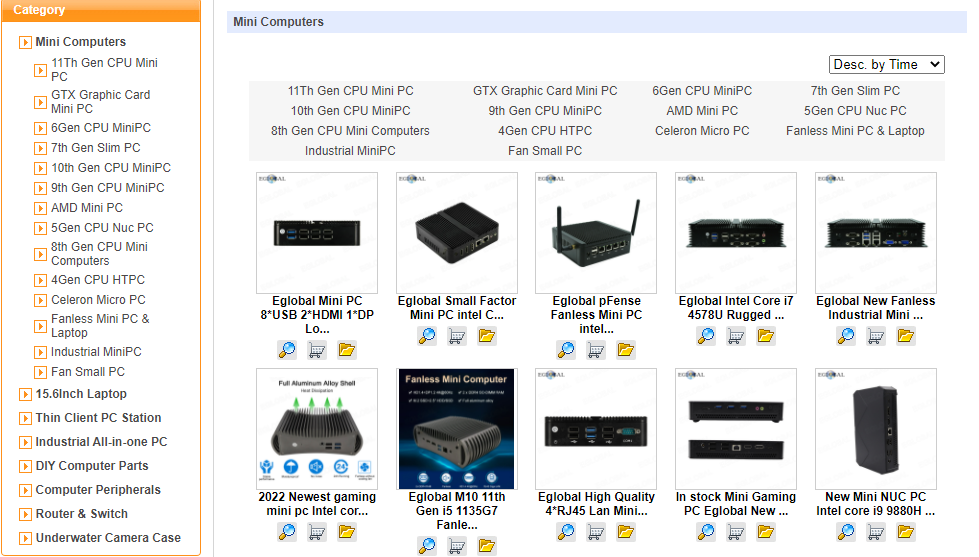
In the early days, science and technology was not developed, people’s understanding of computers was not high, so the price of making a minicomputer was very expensive at the time, but now it is different, with the advancement of science and technology, people’s understanding of computers is getting deeper and deeper, and the skills of making computers are becoming more and more skilled, so in the current era, buying a computer is not expensive. On a company independent website, you can buy a variety of minicomputers at different price points, and the price generally fluctuates between a few hundred dollars.
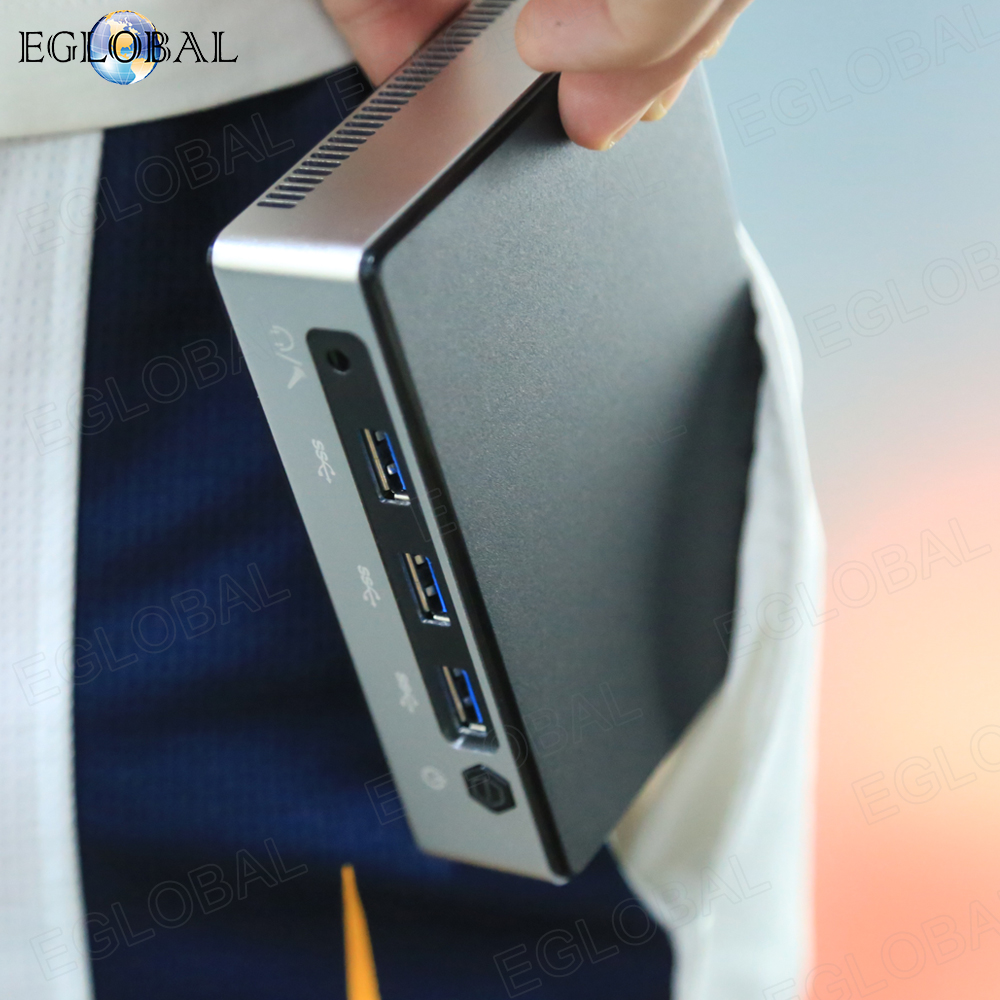
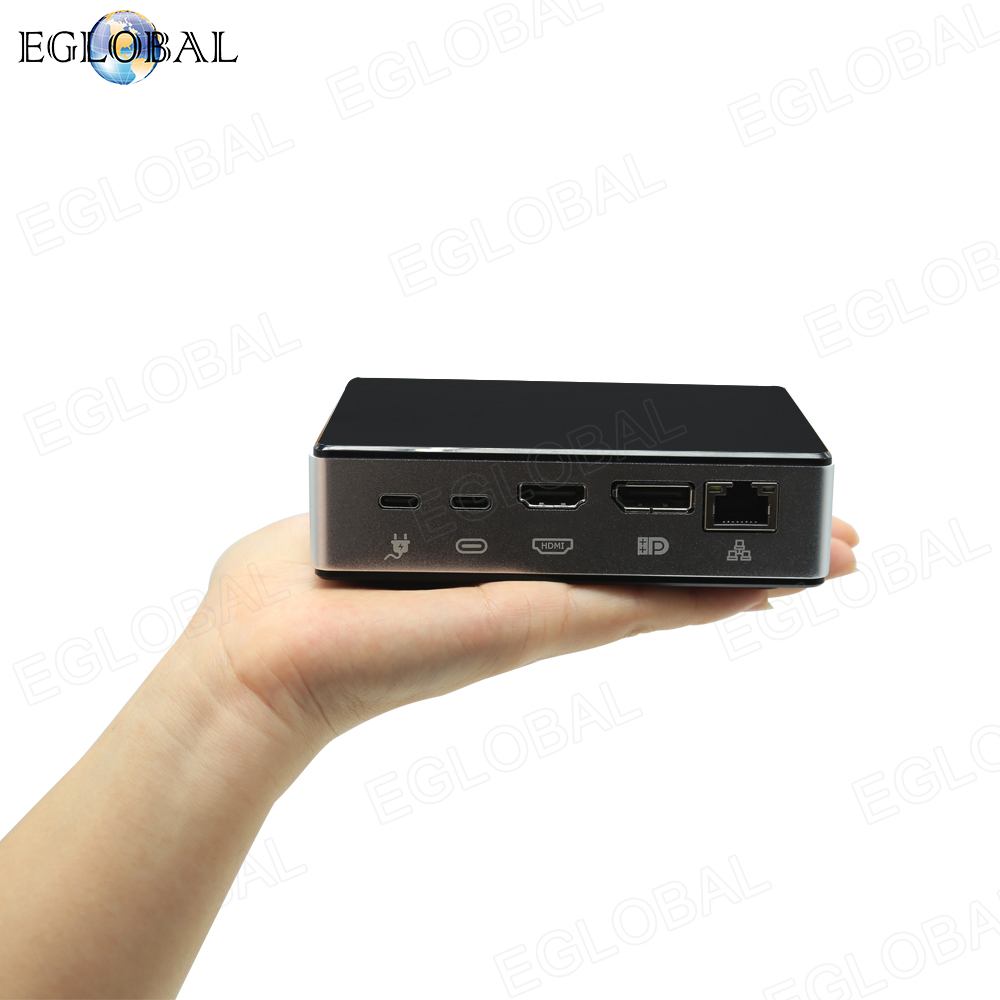
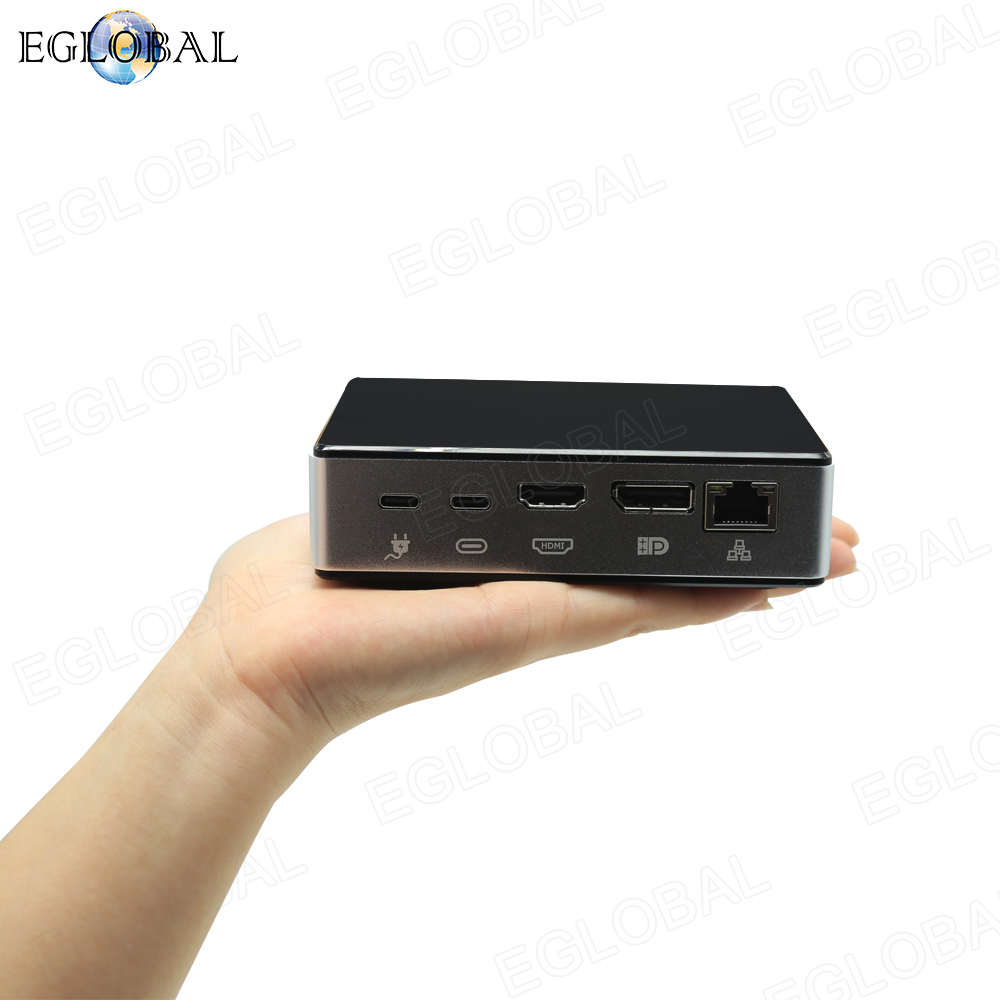
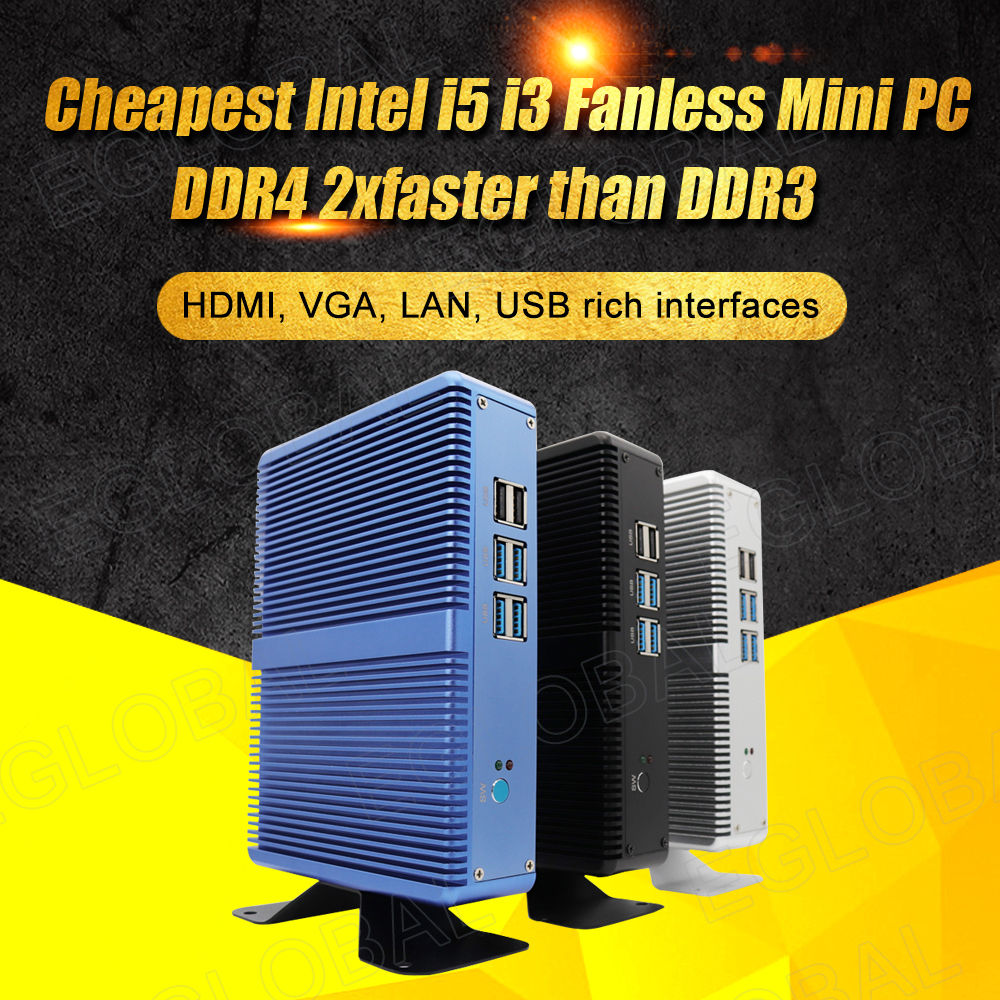
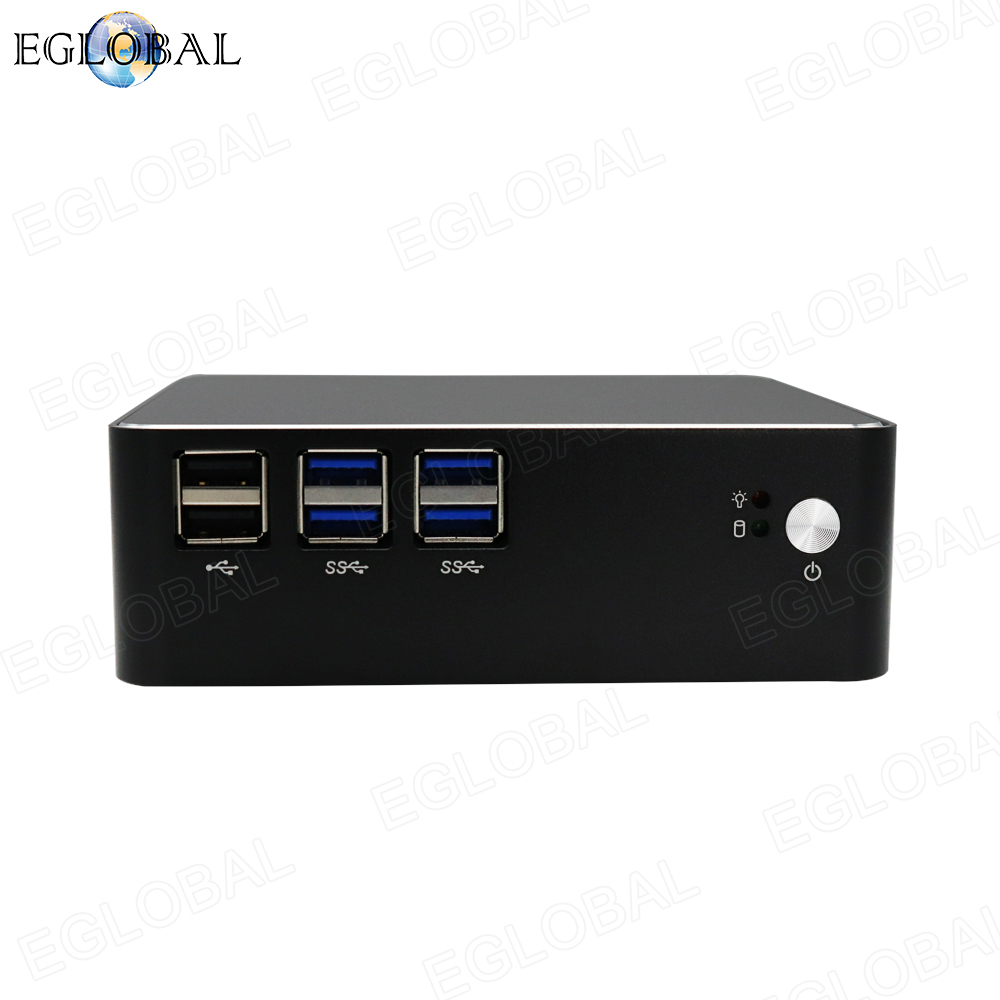
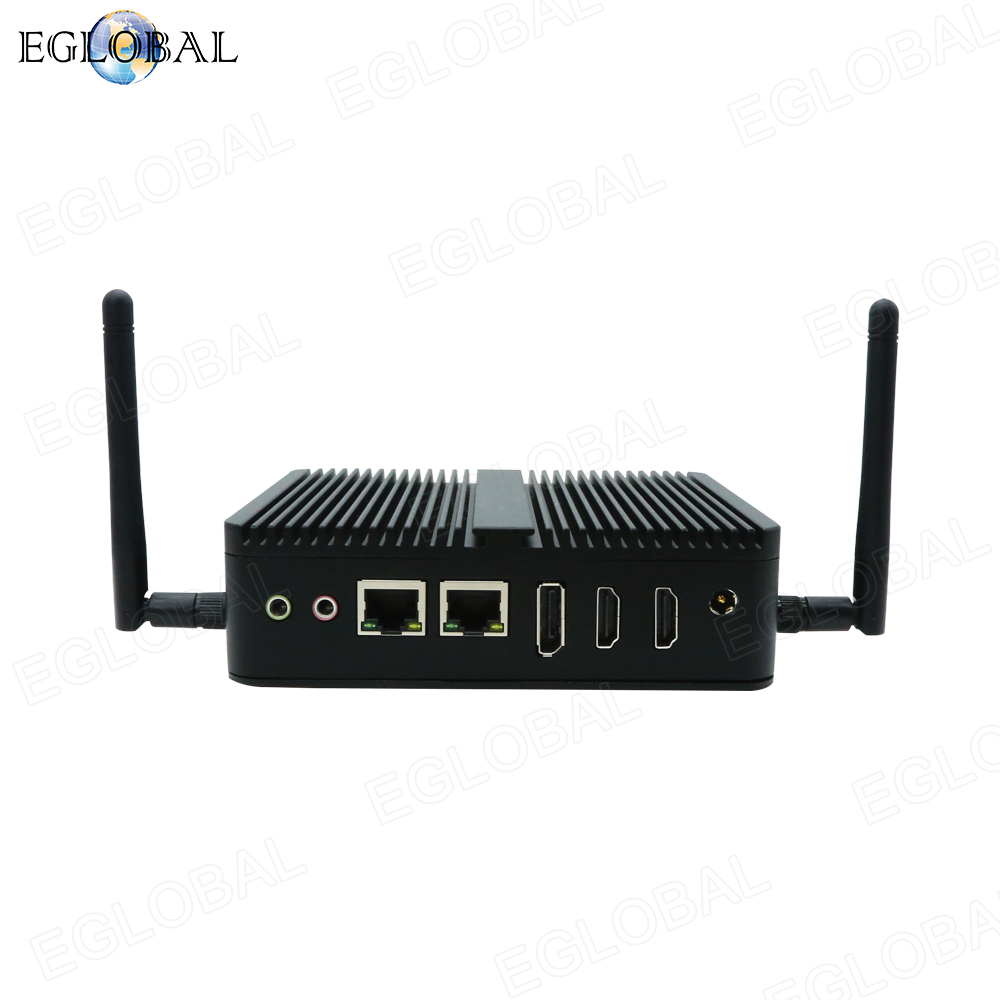
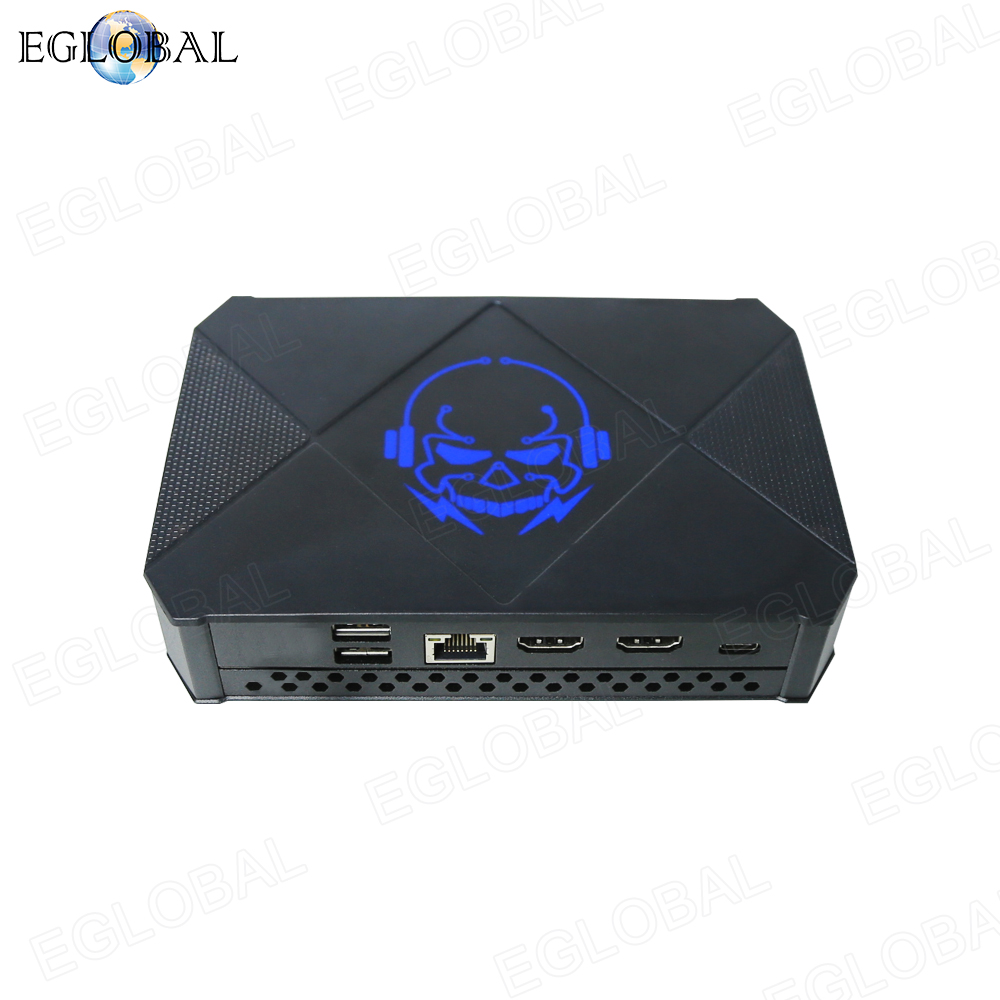
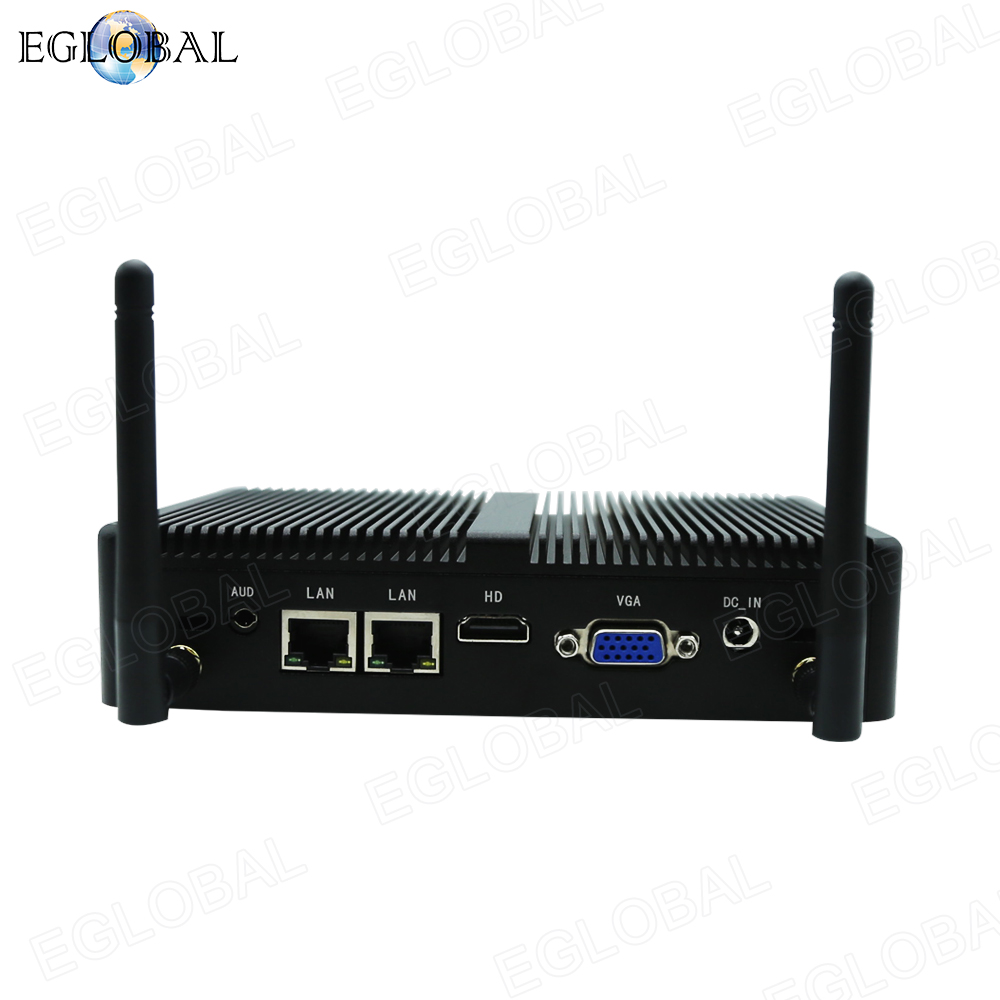
For example:Eglobal Hot Sell Minipc Desktop Office Minipc Intel Celeron M3-J4125 With Dual Com Ports and Dual RJ45 Gian Lan Ports.

This new mini computer is priced at $147 on the EGLOBAL independent website, and most families can afford it.
About this item:

[Processor & Pre-installed OS]
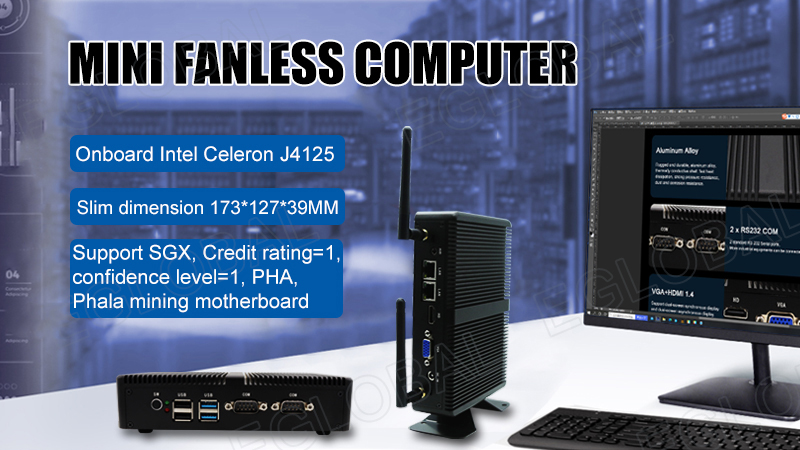
EGLOBAL Fanless Mini Computer M3-J4125 equips with 9th Gen. Celeron J4125 processor, 4 core 4 thread, Max frequency 2.7GHz. This PC is very fast when loading apps and opening files. It’s pre-installed with Windows 10 Pro (NO Windows license, Just for test) and also supports windows 8, Linux Ubuntu and more open-source systems, etc.
[Expandable RAM & Storage Capacity]
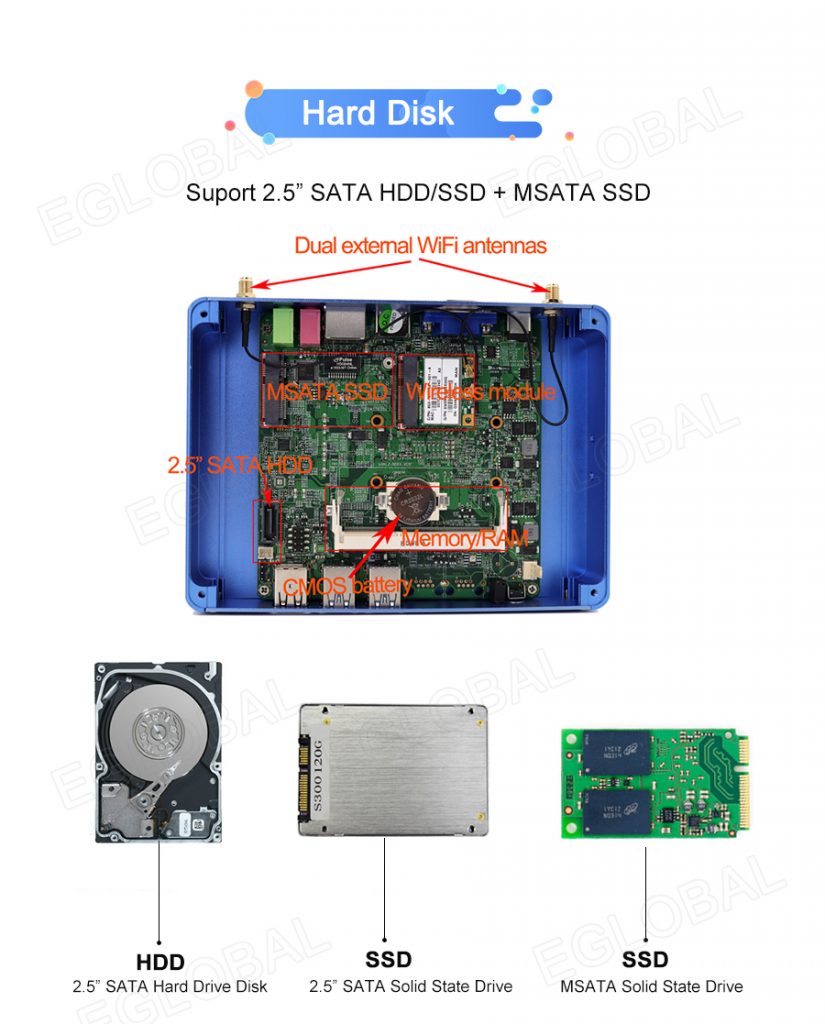
EGLOBAL Fanless Mini Computer M3-J4125 comes with DDR4 RAM and mSATA 3.0 SSD/HDD. The memory is 1x SODIMM slot, the PC supports Max 8GB DDR4 memory. The storage can be upgraded to either 1TB mSATA/ NVME SSD or 1TB SATA HDD. Large storage will meet the hardware requirements of different software and others applications.
[Triple Display and Multiple Interface]
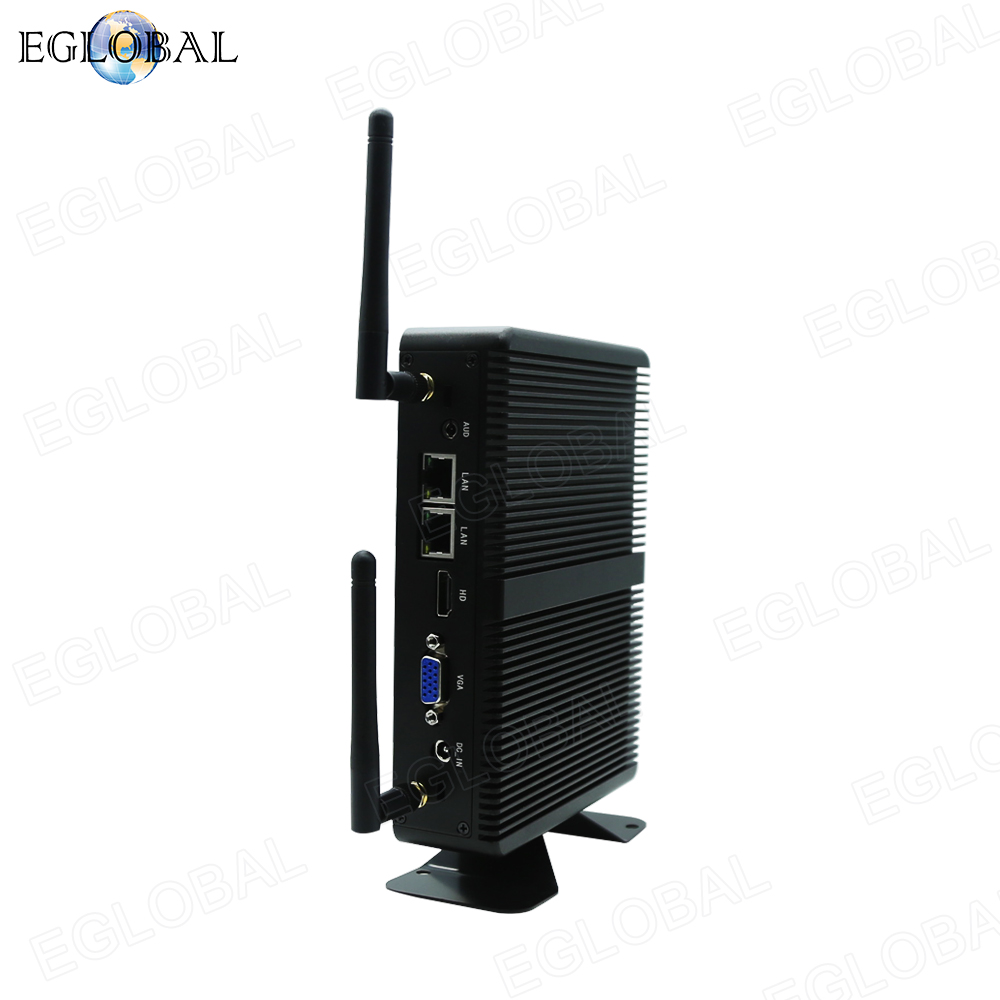
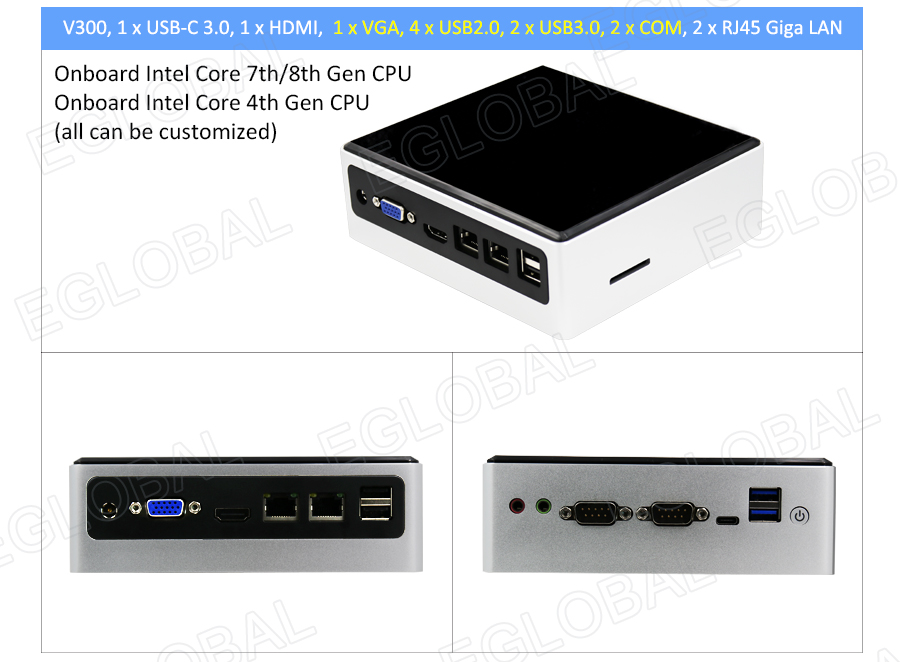
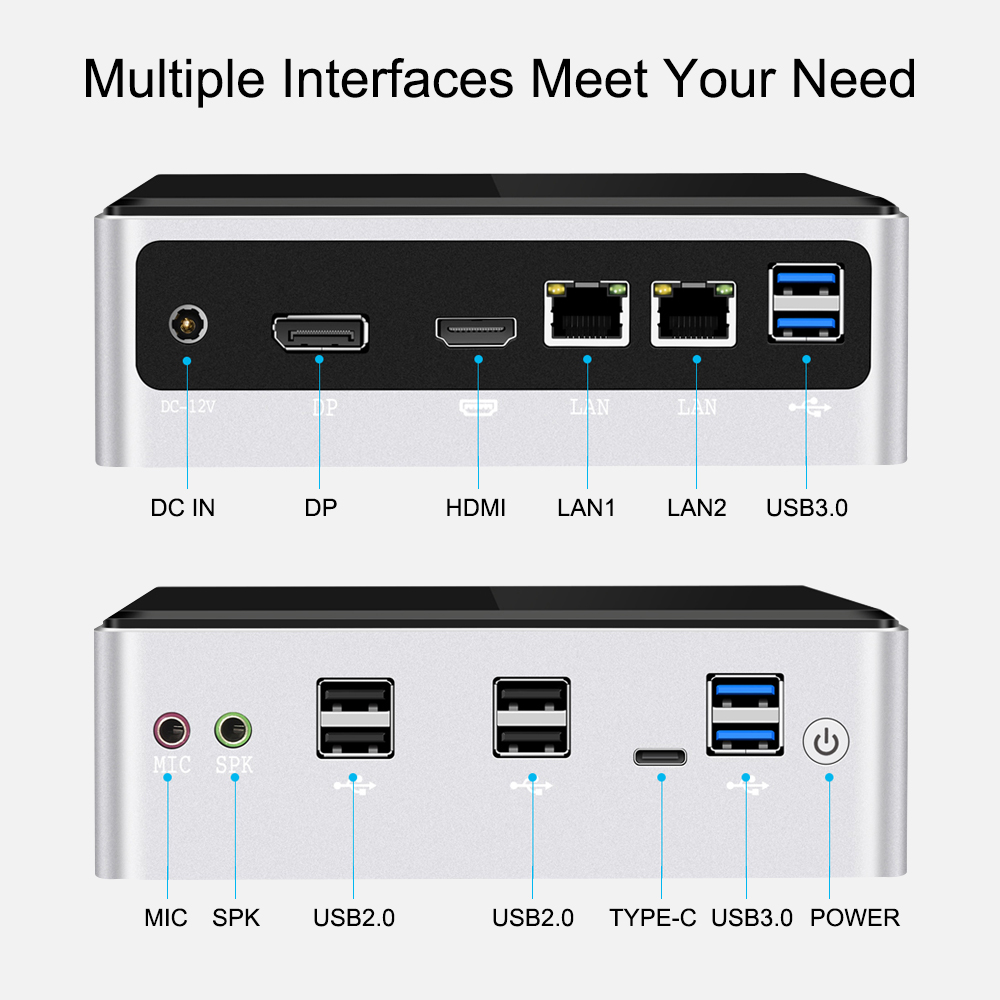
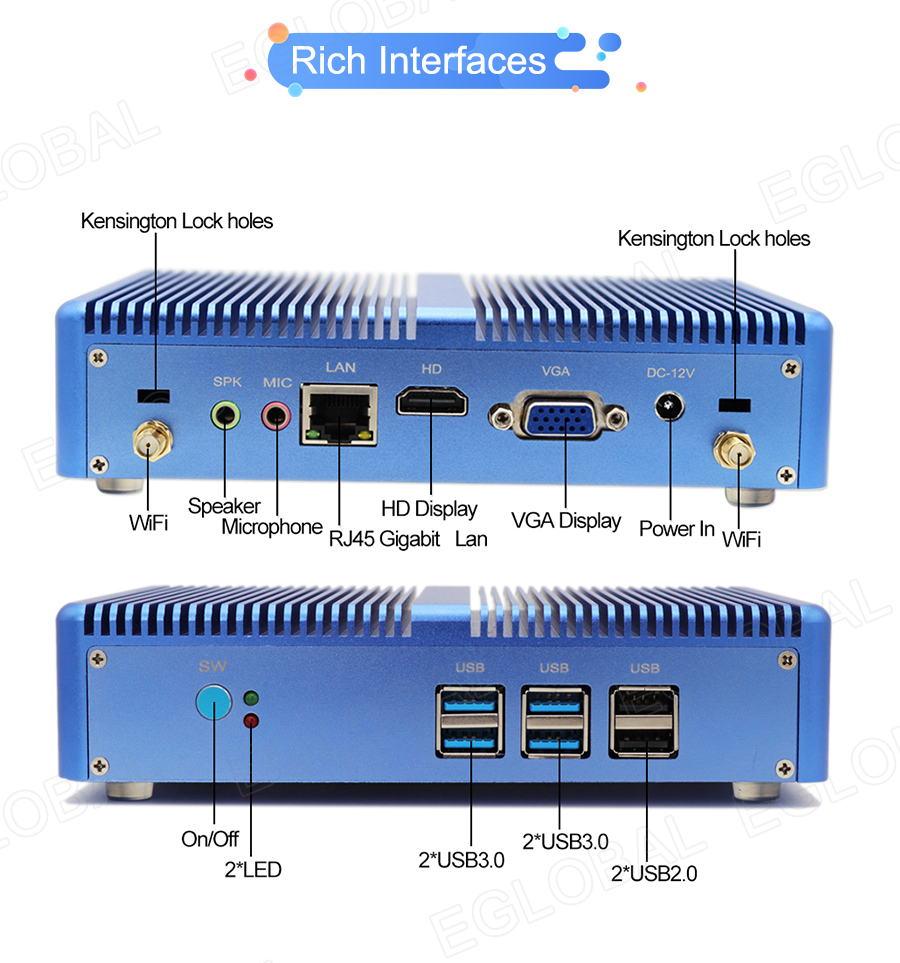
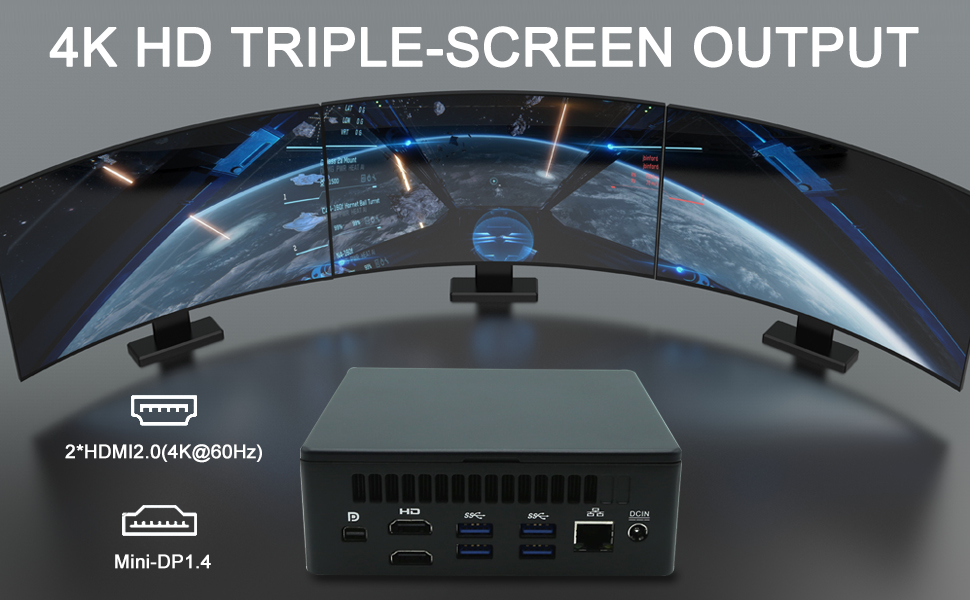
EGLOBAL Fanless Mini Computer M3-J4125 supports 4K Ultra HD content, Max resolution is 4096×2160@30Hz if connecting the monitor by HDMI. This PC has HDMI, VGA and COM, 3 different Video output ports, you may connect the PC to 3 displays. M3-J4125 has more I/O Interface to meet your extra needs: 2 Gigabit LAN, 2 USB2.0, 2 USB3.0 etc.
[Portable & Silent]
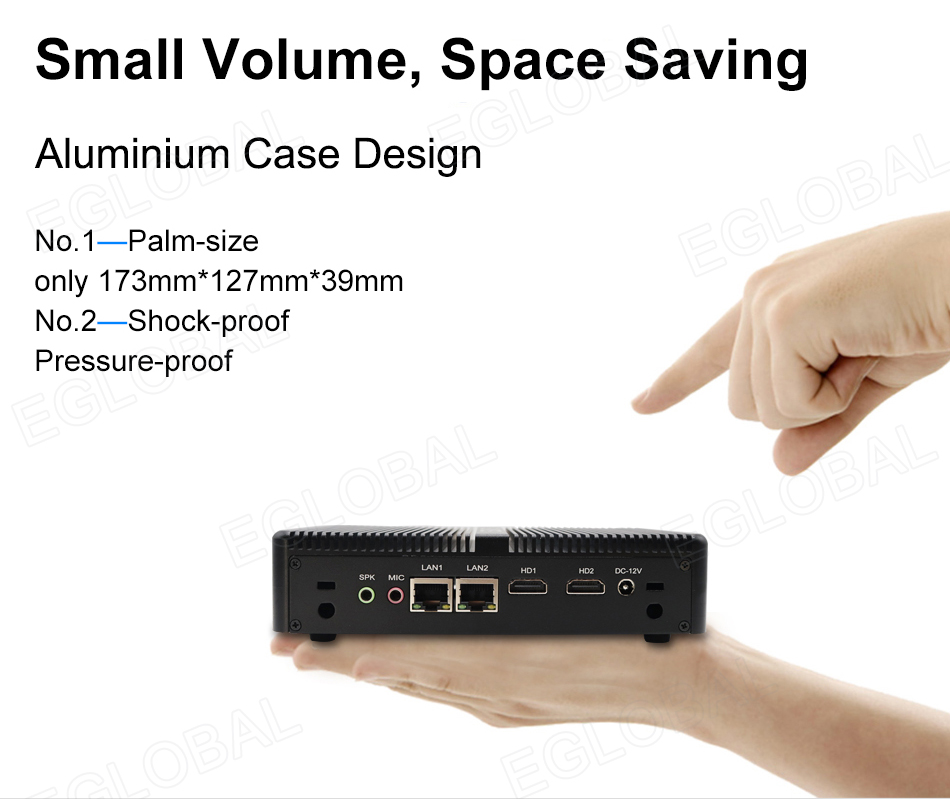
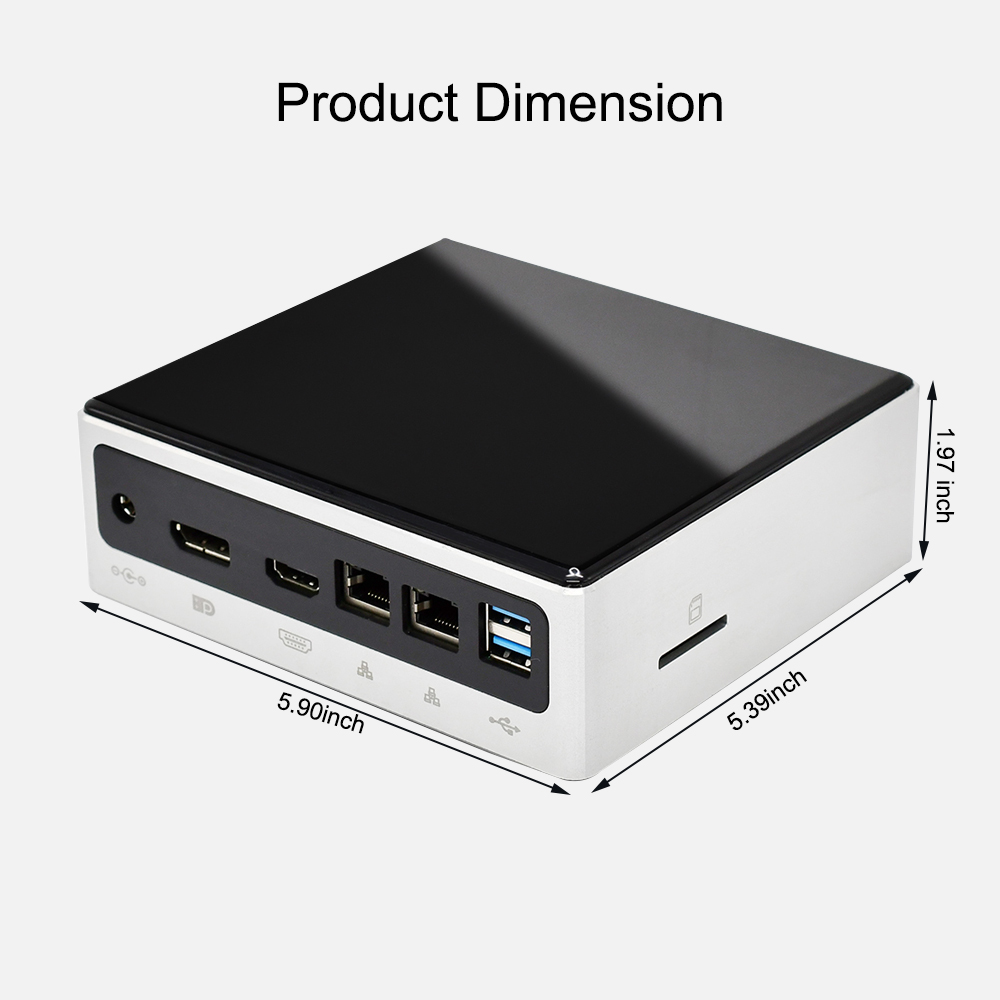
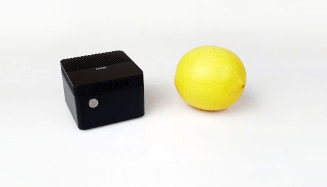
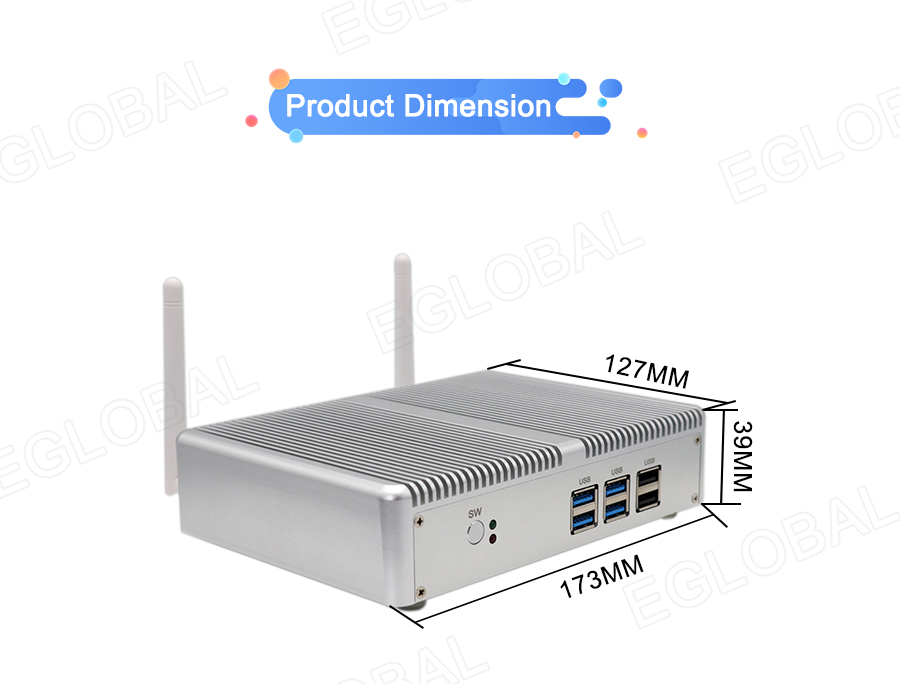
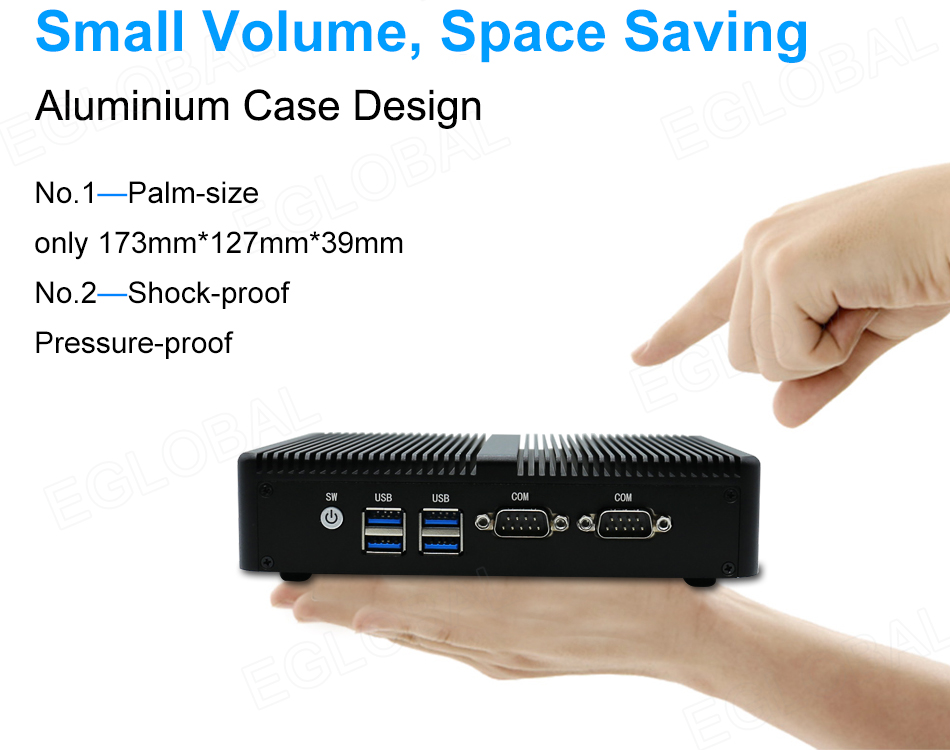
EGLOBAL Fanless Mini Computer M3-J4125 is built for personal use, its size is only 17.3cm x12.7cm x 3.9cm to save desktop space. In addition, M3-J4125 is fanless design, it does not have fan noise when running, and it only has a 10W TDP to maintain low power consumption to save energy and 7×24 hours quiet running.
[3 Years WTY]
Customers get 3 years free repair, we also provide DropShipping service and OEM /ODM customized service all over the world. We offer good quality computers and we are always here for help if customs need.

The difference between a mini computer and a microcomputer

Microcomputer is divided into workstations and personal computers, workstations are relatively high-end personal computers, with faster microprocessors, larger memory, larger screens, powerful functions, strong computing power and image processing capabilities, can complete complex tasks, such as computer-aided design CAD and computer-aided manufacturing CAM and other work, each other can be easily connected into a network. Personal computers are generally X86 architecture, that is, the use of Intel chips and Linux operating system, open source, high degree of standardization.

Mini computer: Using risc chips and Unix operating systems, the system is closed and the degree of standardization is low, but the degree of RAS is high. Mainly used in the core systems of key industries such as finance, government, telecommunications, and energy, it cannot be rested throughout the year, so the requirements for stability and scalability are much higher than those of personal computers.

The difference is in reliability, scalability and virtualization capabilities, as well as in processing speed io speed and storage capacity.

Microcomputer for personal use, encountered hardware and software failures blue screen restart, is a cheap consumer goods, need to form economies of scale effect, the final result is Wintel. mini computers and mainframes are used in 365×24-hour operating environments, and the selection of components is more stringent than that of microcomputers; Key components with fault detection and remote diagnostic systems; The operating system is extremely robust, supports virtualization and partitioning technology, supports the online replacement of CPU, memory, and storage, that is, migrates applications to available resources, suspends hidden resources (CPU memory, hard disk, etc.), uninstalls and plugs in new hardware, and then incorporates new hardware into management and runs tasks; It is also possible to design different resources for different applications; These functions will be gradually simplified and decentralized to microcomputers such as hard disk RAID and S.M.A.R.T., memory ECC, cpu vt-x, multi-burn point $ can be enjoyed in the microcomputer; Microcomputer USB peripherals can be plugged and played, and all parts of the mainframe can be plugged and played. In terms of performance, the processing power and I/O speed of mainframe, medium-sized, mini computer, and microcomputer of the same supplier (such as IBM) are decreasing. Relying on Linux and bsd, using microcomputers to form clusters, it can also process massive data; Amd and Intel also integrate numerous cores on the chip; But mainframe manufacturers have more dollars and can offer bigger, higher products.

How to install Windows 11 on Mini PC

In order to install windows 11, Microsoft required TPM v.2.0 be installed in order to run Windows 11. Some of the customer asked us if our Mini PC have supported TPM v.2.0, Actually, our Mini PC with Intel Processor have not the TPM chipset. But our A2 series with AMD Ryzen 7 (pro) 4800H, A1 series with Ryzen 5 3550H, Ryzen 7 2700U, Ryzen 3 2200U, and A4 series with AMD 4500U, all including TPM, could install Windows 11 directly on these Eglobal Mini PC.
Then If you order is our Intel Processor Mini PC, you could also ask us to install Windows 11 before placing an order. Here is the way to install Windows 11 on Our Intel Mini PC:

how to Install Windows 11 when your PC withoutTPM2.0: https://youtu.be/9HAyMsrqHZA 

Learn More About EGLOBAL Mini PC Factory

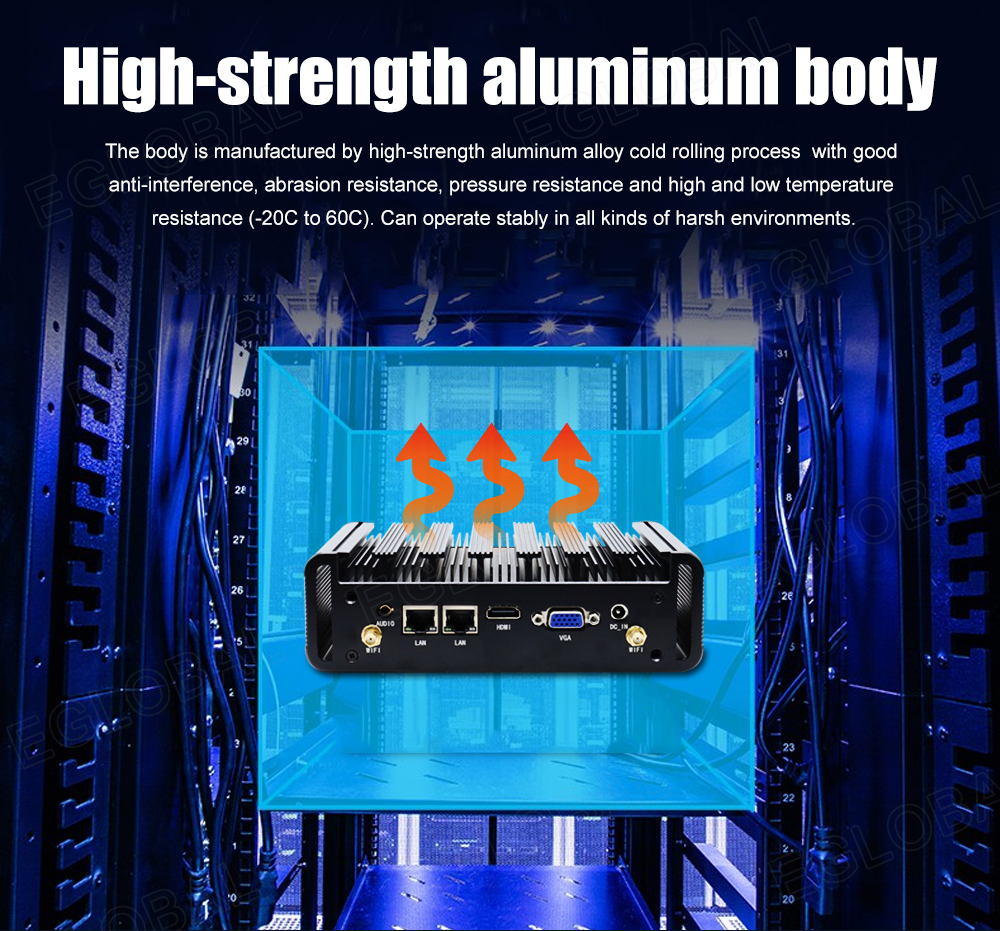
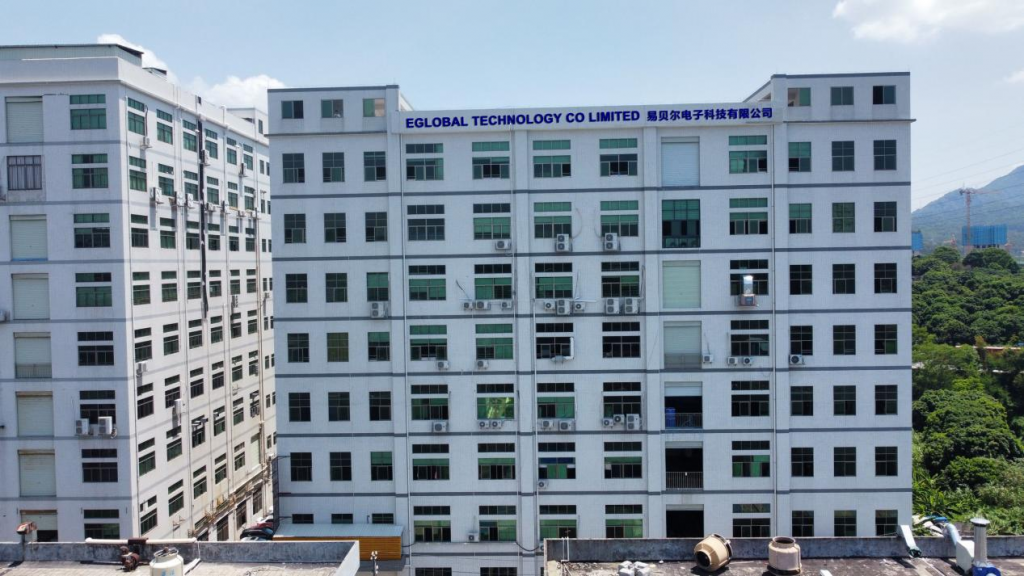
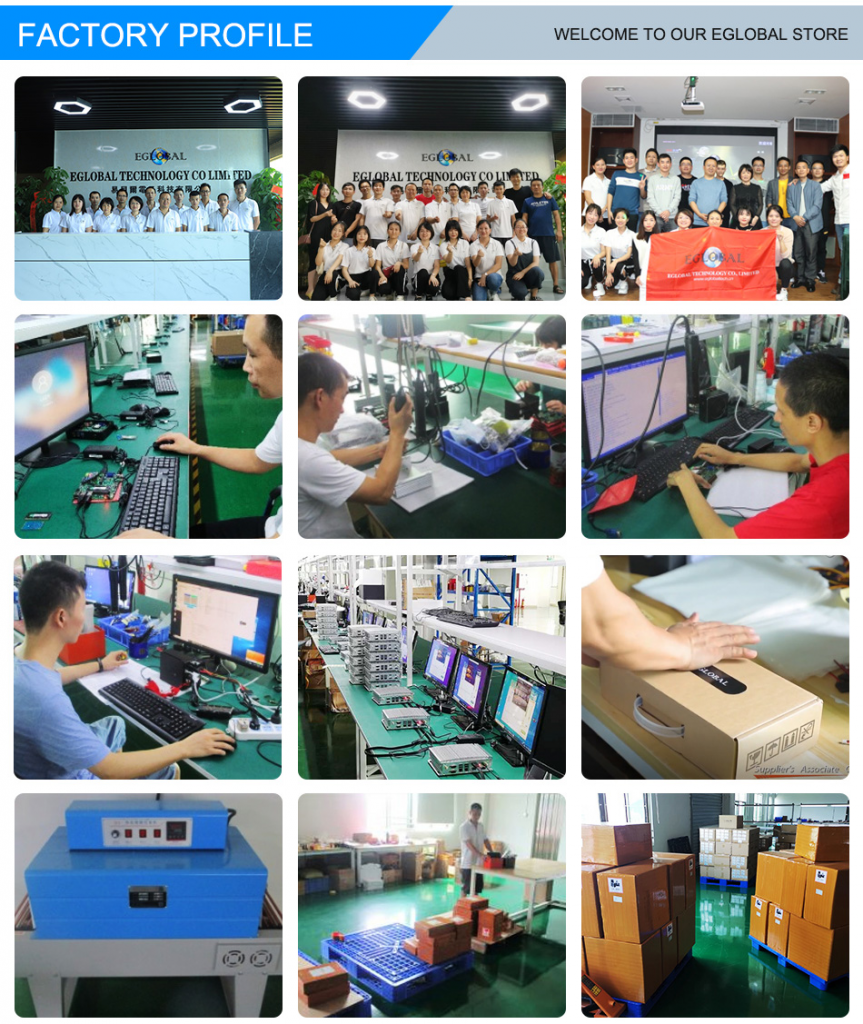
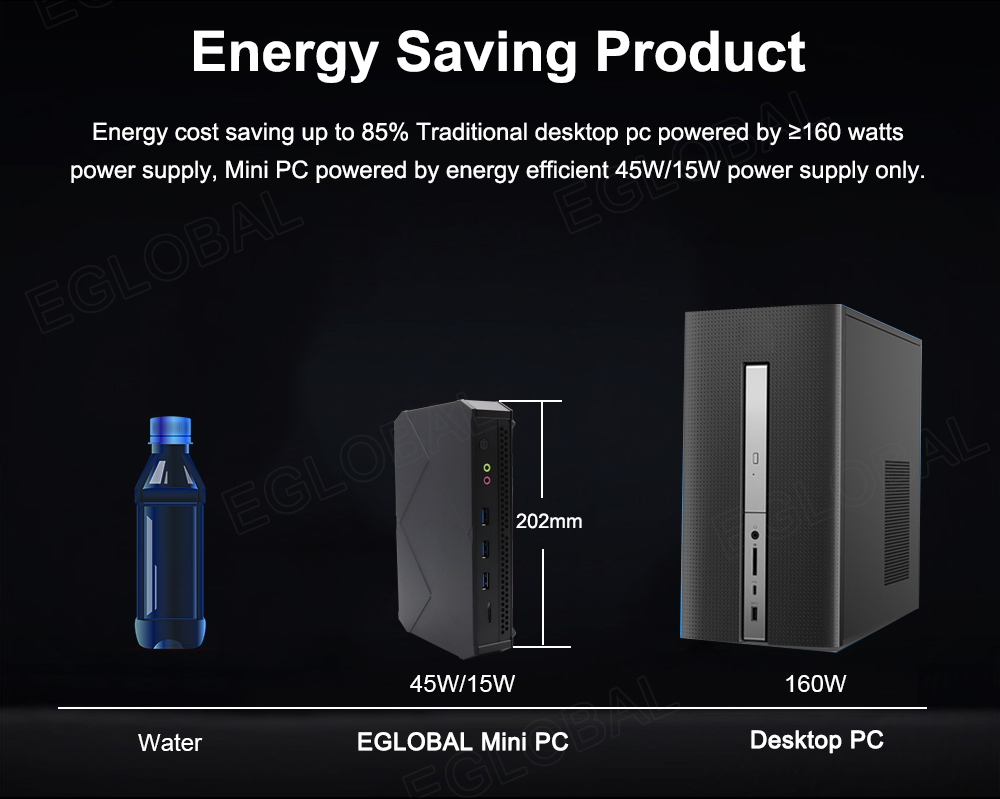
EGLOBAL Mini PC factory is integrating R&D, production, and sales. In 2009, the Hong Kong company EGLOBAL TECHNOLOGY LIMITED was established. After more than ten years of development, the EGLOBAL Mini PC factory was located in Dongguan and the area was expanded to 2,400 square meters. Mini PCs are widely used currently. Exquisite and compact design, more beautiful and more space-saving; all-aluminum alloy shell, reducing the radiation of the host, giving users a healthier environment; low power consumption scheme, can save electricity, protect the environment and reduce electricity costs; fanless system design to achieve a low noise solution.

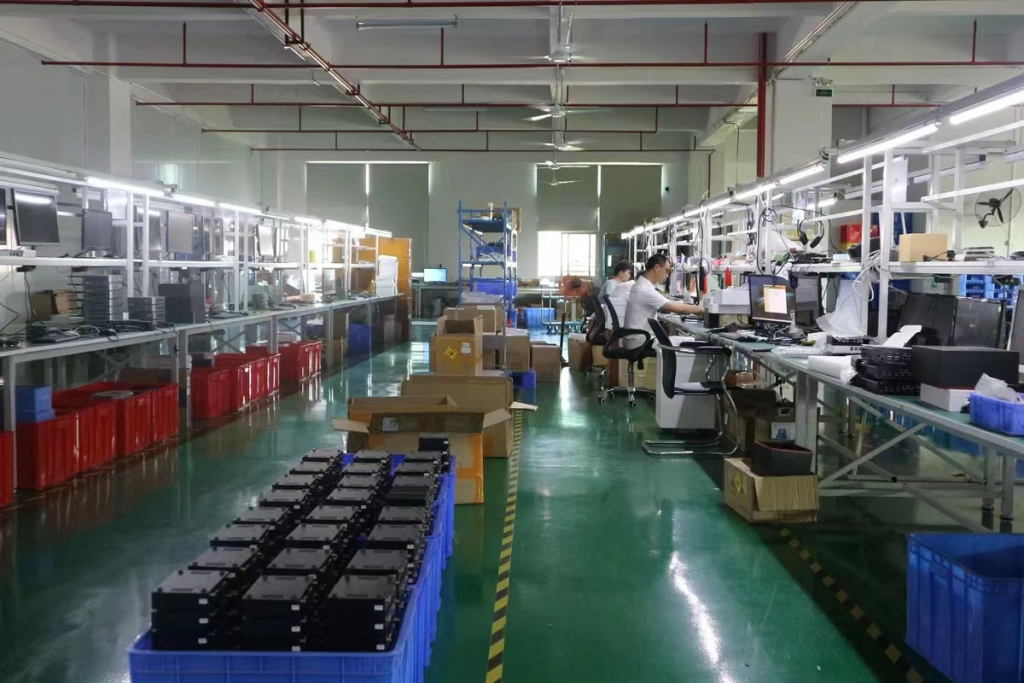
EGLOABL Mini PC Factory is strict with production line
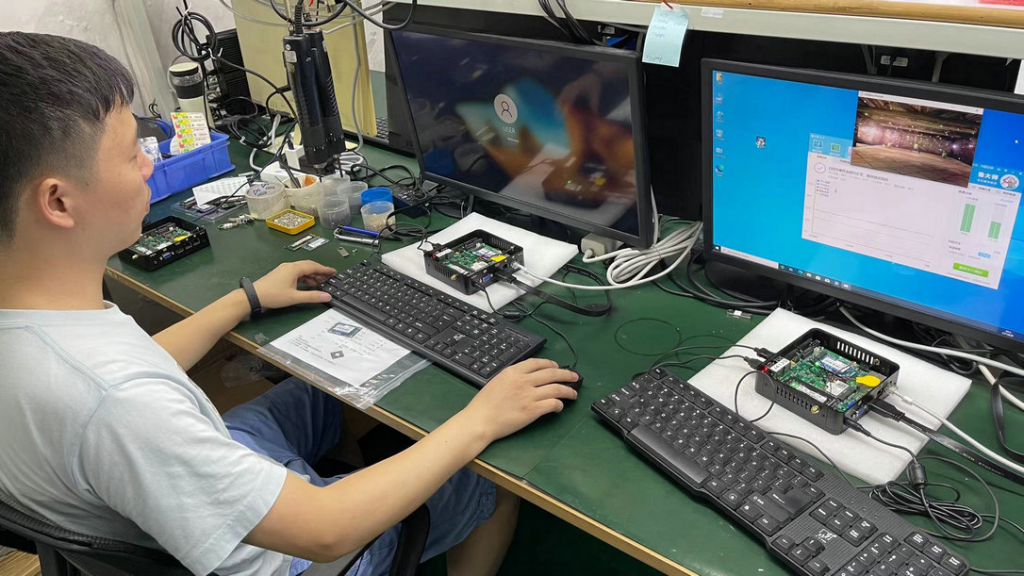
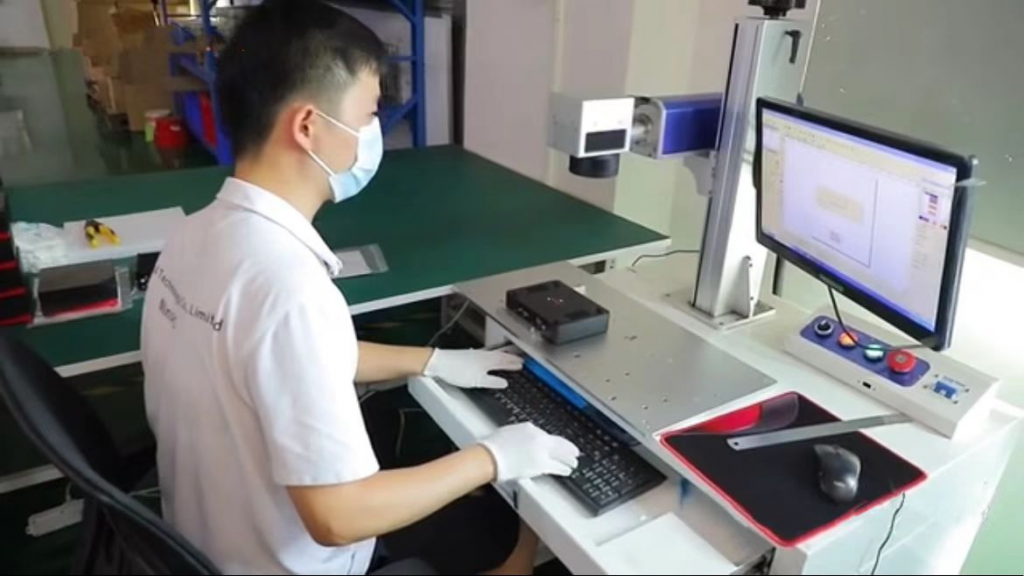
In the EGLOBAL Mini PC factory, the special persons assemble the main board part and the shells to ensure a certain speed while ensuring quality. After the installations are completed, the technical engineers of the mini pc will test the performance of the relevant system.

Then a secondary inspection is carried out on a special inspection line. When the mini pc successfully passes the two-layer inspection, it will become a qualified product and can be sold and used. Our EGLOBAL Mini PC factory will put the qualified products on the finished shelf, and wait for the customer to place the order and send it out directly through the international logistics company.

The show of EGLOBAL Mini PC Factory’s warehouse
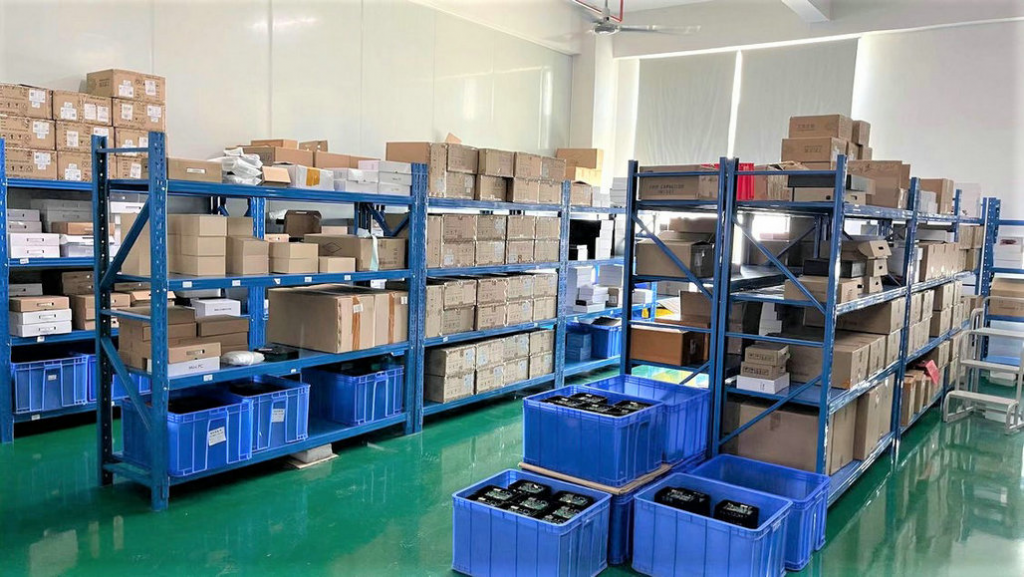
The warehouses such as sample units, raw materials, finished products, and others in the EGLOBAL Mini PC factory all use three-dimensional shelf structure storage, which effectively utilizes the space and increases the usable area by nearly 4 times. Thus, the expanded storage capacity of the mini pc is improved, the delivery efficiency is improved, and the work intensity of the workers is reduced.

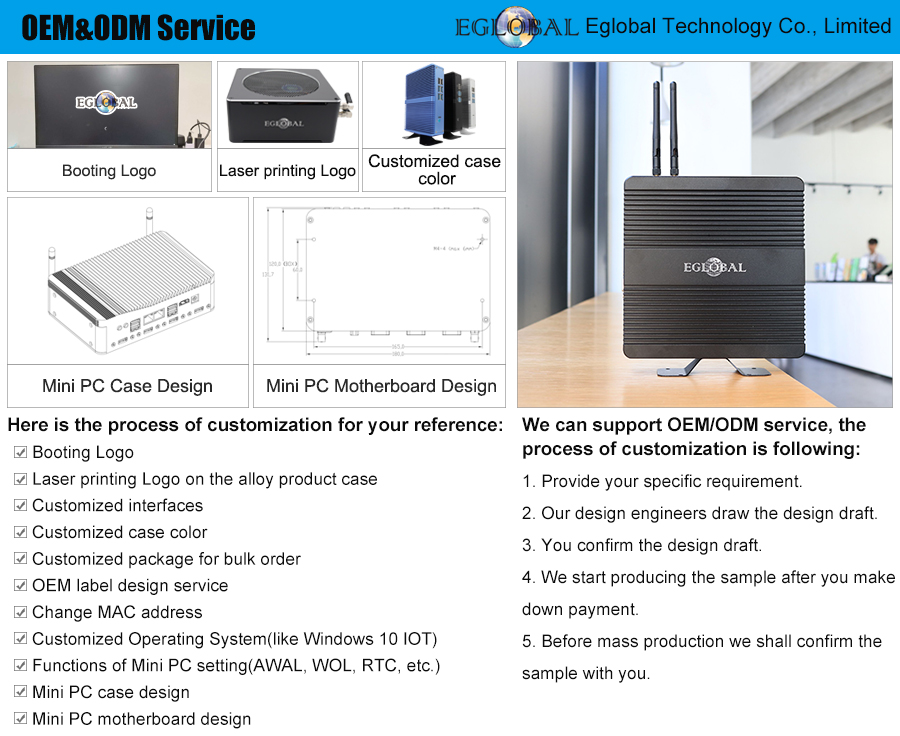
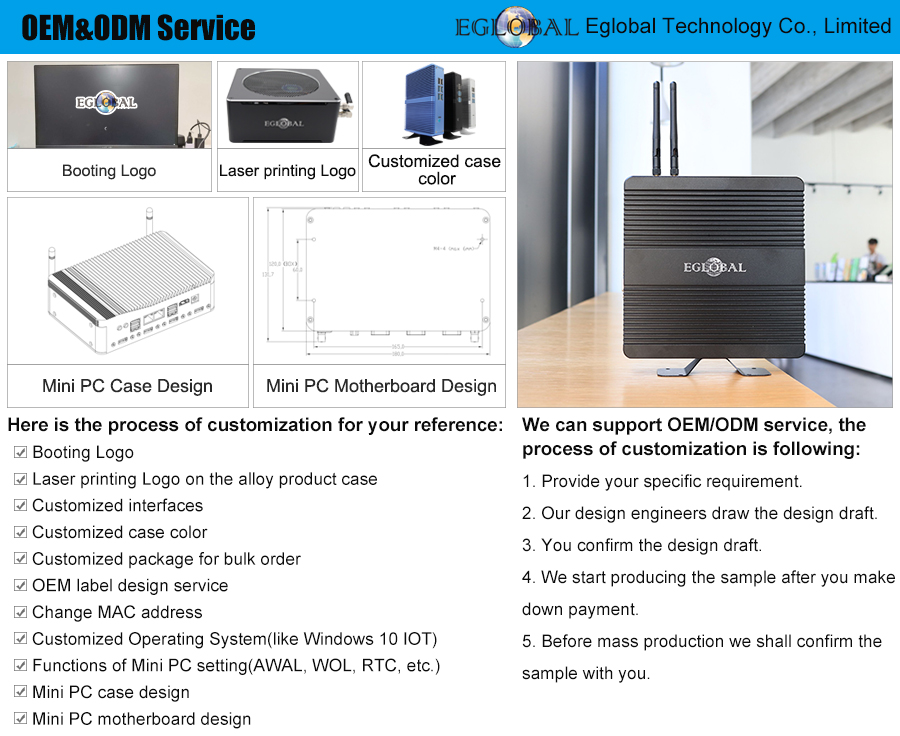
OEM&ODM services provided by EGLOBAL Mini PC Factory
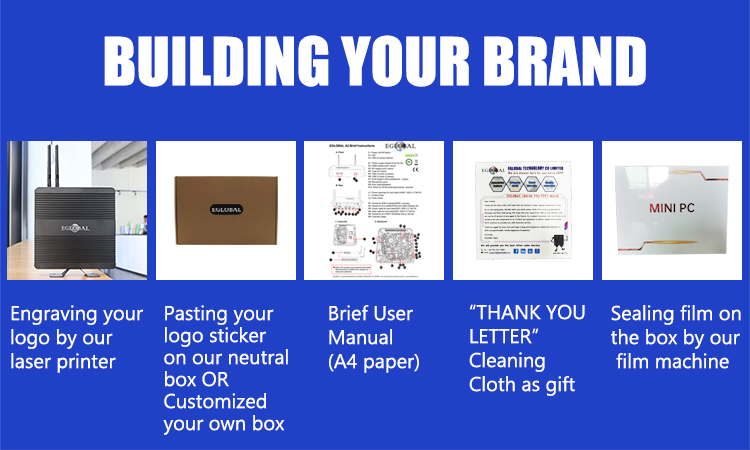
Each of our mini pcs will be engraving our own brand EGLOBAL on the alloy case, each box is a white package small box wrapped with a Kraft paper box, and the EGLOBAL logo label is pasted on the box. EGLOBAL Mini PC factory can also make EGLOBAL logo into the booting interface, it will display EGLOBAL when the EGLOBAL mini pc starts. 

Professional skills and experiences on building your own brand by our EGLOBAL Mini PC Factory:

  • Engraving your logo on the alloy case of mini pc;
  • Engraving your label on the baseplate of mini pc or printing 3 pieces your label stickers(pasting one piece on the base plate of mini pc, pasting one piece on the package box, pasting one piece on the carton);
  • Pasting your logo sticker on the package box of mini pc;
  • Designing and customizing your own package box of mini pc;
  • Designing and printing the brief user manual with your company logo and information;
  • Customizing “THANK YOU LETTER” Clear Cloth as a gift if need;
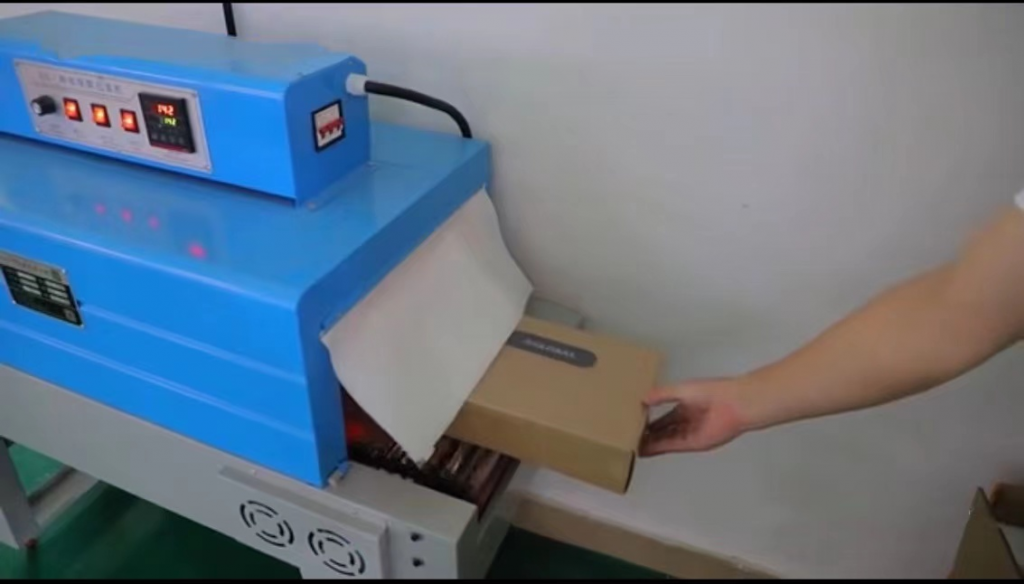
  • Sealing film on the package box by our film machine.

Exquisite and sturdy packaging by EGLOBAL Mini PC Factory
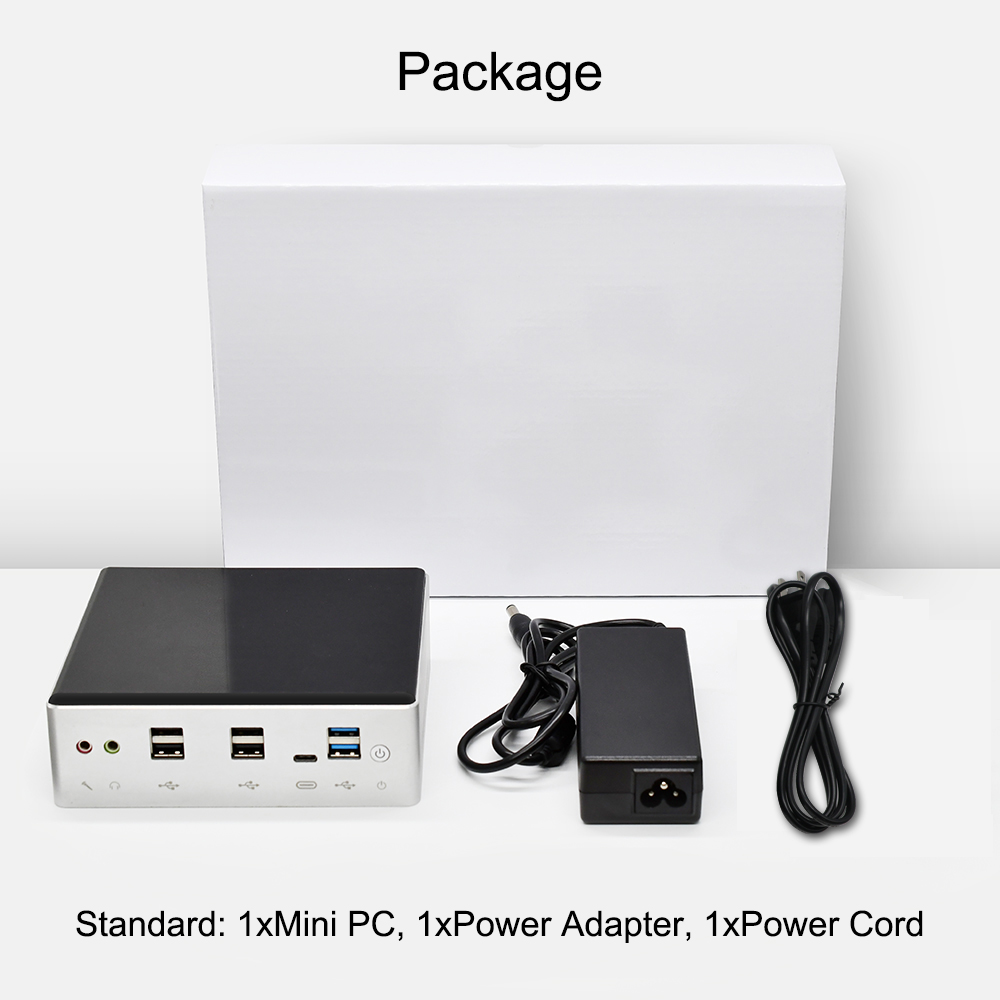
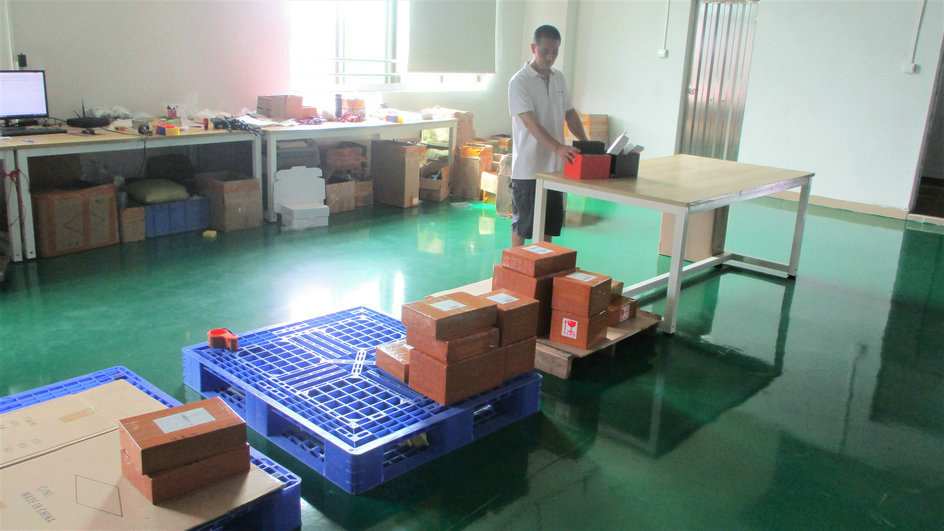
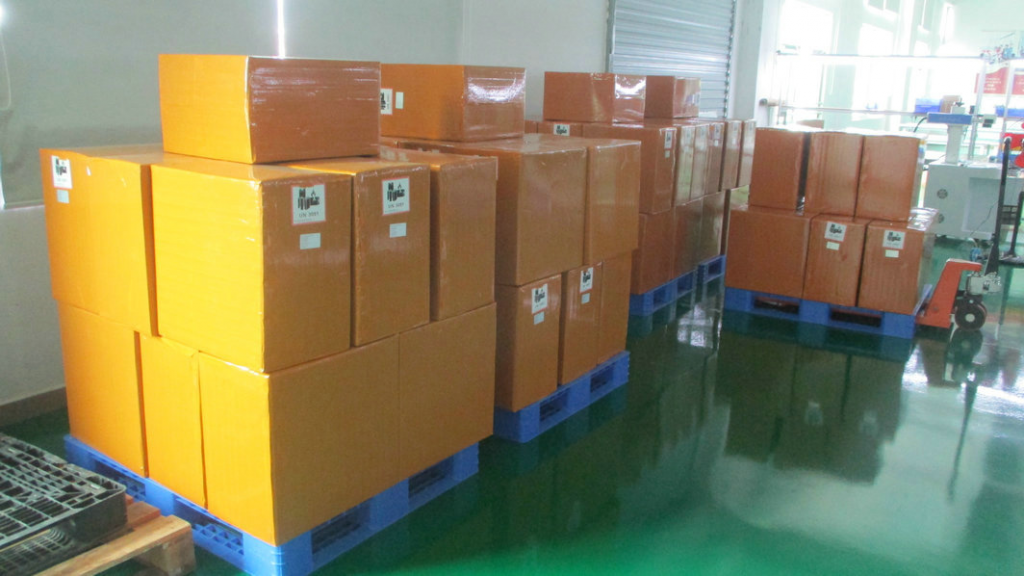
The EGLOBAL Mini PC factory has personnel who specialize in packaging mini pcs, and generally use white aircraft boxes to package mini computers. Pack the mini pc and its accessories, then use a Kraft paper-style box for secondary packaging, and then use a film machine to seal the manually wrapped outer packaging box of mini pcs again to ensure that the product is unaffected by dust, not easy to steal and not damaged in transit.

Drop shipping services provided by EGLOBAL Mini PC Factory
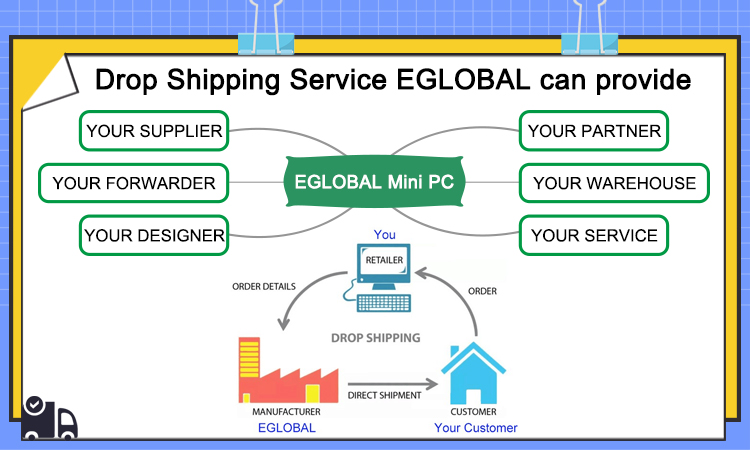
EGLOBAL Mini PC factory will send out the mini pcs directly to any ship-to address you specify if you are an e-co trader. It makes the business easier and more convenient. EGLOBAL Mini PC factory is willing to become not only your supplier but also your partner, your forwarder, your designer, your warehouse, and your service.

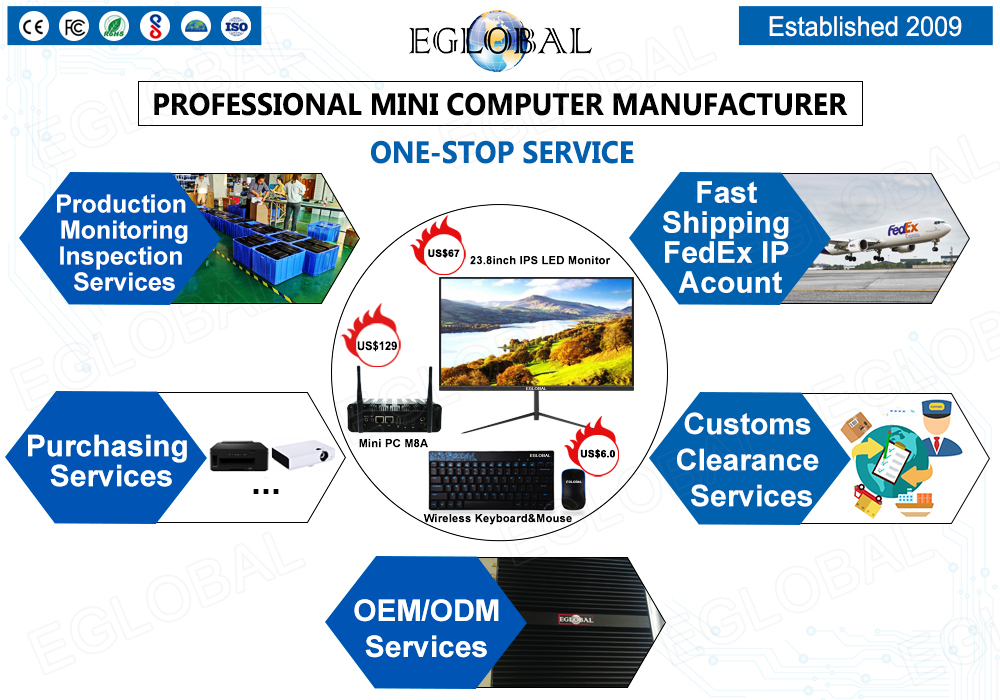
One-stop services provided by EGLOBAL Mini PC Factory
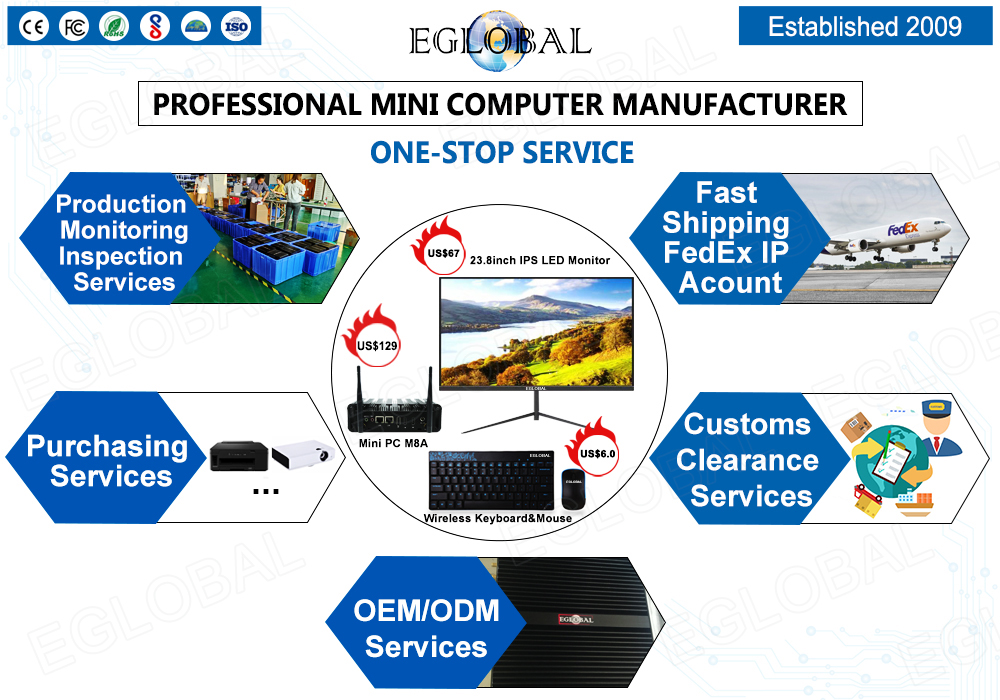
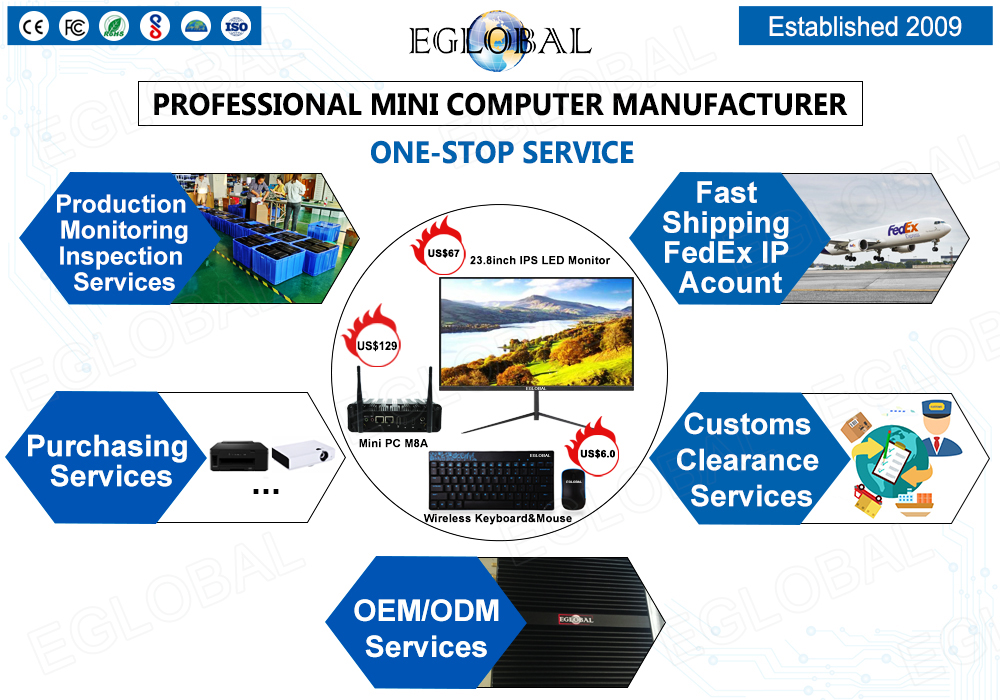
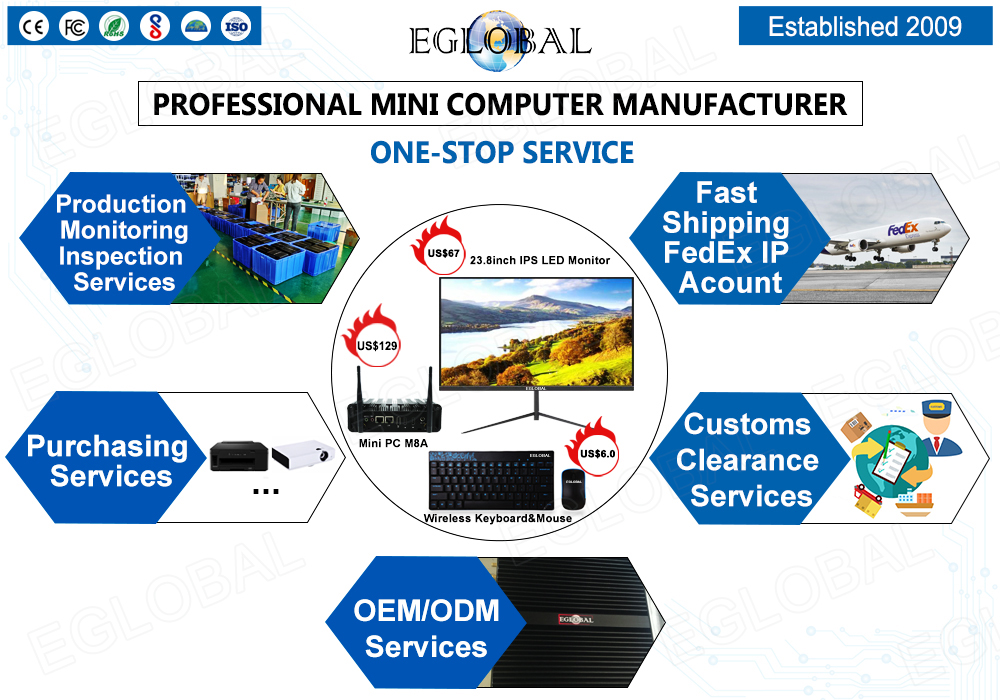
As a Professional Mini PC Manufacturer, in order to give our customers the best experience and service, our EGLOBAL Mini PC factory provides one-stop services.
EGLOBAL Mini PC factory could provide Production Monitoring Inspection Services. Real-time monitoring of the entire process of product production and testing. For the different sizes of Monitor, Wireless Keyboard, and Mouse, with competitive price.
EGLOBAL Mini PC factory could provide our valuable customer purchasing service. For the different needs of customers, we will provide the best service and advice, so that customers can receive the most satisfactory products.
In terms of product transportation, EGLOBAL Mini PC factory chooses FEDEX express, so that customers can get the products faster.

Learn quickly about mini pc

Now if you want to buy a computer, you basically have only two options, you want performance to buy a desktop console, and if you want portability, you buy a notebook. However, there are still some compromises between the two, and the mini pc we are going to talk about today can meet the needs of specific users with both portability and performance. Computers have been developed for decades, the form has been changing, once, the desktop is the boss of the PC field, but limited by its bulky and dull shape, it has been ended up by convenient notebooks.

What is a mini pc?

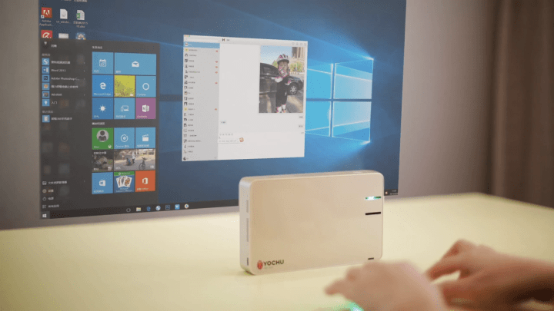
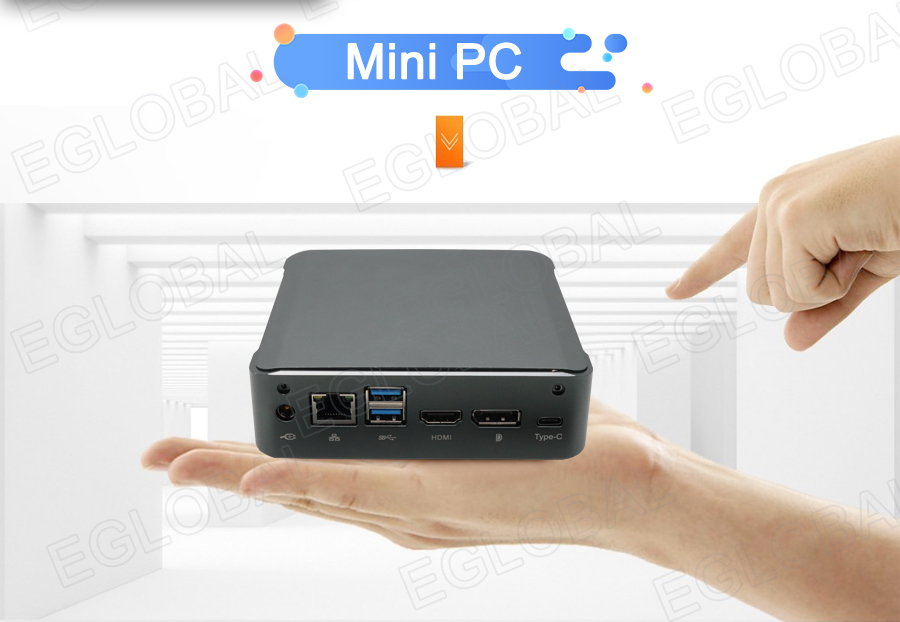
As the name suggests, a mini pc is small, like a book or router, saving space. Mini pc, also known as mini pc, mini pc host, thin client (HTPC), minicomputer, cloud terminal, there are also people like to call it a desktop computer, it is a small size, low power consumption, ultra-quiet, strong performance, fashion, and beautiful computer host, mini pc has the basic attributes and performance of the traditional desktop host.

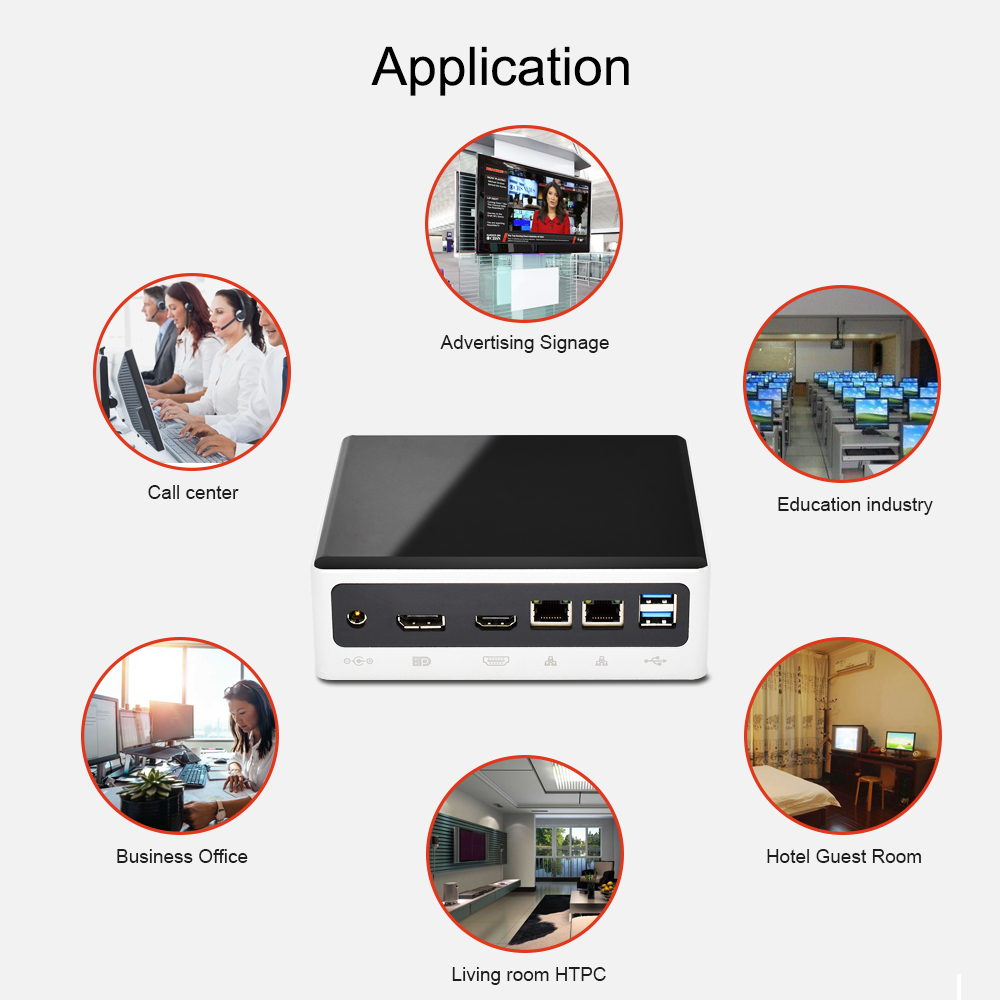
Its original application scenario was HTPC (Home Theater Computer), which can be used as living room entertainment, resource sharing, and expand the function of the TV. Because the installation and use threshold is relatively high, after the popularity of the TV box, its sense of existence was weakened a lot. However, in the past two years, its advantages in performance have become more prominent, and the scope of use has also gone out of the living room and has more application scenarios.

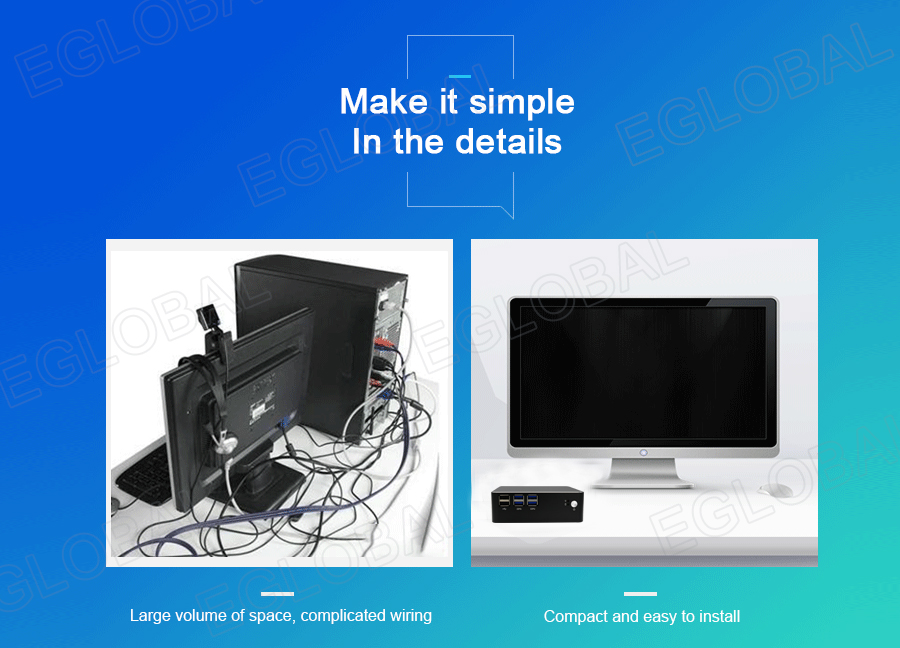
Speaking of this problem, we first have to understand several computers on the market, the mini pc mentioned here is relative to the traditional bulky desktop to define, in fact, the mini pc can also be said to be a miniature version of the desktop, it has all the functions of the desktop. But to avoid the traditional desktop being dirty, chaotic, and noisy, because the mini pc is light and small, a few places even reached the size of only a large head, so it is a small power, without a small fan, relying on the scientific ice spike box heat dissipation, small and portable, stylish and beautiful, energy saving and environmental protection, mute and other words are the best summaries of the mini pc, mini pc to make up for the shortcomings of the traditional desktop host, but also very suitable for the use of modern people’s experience, Making the mini-host market hope for desktop manufacturers and DIY manufacturers to seek a breakthrough in recent years,

But don’t look at this kind of mini pc mainly portable, they are also quite good in performance and scalability, some of which carry desktop-level processors, and the performance is not weaker than the performance of large chassis. However, this type of host is not completely without shortcomings, and its limited internal space limits its performance, heat dissipation is a major problem, some mini pc in order to save space and reduce noise, will also use fanless heat dissipation design, further limit the performance of the play.

Advantages and disadvantages of the mini pc

Cons: Graphics card

The current weakness of the mini pc is undoubtedly the problem of the graphics card, as we all know, the single display running heat is large, because the mini pc is born to be positioned in small, in the control of heat generation when naturally sacrificing the performance elements of the host part, most of the mini pcs on the market are using integrated graphics cards instead of solo displays, the reason is this. Therefore, the mini console with a set display will be a little difficult to deal with large gun battles, of course, there is no pressure on small stand-alone games and playing 1080P HD video.

Merit: 1, cost-effective

In addition to the high price of several micro-PCs of Intel itself, the price of other brands of mini pcs is very close to the people, generally within 1000 to 3000 yuan, and the price is generally not more than 5000 yuan, which to a certain extent frees up a lot of pre-space for DIY users.

2, Light

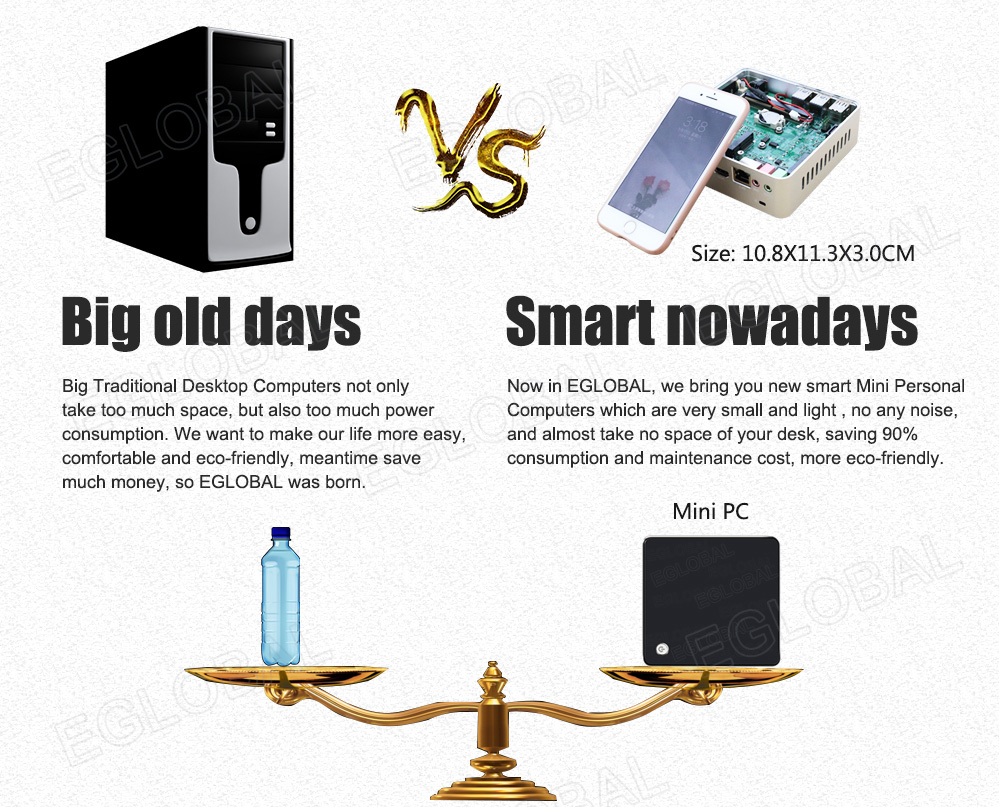
Desktop computers are known for their bulky, towering machines that take up a lot of desktop space and aren’t fun to transport. In terms of volumetric footprint, mini pcs change this, just less than 8/1 the size of a desktop, while fully implementing the essential features of a desktop computer that makes it easy to run all your favorite applications, but small in size, lightweight, and can be carried wherever you go. It’s perfect for students, business professionals, and everyone in between. If you need portable computing power, a mini pc is exactly what you’ve been looking for.

Of course, many friends will also worry about the mini pc does not have the configuration of the desktop, the mini pc according to the requirements of any combination of the system, choose the low and medium-high configuration, generally choose with a built-in Intel quad-core processor, 2GB of memory and a pre-installed version of Windows 10, so you can easily complete the daily to-do.

Mini pcs also have other desktop features such as built-in HDMI, VGA, LAN, three USB 2.0 ports, and a built-in Micro-SD card slot. This way, you’ll be able to easily connect your mini pc to monitors, phones, printers, and seamlessly. It’s even possible to have built-in WiFi without the need for additional adapters.

What’s more, the mini pc is so small that it doesn’t require a fan to keep it cool, which means you can work all day in sweet silence. If you’re looking for portable computing power, but don’t want to skimp on performance, a mini pc is one of your first choices

 The difference between a mini pc and a desktop computer

With the rapid development of science and technology, many electronic products are not only more and more powerful in performance, but also more and more compact, such as smartphones, various household appliances, computers, etc., which can not only meet the market’s demand for product performance but also take care of those who pay attention to product design, size and other aspects of the user. If you measure the computer according to the size, weight, portability, and other aspects, it should be such a level: thin and light> game > integrated desktop > ordinary desktop, in fact, there is a computer host on the market, portability is invincible, that is, mini pc host. This mini pc host, the appearance is very small and exquisite, does not occupy a place, suitable for placing in the TV cabinet, living room desk, bedroom computer desk, and other places, but you do not look at its size so small, but the function is exactly the same as the ordinary computer, you can plug in the network cable, you can also connect to WiFi, browse the web, chat, watch live video, and even play games.

The biggest difference between the mini pc host and the ordinary desktop computer should be the gap in performance, due to the limited internal space, so this mini pc host basically uses the architecture of the laptop, look at the CPU parameters to know, many mini pc host CPU is U, M, MQ, HQ end, these CPUs, are intel mobile platform CPU, performance is much lower than the desktop version of Core. Everything has advantages and disadvantages, the mini pc host uses a low-power processor, thermal design power consumption TDP is generally around 10W-17W, compared to desktop computers more energy-saving and power-saving.

Part of the mini pc host due to the use of fanless heat dissipation design, the whole machine in operation can achieve zero noise, it brings a quiet experience of work and life, and has been loved by people. Of course, there are also some models of mini pc host desktop VERSION CPU, but also mostly concentrated in intel Pentium, Core i3 this model, and then basically no, because to consider the big problem of heat dissipation, the internal space is not large, if the CPU is Core i5, i7, power consumption is relatively large, CPU temperature is difficult to suppress, the computer is prone to blue screen, crash these problems, affecting the stability of the product. In addition to the weak CPU performance, the graphics card performance is also general, or the reason mentioned above, the internal space is not enough, heat dissipation problems, there is no way to match the independent graphics card, can only use the CPU comes with the core display, the game performance is general.

In addition, compared with ordinary desktop computers, the integration of mini pc hosts is higher, and the failure rate will be lower than that of desktop computers, but maintenance and upgrades are not so convenient, such as CPU, mobile platform CPU are directly welded to the motherboard, and they cannot upgrade at will. Or say hard disk, ordinary desktop computer if the hard disk space is not enough, you can add another hard disk, and mini pc host, there is no new space, can only replace the larger capacity of the hard disk. All in all, the advantages of the mini pc host are that it is small in size, exquisite in appearance, does not occupy space, is easy to carry, and can meet daily office needs, and general audio and video entertainment functions. The disadvantage is that the internal space is small, the heat dissipation problem leads to weak performance, can not be matched with a discrete graphics card, and the game performance is average. However, since it is a mini pc, it is naturally a mini usage, and it cannot be use on ordinary desktop computers.

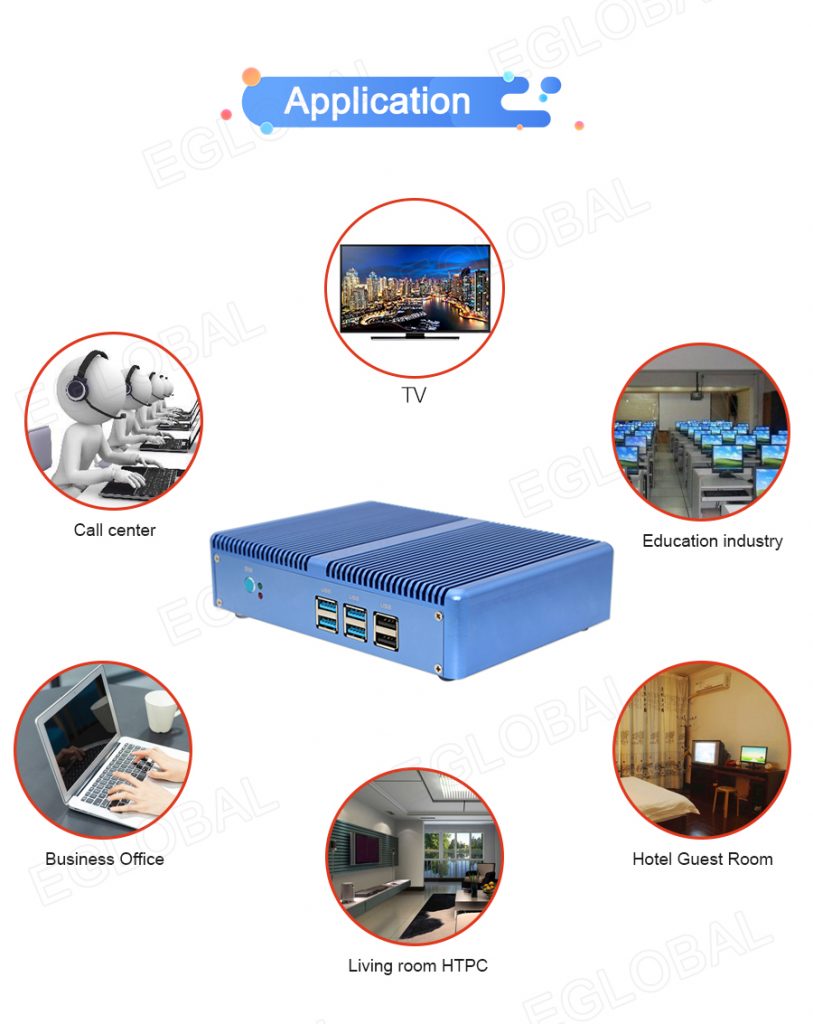
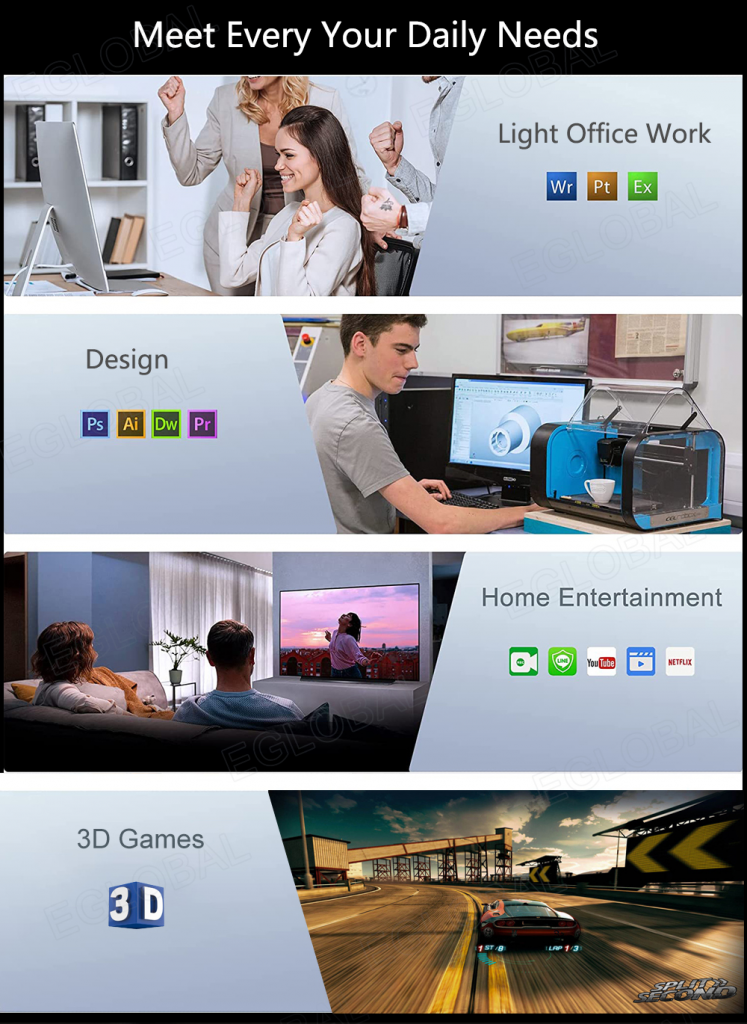
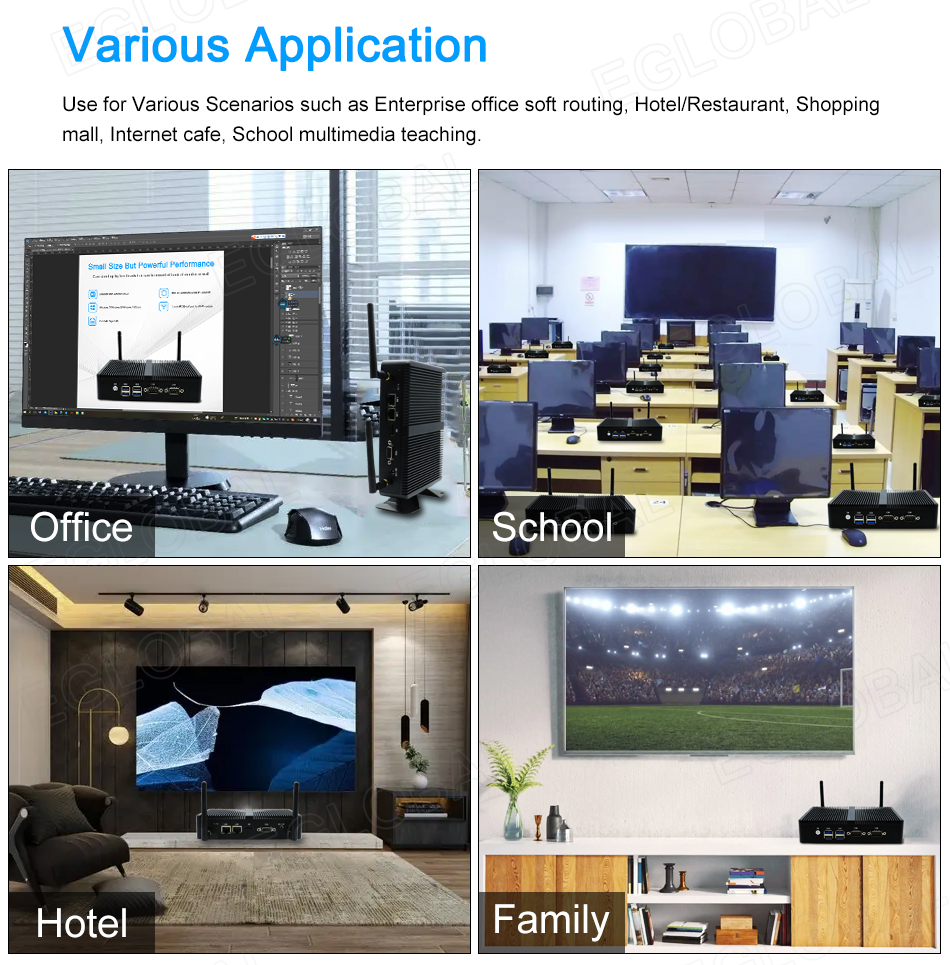
Mini pcs are good, but not everyone uses them, and the following are common usage scenarios:

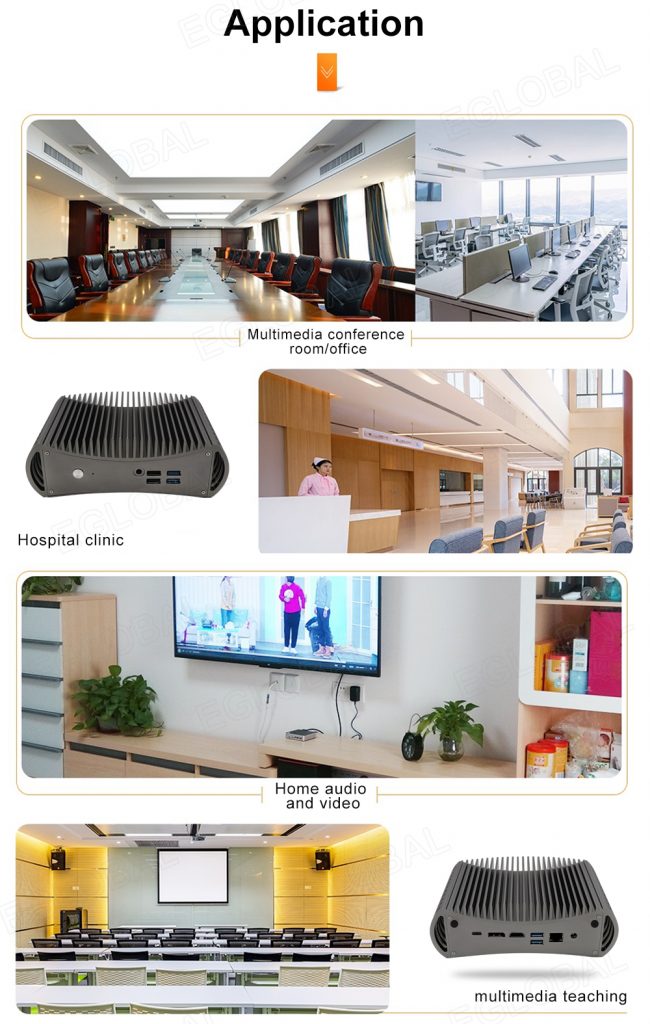
1, light office scene For some lightweight offices, such as text and simple picture processing, the performance requirements are not high, like the ordinary large chassis occupies a lot of office space, and the notebook is not suitable for people sitting in the office because of the small screen and poor keyboard feel. Because of this, the mini pc has a place, which can not only save a considerable part of the space but also facilitate users to take it to the conference room at any time for display or take it home to work;

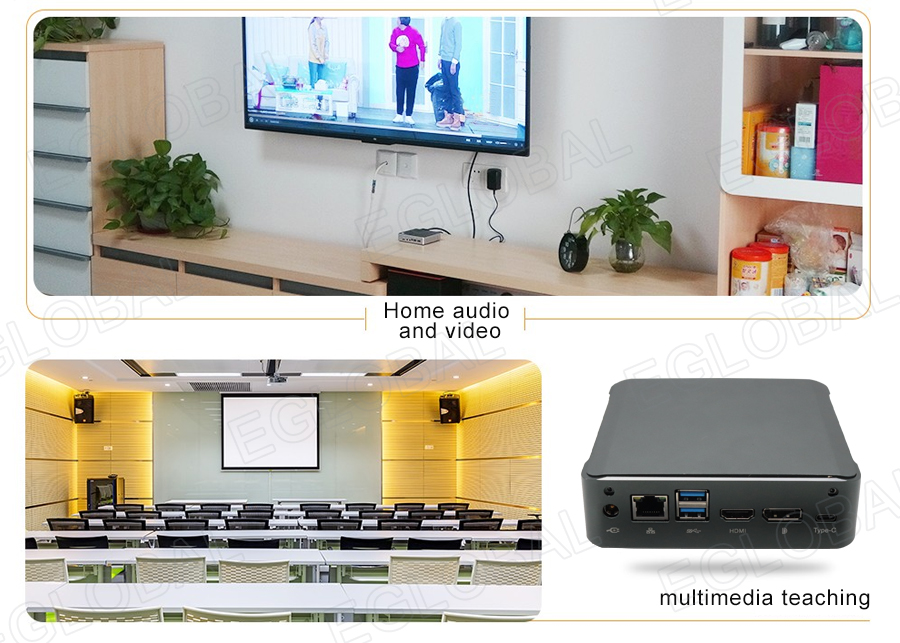
2, family scenes, on the one hand, the home can be used as HTPC in the living room as we said earlier, and it is better than the TV box in terms of video decoding and expansion functions. In addition, there are many mini pcs that are not bad in appearance, whether placed in the living room or room can be counted as a good decoration, do not want to see it, it is also very convenient to hide.

3. School education (cloud terminal)

The modernization of teaching methods needs more modern teaching equipment to help! In recent years, in the process of realizing the digitization, networking, intelligence, and multimedia of teaching, colleges and universities have been using mini pcs as multimedia classrooms or cloud desktops.
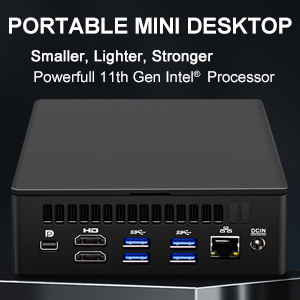
The interface of the mini pc is rich, the expansion is convenient, and it can be used as an access terminal device for cloud desktops, saving more maintenance costs for users and ensuring the security of user data resources.

4. Other industry applications

Supermarkets, government and enterprises, medical, military, industrial control, and other fields, can also make the mini pc have a lot of uses, such as supermarket cash register computer, hospital outpatient computer, etc., can be replaced by mini pc.

In fact, there is not much difference between mini pc selection and ordinary computer, we only need to pay extra attention to the two dimensions of volume and scalability. Appearance and volume have nothing to say, on-demand choice, and scalability should pay more attention to the interface of the fuselage, such as whether there is a thunderbolt interface that supports external graphics cards, whether it supports multi-screen output, whether it is a desktop-level processor, which determines the potential that this machine can eventually play, if you are not satisfied with lightweight office, these elements are best to pay attention to.

How to choose a mini pc

The use can be roughly divided into business, e-sports, video editing, graphics creation, and other categories, so we should first determine the main use, and then look for the specifications of the model, so that it is not difficult to find satisfactory use and budget products.

1. Confirm the style of the CPU processor

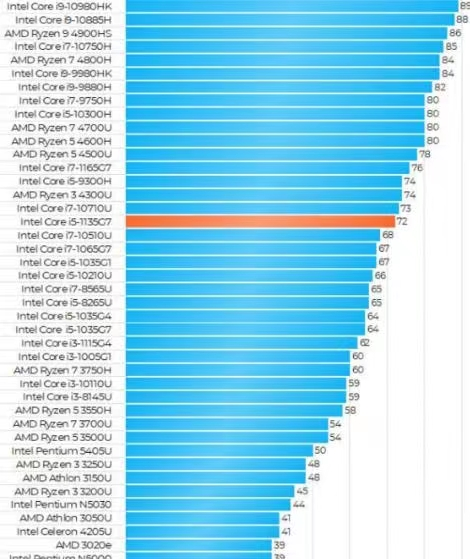
Cpu specifications will directly affect the operational performance of the system, of course, will also determine the range of operation of the computer. Due to the limited size and thermal performance of mini pcs, notebook computer grade Intel Core i3 to i5 low-voltage version OFC; Some brands offer esports or creator-specific mini consoles with processors ranging from Intel Core i7 to i9 to edit movies or play games smoothly.

For a wider range of uses, it is recommended that you should at least choose a processor grade of Intel Core i5 or AMD Ryzen R5 or above.

2. Affect the core number of processing efficiency

The number of CPU cores represents its multi-tasking processing power, and the more cores there are, the more people can divide labor, and multiple data operations can be performed at the same time.

In the Intel Core series, from the i3 two-core to the 11th generation i7 and i9 eight cores, the more cores, the stronger the multitasking performance. If it is a general daily use, having four cores is more than enough, but if there is a drawing design need, it is recommended to choose six cores to make the operation smoother.

In addition to the number of cores, CPU processing speed is another important performance indicator. The processing speed represents the operation period of the processor (commonly in GHz), and the higher its value means that the faster it operates. Even if it is also the 11th generation i7 octa-core CPU, according to the product classification, there will be a performance difference of 1.4GHz ~ 3.6GHz, these data will be clearly marked on the product specification sheet, as long as you grasp these key numbers when selecting, you can select a CPU with appropriate performance.

3. The independent display card makes the screen operation smoother

Graphics card is a microprocessor that performs drawing operations, mainly displaying the results of the system’s operations correctly on the screen, which can be divided into two categories: integrated display processor and independent display card. Commonly integrated display processors such as Intel UHD and Iris Xe series and AMD Vega 8, while the display chips on standalone graphics cards are mainly from NVIDIA and AMD. If you need to play AAA games, 3D drawing or advanced creation, you still need a standalone display card to have sufficient computing performance. High-end graphics cards often need to come with their own cooling fans for cooling, so they cannot be installed in a particularly small mainframe. Models that require discrete graphics, such as gaming or graphics, can only be reduced to a “relatively mini” size, so you need to consider the performance and host size when purchasing.

Pay attention to the design of the heat dissipation. In order to save space, some mini pcs will adopt a fanless design with low heat components, which have the advantage of being completely silent when operating, but whether their passive heat dissipation design can effectively exhaust heat with the help of no active heat dissipation is extremely important.

Common passive heat dissipation methods include adding heat sinks, porous design of the casing, and increasing the number of ventilation holes to help the hot gas be discharged as soon as possible, but these methods can only cope with the needs of low-heat operations. If you choose high-specification components or perform complex computing operations, it is still recommended to choose a model with a cooling fan on the inside or in the chassis to ensure the stable operation of the system. Therefore, when purchasing, the heat production status of the internal components, its own heat dissipation design, and whether a fan can be installed should be considered for integration

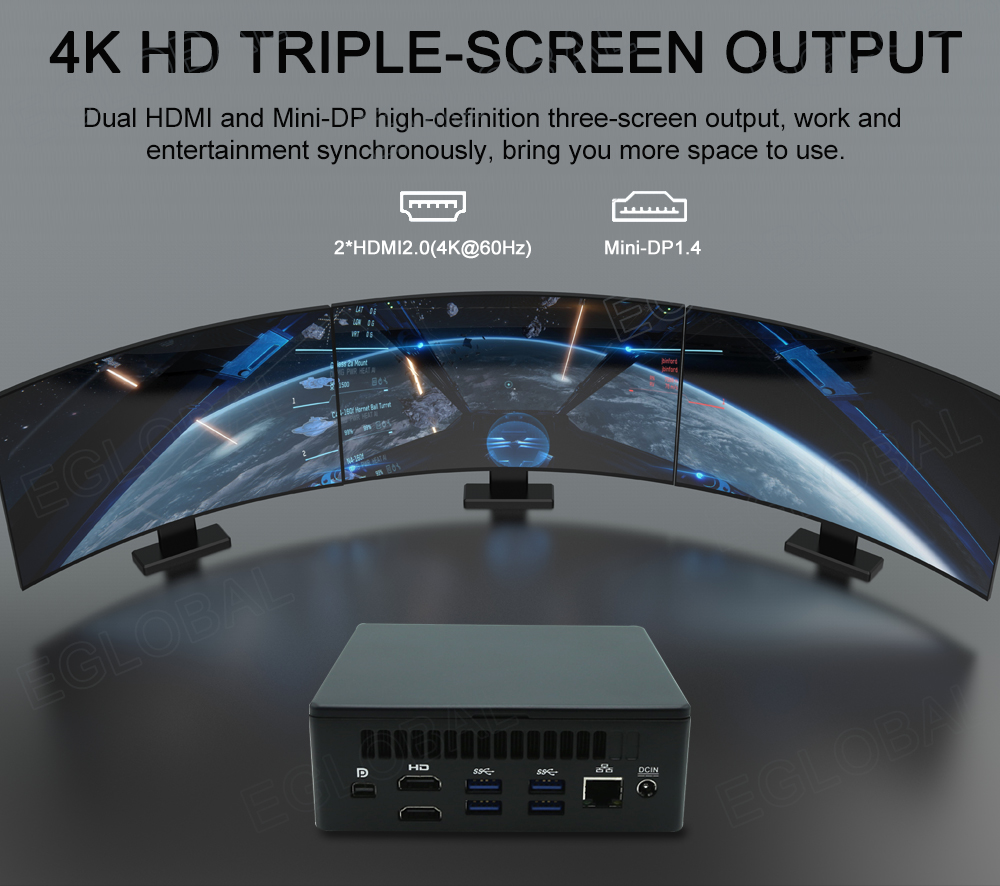
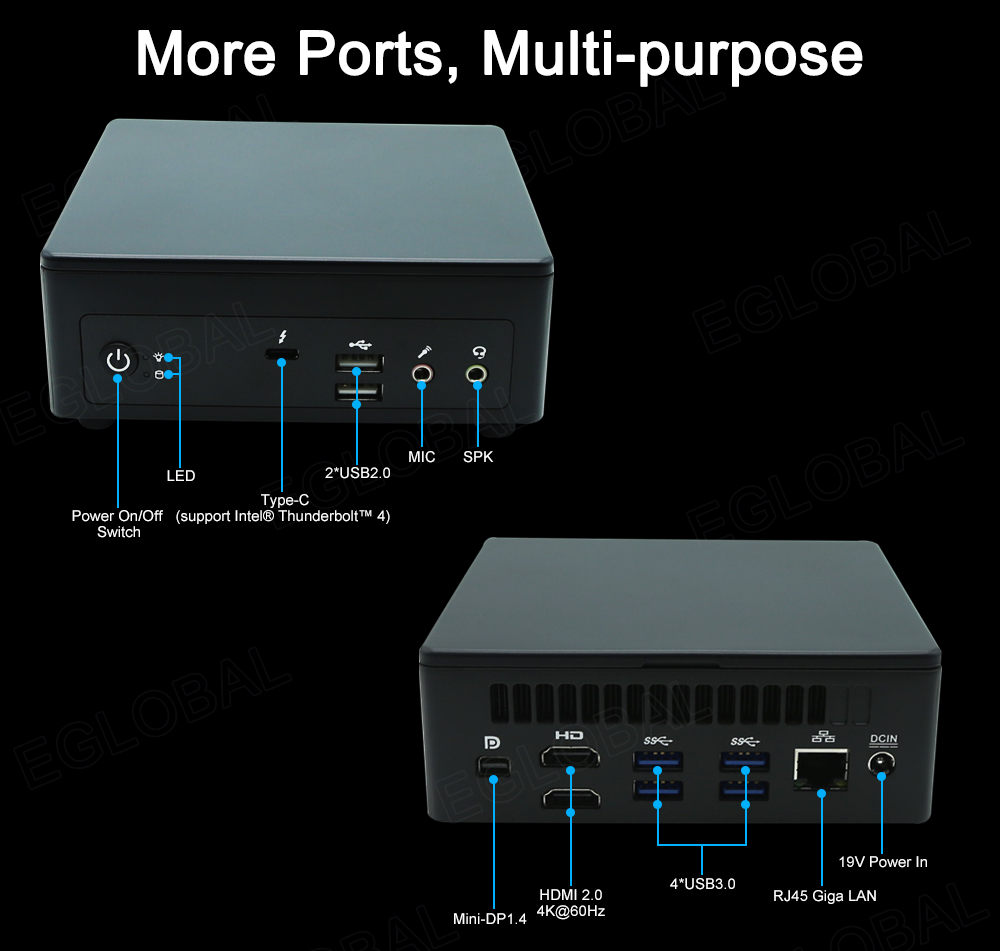
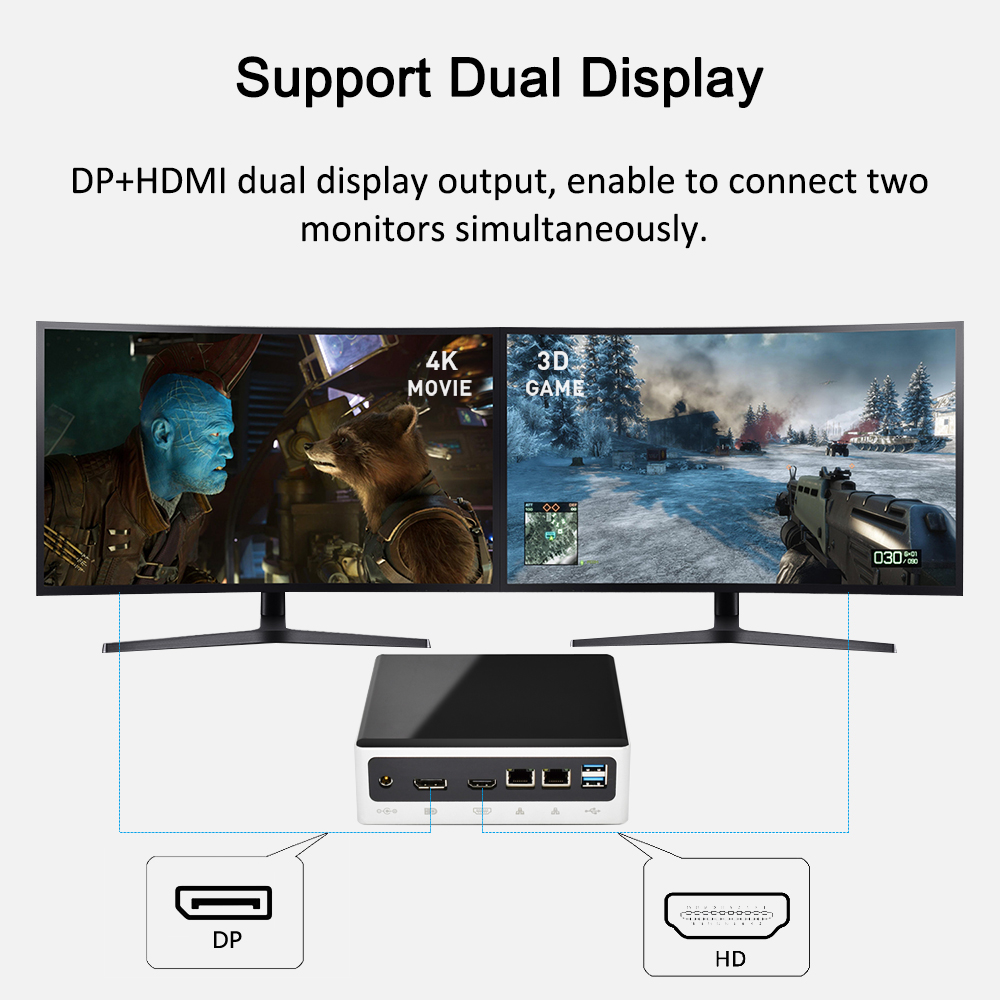
Confirm the type and number of ports supported by the airframe. Whether it is work or leisure, many people will now use dual screens to improve efficiency. Whether the host can provide multi-screen output depends mainly on the display chip or the specifications of the independent display card. Some computers provide Dual HDMI output, and there are also mDP plus HDMI configurations, and those who prefer high-quality screens need to further confirm whether they support 4K image transmission. Other commonly used I/O interfaces, such as USB, Thunderbolt 3, RJ45, etc., can increase ease of use. In general, the larger size can provide more types and quantities of connectors.​

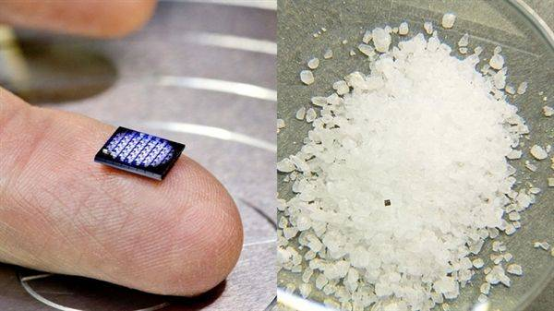
Put it in your pocket and take the entire console with you, something that only a mini pc stick can do. Only larger than the pen drive, from the processor, and operating system to wireless network chips are readily available, as long as the HDMI cable is connected, you can make any monitor instantly transformed into a Windows computer.

Support wireless keyboard and mouse connection, if you feel that the above accessories are too troublesome, you can also purchase the same factory production of “wireless voice keyboard mouse”, which is a cursor control key on the front and a small keyboard on the back, which is simple and practical. However, because its effectiveness is only at the level of mobile devices, it can only cope with simple uses such as drama chasing, surfing the Internet, and broadcasting briefings. However, if it is used in mobile classrooms, travel trips, business briefings, and other occasions, it is still a fun and convenient product.​

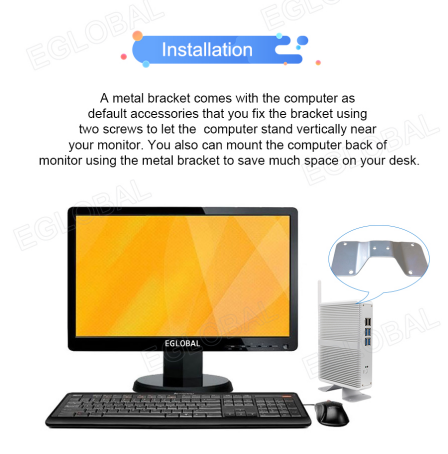
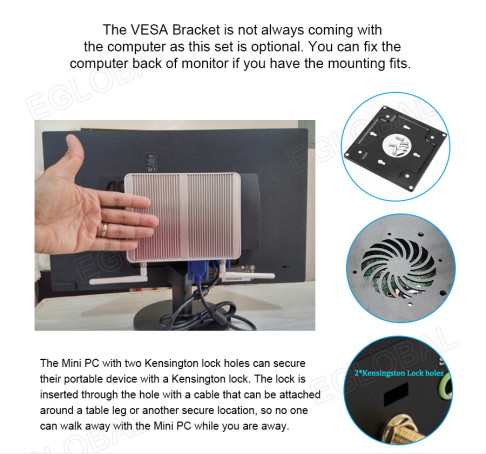
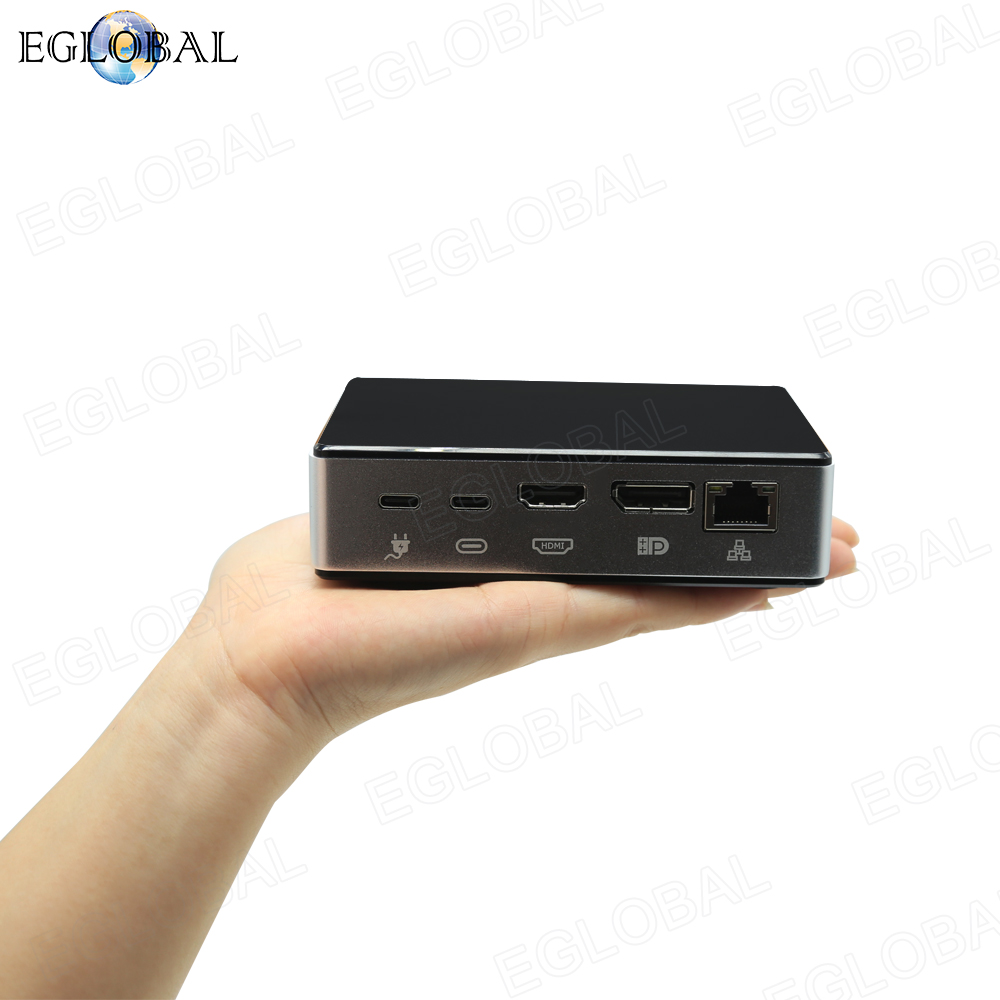
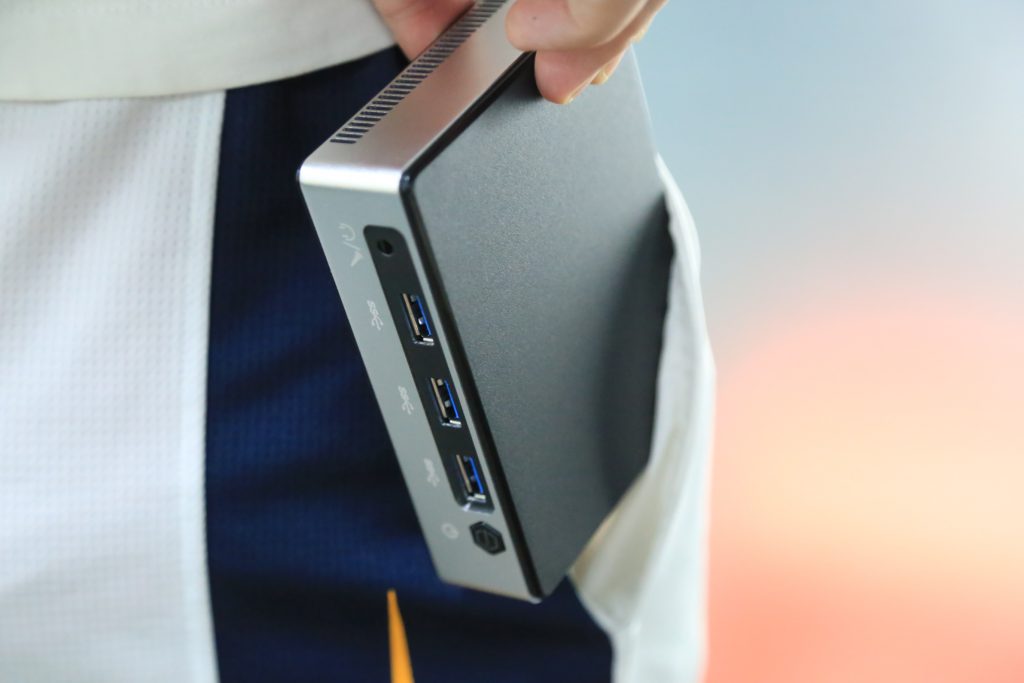
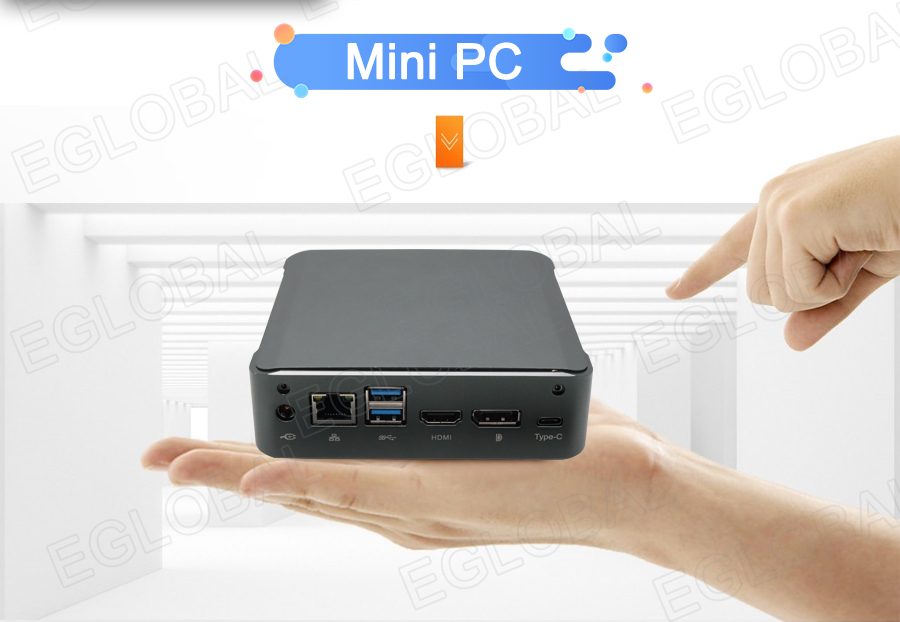
Mini pc main small size low energy consumption, the appearance is like a one-handed can hold up the box, placed on the table does not take up space, but also can be placed behind the screen with a stand, give full play to the advantages of the mini body.

Eglobal One-Stop Service

As a Professional Mini PC Manufacturer, in order to give customers the best experience and service, our EGLOBAL team provides one-stop service.

1、EGLOBAL Could provide Production Monitoring Inspection Services. Real-time monitoring of the entire process of product production and testing. For the different sizes of Monitor, Wireless Keyboard, and Mouse, With competitive price.

2、EGLOBAL could provide our valuable customer purchasing service. For the different needs of customers, we will provide the best service and advice, so that customers can receive the most satisfactory products.

3、In terms of product transportation, we choose FEDEX express, so that customers can get the products faster.

4、EGLOBAL could provide OEM/ODM service. According to the needs of customers, we can free laser logo on the mini computer. In the startup interface, set the startup logo.

Dragon Boat Festival Holiday Notice

Dear customers,
Good day.
We will have 3 days holiday for the Dragon Boat Festival from 3-June to 5-June. During this time, you can place your order freely and the ship begins on 6-June. Hope you understand and wish all of you have a good mood every day.
Best wishes.

Eglobal Mini PC Since 2009
2022-6-1

Welcome to contact:
🌺WhatsApp & Cell: +86 15994713577
🌺Email: support@eglobaltech.cn
🌺Website: www.pcstationcn.com
🌺Office: Room 401-405, Chang’An Building, Shenzhen, Guangdong, China.
🌺Factory: 8th Floor, Yujing Industrial Park, Humen, Dongguan, Guangdong, China

5.18 国际博物馆日 International Museum Day

😀
☘️
International Museum Day is May 18 and was initiated and funded by the International Council of Museums in 1977 In 1977, in order to promote the healthy development of the global museum industry and attract the public”s understanding, participation, and attention to the museum industry, the first international Museum Day, and every year for the international Museum, Museum Day determines the theme of the event.
☘️
Welcome to contact:
WhatsApp & Cell: +86 15994713577
Email: support@eglobaltech.cn
Website: www.pcstationcn.com
Website: www.eglobaltech.cn
Office: Room 401-405, Chang’An Building, Shenzhen, Guangdong, China.
Factory: 8th Floor, Yujing Industrial Park, Humen, Dongguan, Guangdong, China

Labour Day Holiday Notice

Dear customers,
Good day.
Thank you for your orders and support, we will have 4days holiday of Labour from 1-May to 4-May. During this period, you can place your order freely on our website: www.pcstationcn.com, and will ship after 5-May.
Thank you and best wishes.

                                               Eglobal Techenology Co., Limited
                                                         2022-4-29

World Parkinson’s Disease Day

#Eglobal #pcstation #desktop #laptop #eglobal #gamingpc #fanlesspc #officepc Please take good care of the elderly, because we will be elder in the future too.🌺🌺

Welcome to contact:

☎️WhatsApp & Cell: +86 15994713577

Email: support@eglobaltech.cn

 Website: www.pcstationcn.com

Eglobal Newest Mini PC with Intel Core i7-7920HQ for HDMI/DP/VGA 3 Displays POE Industrial Fanless Mini Server 6COM GPIO

What is POE?
POE network cable power supply, a network cable solves the problem of power supply and data transmission of the camera, no need to lay a power cable, simple and convenient to plug and play images, saving time, money, and effort.
Please click here to learn more :
www.pcstationcn.com
or you can contact us to ger more information:

☎️WhatsApp & Cell: +86 15994713577

Email: support@eglobaltech.cn

 Website: www.pcstationcn.com